The 4 Step Healthcare Diagram Template for PowerPoint can be used to produce a unique presentation with firm, solid colors. Maximize the use of the minimalist icons found in the template. Guide the presentation with the helpful symbols and help the viewers connect the different aspects of the report.
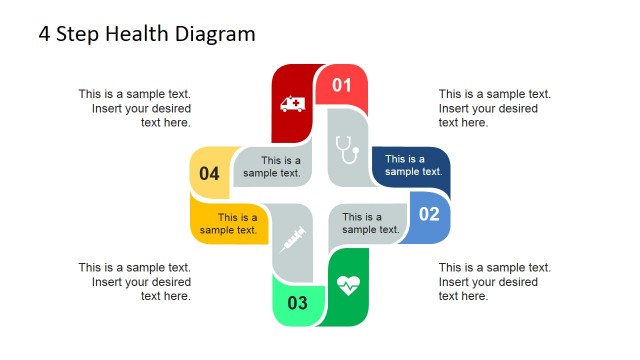
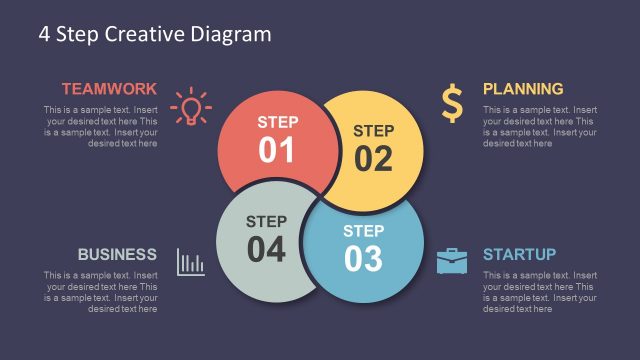
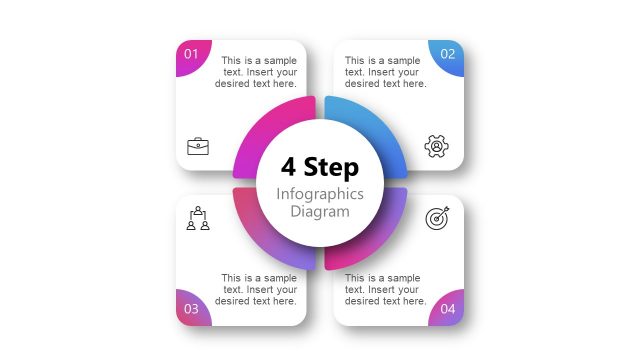
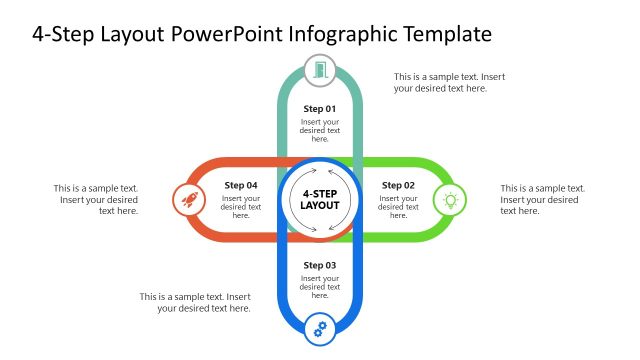
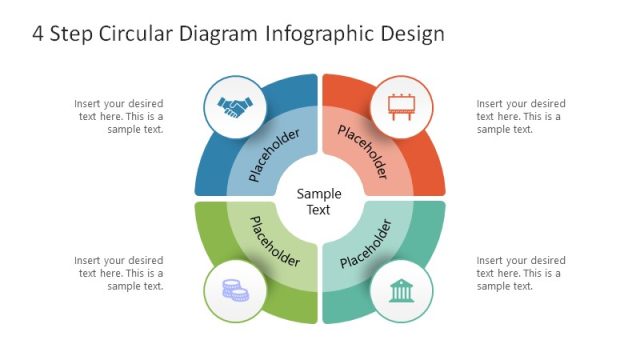
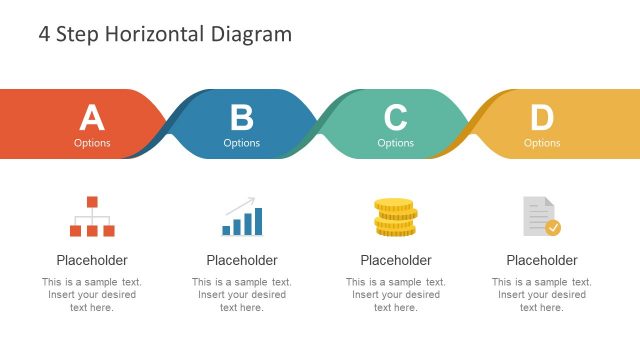
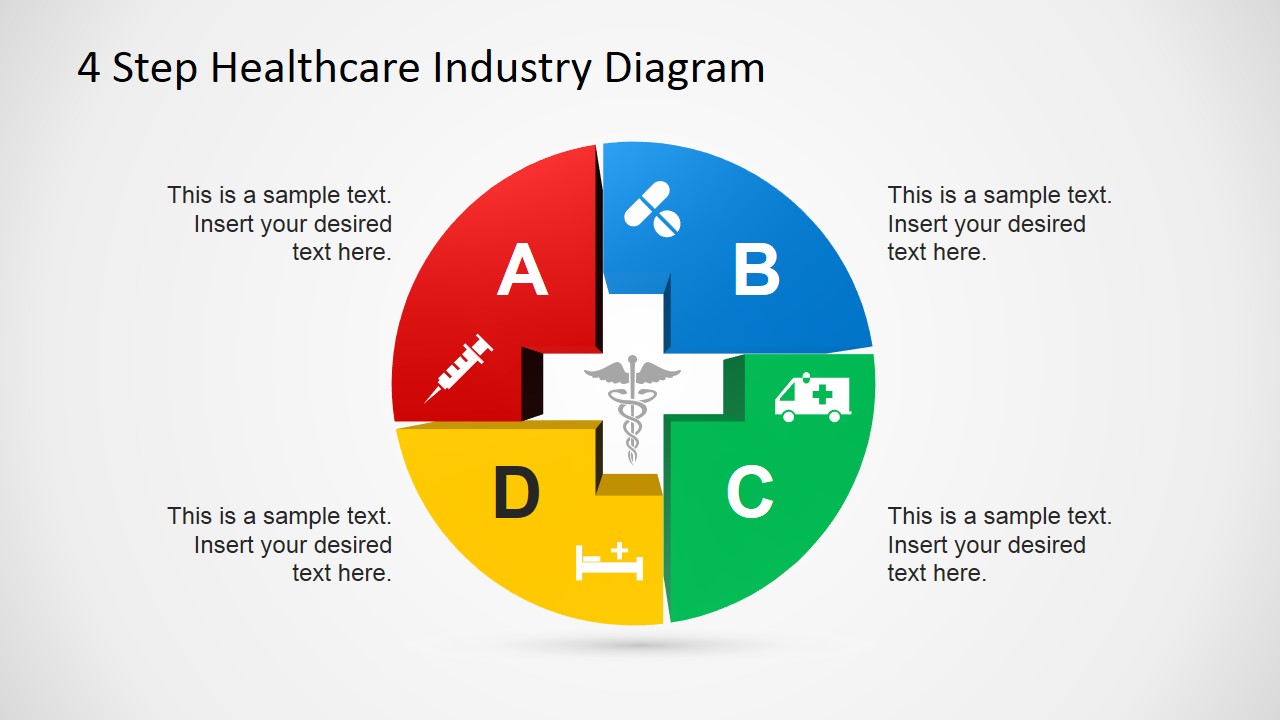
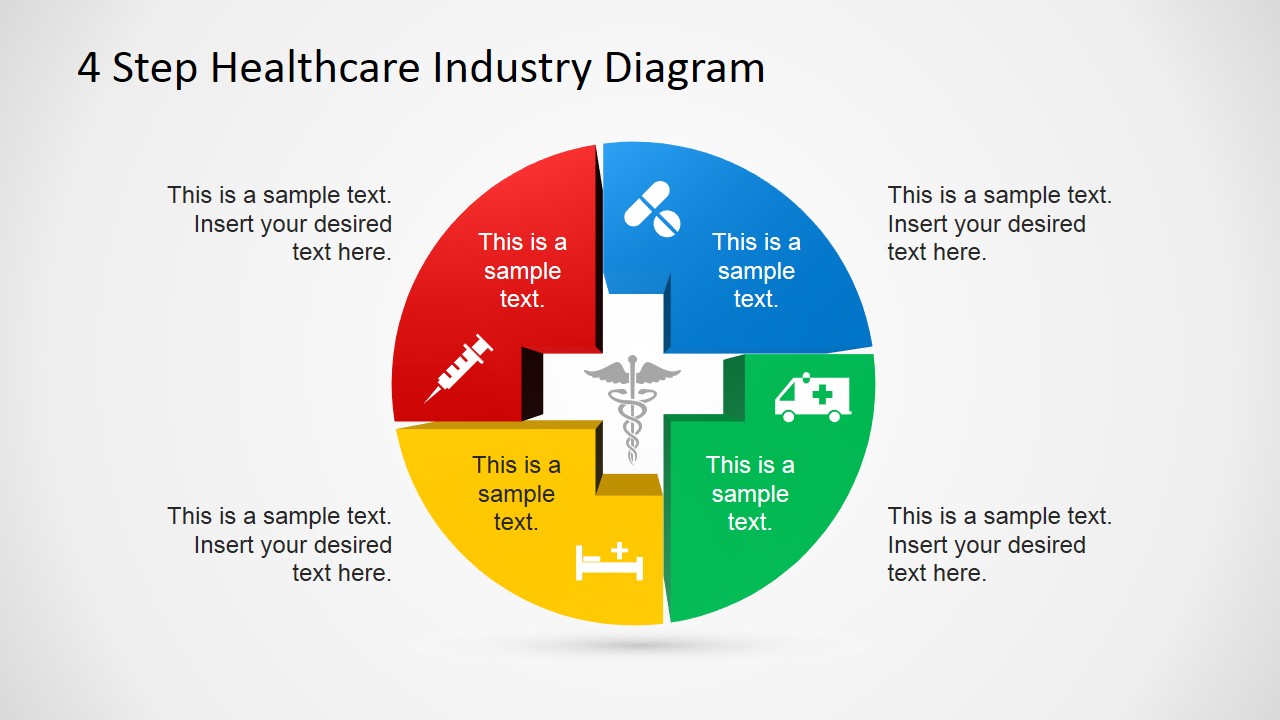
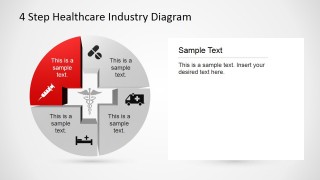
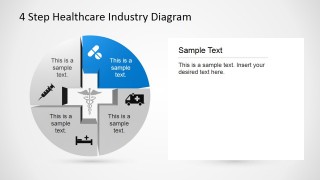
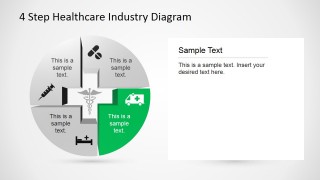
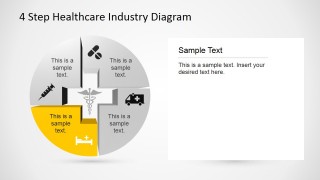
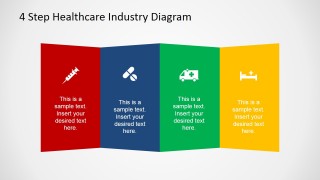
There are two types of diagrams used in the presentation. The first is a legend created by quadrilateral shapes which resemble a foldable divider. The second is a circular shapes created by puzzle pieces with curved edges. The inner edges of the shapes form a cross, which is also frequently associated with medical services.
The first diagram is divided into four segments. These are colored in red, blue, green, and yellow. Each of these segments contains a text placeholder and a flat PowerPoint icons. These are common symbols for a syringe, medicine, an ambulance, and a hospital bed. The presenter can use these symbols to show the four stages of a medical procedure.
As represented by the syringe, the first step is vaccination. This allows the body to develop the proper antitoxins which help battle viruses and other disease-carrying elements. The second element, symbolized by pills, is first aid. These can either be prescribed or over-the-counter medicines that aim to provide relief against the symptoms and causes of certain illnesses. However, under dire circumstances, first aid may not be enough, therefore, calling for the need for immediate medical attention. This is represented by the ambulance. The last element is hospitalization. Admission to the hospital lets doctors and other medical professionals monitor the progress of their patients. This setup also ensures that these medical practitioners are available if the patient suddenly goes into relapse or has another health emergency.
Ideal for showing the aspects of the medical industry, the 4 Step Healthcare Diagram Template for PowerPoint can also be used in business presentations to show the different medical benefits that its employees can avail under company policy. The presenter can also opt to download other PowerPoint templates from the Gallery, such as the 4 Steps Cross Healthcare Diagram for PowerPoint.
What’s inside this template
Example presentation scenarios
- A healthcare administrator can present patient care stages by using the circular cross puzzle diagram to show how vaccination, first aid, emergency response, and hospitalization relate.
- An HR benefits manager can explain employee medical coverage by assigning each benefit category to one of the four color-coded divider panels.
- A hospital operations lead can walk staff through a process update by using the highlighted quadrant slides to isolate one service step at a time.
- A healthcare consultant can summarize a service model for executives by using the four icons as visual anchors for the major process categories.
Features
- 100% editable presentation template
- Compatible with Microsoft PowerPoint and Google Slides
- 16:9 aspect ratio slides
- Scalable vector shapes, icons and illustrations
- AI-Ready for Microsoft Copilot and Claude
- Instant access and download
Frequently asked questions
Q: How should a presenter explain the four healthcare steps without overcrowding the diagram?
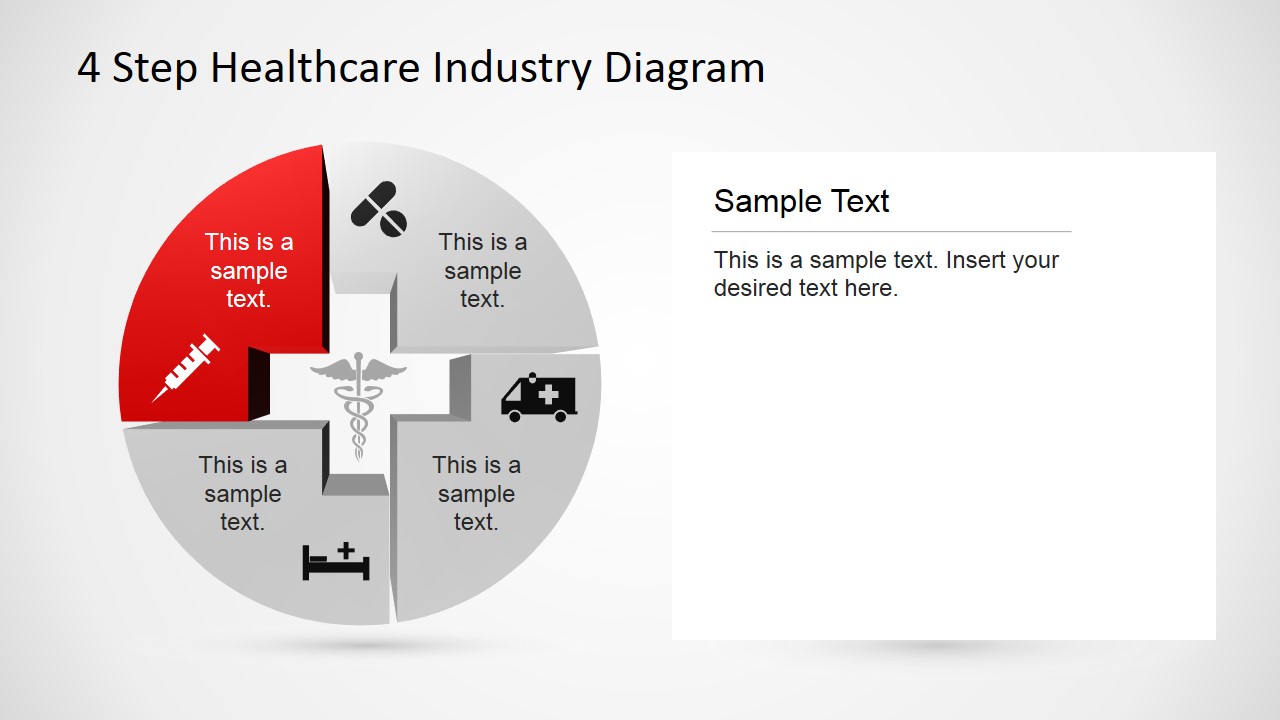
A: Start with the full circular cross diagram to name the four categories, then move through the highlighted quadrant slides one step at a time. Keep each quadrant label short and put detail in the right-side text panel. This keeps the icon and color cue memorable while giving enough room for process notes.
Q: Who is this healthcare diagram best suited for?
A: This template fits presenters who need to explain a four-part healthcare concept to non-specialist audiences, such as HR teams, hospital staff, patients, or executives. It works well for benefits overviews, care pathways, service categories, and emergency response summaries because each part gets its own icon, color, and explanation space.
Q: Why does the cross-shaped puzzle diagram work for healthcare communication?
A: The center cross connects the layout to medical services, while the puzzle-like segments imply that each step is part of one care system. The repeated color and icon pairings help the audience track the same four ideas across the overview slide, the focused quadrant slides, and the final divider layout.


4 Step Healthcare Diagram Template for PowerPoint
7-slide healthcare diagram presentation template with cross puzzle steps and medical icons
The 4 Step Healthcare Diagram Template for PowerPoint is a 7-slide healthcare diagram deck for explaining four-part medical processes. It includes a circular cross puzzle diagram, highlighted quadrant explainer slides, and a four-panel divider layout with syringe, pill, ambulance, and hospital bed icons for Microsoft PowerPoint and Google Slides.
- Category
- Diagrams
- Rating


 Loading...
- Aspect ratio
- 16:9
- Item ID
- 6723-02
- Colors
 Microsoft PowerPoint
  Microsoft Copilot
  Claude for PowerPoint
 Other formats supported
Subscribe today and get immediate
access to download our PowerPoint templates.