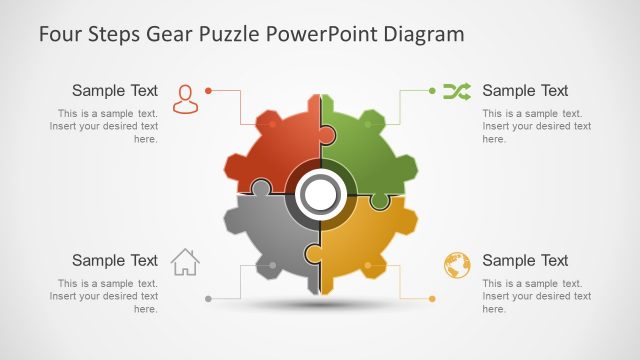
Slide 3 of 5 from 4 Step Gear Puzzle PowerPoint Template
Four Segment of Circular PowerPoint Diagram
Four Steps Gear Puzzle PowerPoint Diagram
- Diagram
- Segmented Wheel
- Process Slide
- 16:9
- 100% Editable
What’s on This Slide
The layout features a large gear shape positioned centrally, divided into four segments. Each segment is a different color, with one segment highlighted in green. To the right, there is a rectangular text placeholder aligned vertically, containing sample text. The title is placed at the top center, with a bold font. The overall color scheme includes shades of gray and green, with a light background. The gear's segments are visually distinct, creating a clear hierarchy between the gear and the text area.
How to Use It
This layout serves as a visual representation of a four-step process or concept. It is suitable for presentations that require illustrating sequential steps or components that fit together, such as project phases or strategic initiatives. This slide can be effectively used in business contexts where a clear, structured overview is necessary, particularly in strategy meetings or project planning sessions.
Text Placeholders & Capacity
Keep your copy within these limits so it fits without resizing. Node body slots can accommodate about 20-25 words each.
| Placeholder | Count | Max characters (approx.) |
|---|---|---|
| Slide title | 1 | 30 |
| Item body | 4 | 100 |
Slide Keywords
Download unlimited PowerPoint templates, charts and graphics for your presentations with our annual plan.
DOWNLOADReturn to 4 Step Gear Puzzle PowerPoint Template.