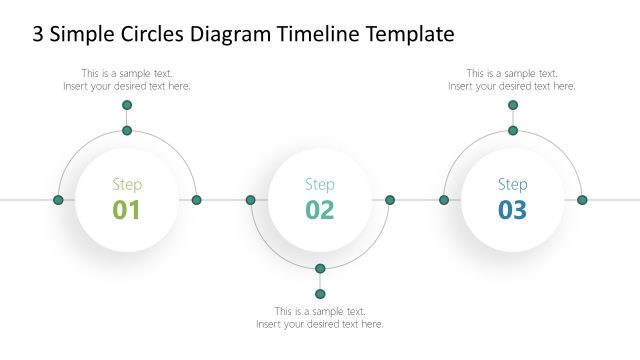
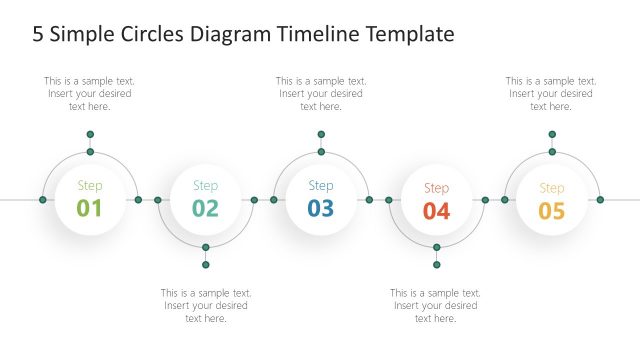
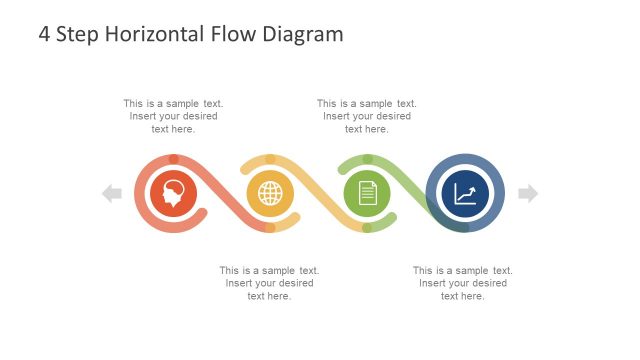
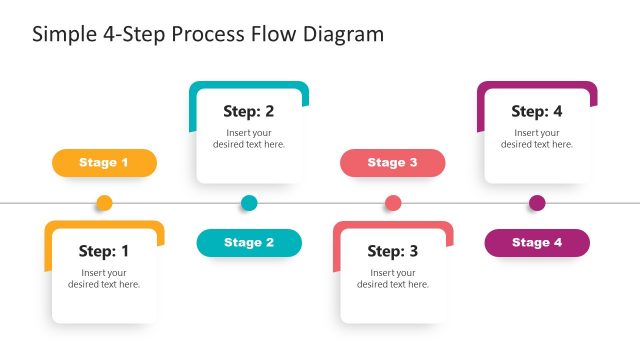
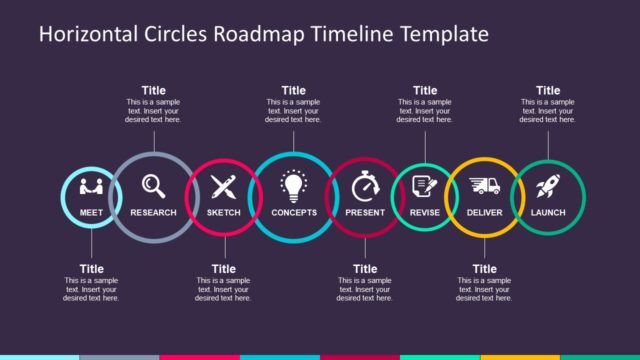
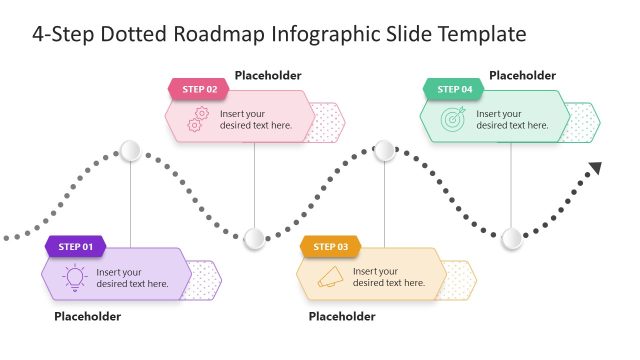
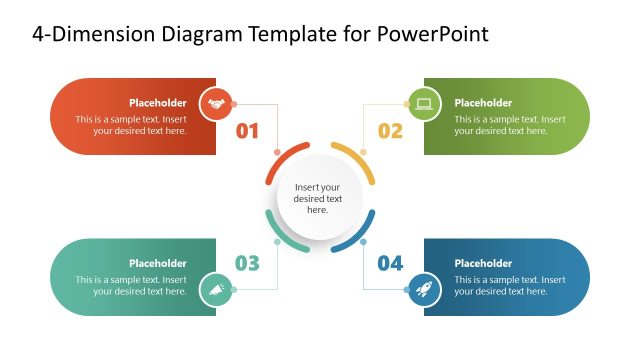
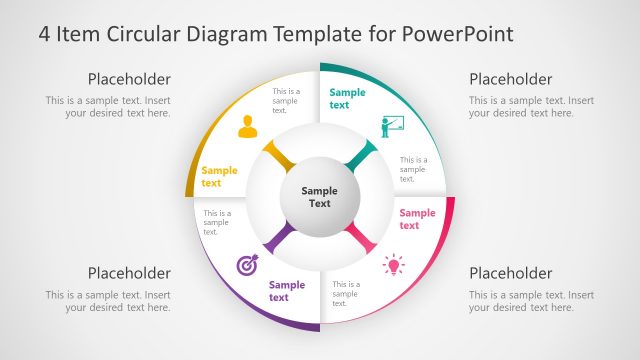
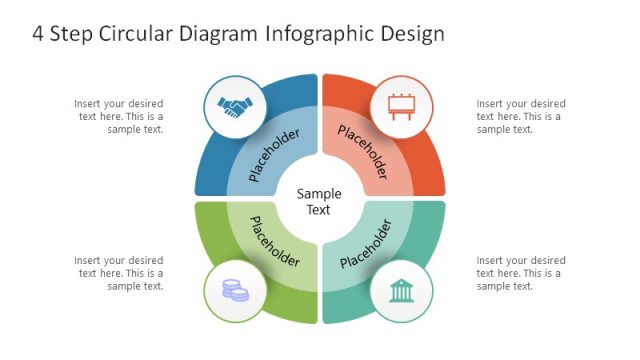
The 4 Simple Circles Diagram Timeline Template is a flat vector-based presentation of an infographic timeline. It is a 4 milestones roadmap connect through simple lines. This template uses curved shapes alongside a linear timeline to display flow of processes more creatively. The two slides of 4 circle diagram provide flexibility to choose layouts according to presentation theme. For example, if you have a dark color theme for your business presentation, you can simply choose the blue background. The slide contents are pre-designed to complement PowerPoint presentations without a need for several modifications.
The 4 steps timeline of circular icons is an easy-to-use roadmap template for business presentations. It will give a fresh new look to the simple and straightforward business timeline. Moreover, this diagram could be used to visualize all types of timelines such as project planning, periodic events, goal-achievement concepts, etc. The SlideModel catalog of timeline and planning PowerPoint template contains a wide collection of presentation designs. These also include the variations of 5 steps and 3 steps circle diagram timeline templates.
The 4 Simple Circles Diagram Timeline Template are ready-to-use presentation layouts. These slides assist professionals to communicate hassle-free project plans, forecast outcomes, past events, or trends. One-Slide roadmap template helps provide an overview of process flow at once.
What’s inside this template
Example presentation scenarios
- A project manager can use the 4-step circle timeline to introduce the main phases of a project plan and assign short explanations to each milestone.
- A consultant can use the dark milestone roadmap layout to summarize a client transformation path, showing each step as part of one connected process.
- A marketing presenter can use the light process flow slide to explain a campaign rollout from planning through launch and follow-up.
- An operations leader can use the numbered circles and callout text to brief stakeholders on a four-part workflow without adding a detailed schedule.
Features
- 100% editable presentation template
- Compatible with Microsoft PowerPoint and Google Slides
- 16:9 aspect ratio slides
- Scalable vector shapes, icons and illustrations
- AI-Ready for Microsoft Copilot and Claude
- Instant access and download
Frequently asked questions
Q: How should a presenter structure the message around this four-circle timeline?
A: Treat each numbered circle as one decision point or milestone, not as a container for long detail. Put the step name in the circle area, then use the nearby callout text for the outcome, owner, or key action. The horizontal line should read as the main sequence, while the curved arcs add rhythm without changing the order.
Q: Who is this template best suited for?
A: This template fits presenters who need to explain a simple four-part progression to a business audience, such as project managers, consultants, operations leads, and marketing teams. It works best for roadmap summaries, milestone briefings, launch plans, or process introductions where the audience needs the big picture before seeing detailed tasks.
Q: Why use circles and curved connectors instead of a standard straight timeline?
A: The circle metaphor makes each step feel like a distinct milestone, while the connector line keeps the audience moving left to right. The alternating arc shapes create visual separation between steps without adding extra hierarchy. This helps a presenter show continuity and progress while keeping all four stages equally visible.


4 Simple Circles Diagram Timeline Template
2-slide presentation template with 4-step circle timeline layouts for milestones and process flow
The 4 Simple Circles Diagram Timeline Template is a 2-slide timeline presentation template for showing four milestones, process steps, or roadmap phases. It includes a light-background 4-step circle timeline and a dark-background version with connected arcs, step numbers, callout text, and vector shapes for Microsoft PowerPoint and Google Slides.
- Category
- Timelines & Planning
- Rating


 Loading...
- Aspect ratio
- 16:9
- Item ID
- 20741-01
- Colors
 Microsoft PowerPoint
 Microsoft Copilot
 Claude for PowerPoint
Other formats supported
Subscribe today and get immediate
access to download our PowerPoint templates.