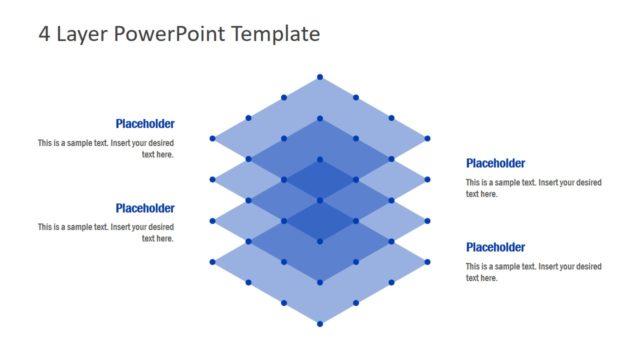
Slide 2 of 2 from 4-Level Diagram PowerPoint Template
Editable 4-Level Diagram PPT Template
4-Layer Diagram PowerPoint Template
- Diagram
- Layered Stack
- Process Slide
- 16:9
- 100% Editable
The 4-Layer Diagram slide from the 4-Level Diagram PowerPoint Template offers a clear visual structure for illustrating processes and project phases. This slide layout uses layered rectangles with gradient fills to create a hierarchy, making it ideal for business presentations that require breaking down strategies or complex concepts. Its design supports the use of editable shapes and vector icons, enhancing customization within slide templates for corporate presentations or pitch decks.
What’s on This Slide
The layout features four layered rectangles arranged vertically, each with a gradient fill from dark blue at the top to light blue at the bottom. Each layer has a text placeholder aligned to the left, with a horizontal line extending from the right side of each rectangle. The top layer is the smallest, while the bottom layer is the largest, creating a visual hierarchy. The background is a solid dark blue, enhancing the visibility of the layers. There are no images or additional media placeholders present.
How to Use It
This layout serves as a multi-layer diagram to illustrate hierarchical relationships or processes. It is suitable for business presentations that require the breakdown of complex concepts into simpler components. This slide is effective for showcasing strategies, project phases, or product features. It fits well after a problem slide, providing a clear transition to solutions or action plans.
Text Placeholders & Capacity
Keep your copy within these limits so it fits without resizing. Each text slot can hold about 8-10 words comfortably.
| Placeholder | Count | Max characters (approx.) |
|---|---|---|
| Item body | 4 | 50 |
Slide Keywords
Download unlimited PowerPoint templates, charts and graphics for your presentations with our annual plan.
DOWNLOADReturn to 4-Level Diagram PowerPoint Template.