Slide 2 of 2 from 4-Item Target Diagram for PowerPoint
Circular Flow Chart Target Diagram PowerPoint
4-Item Target Diagram for Presentations
- Diagram
- Matrix Quadrant
- Strategy Slide
- 16:9
- 100% Editable
What’s on This Slide
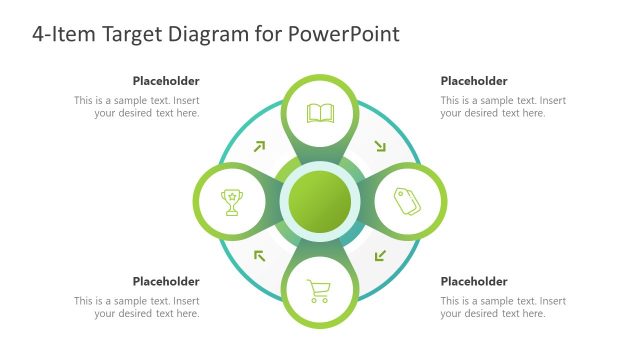
The layout features a central circular node surrounded by four equally sized circular nodes, each containing an icon. The central node is green, while the surrounding nodes are outlined in green with white interiors. Each node has a text placeholder aligned centrally, allowing for descriptive text. The icons represent various concepts, positioned in a circular arrangement with arrows indicating flow between them. The background is a solid dark blue, providing contrast to the green elements. The overall composition is symmetrical and balanced.
How to Use It
This layout serves as a target diagram, ideal for illustrating key concepts or goals in a business context. It can be used to present market segmentation, sales targets, or strategic objectives. Positioned after a problem slide, it can effectively transition into a solution or action plan. This structure is useful for summarizing four main points or steps in a process, making it suitable for presentations focused on strategic planning or project management.
Text Placeholders & Capacity
Keep your copy within these limits so it fits without resizing. Node body slots can hold roughly 10 words each.
| Placeholder | Count | Max characters (approx.) |
|---|---|---|
| Item body | 4 | 50 |
| Slide title | 1 | 50 |
Slide Keywords
Download unlimited PowerPoint templates, charts and graphics for your presentations with our annual plan.
DOWNLOADReturn to 4-Item Target Diagram for PowerPoint.