Slide 5 of 5 from 4-Item Radial Timeline PowerPoint Template
4-Item Radial Timeline Template with Text
4-Item Radial Timeline Overview
- Diagram
- Radial Hub
- Timeline Slide
- 16:9
- 100% Editable
What’s on This Slide
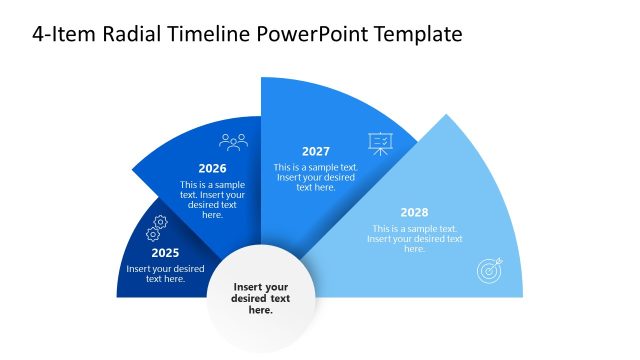
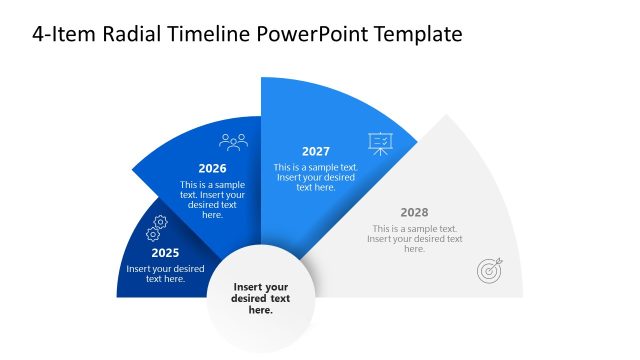
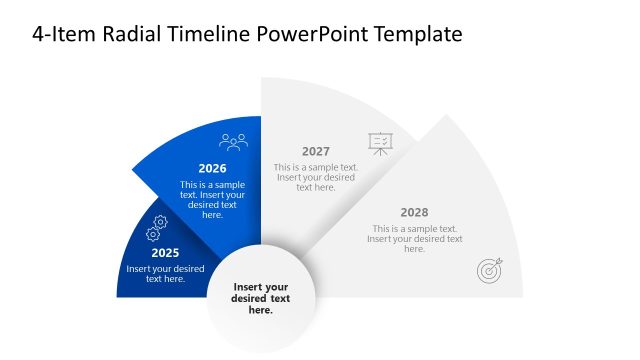
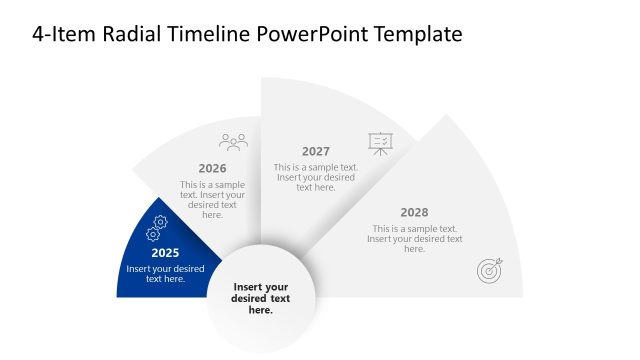
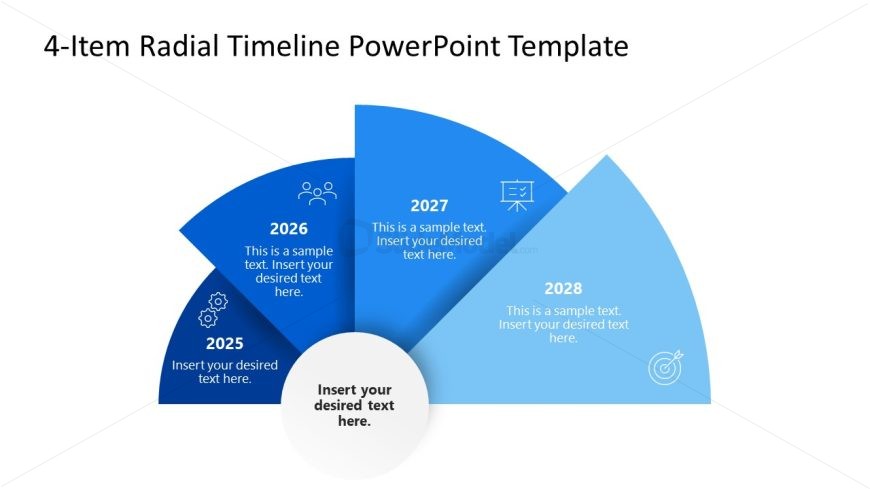
The layout features a circular design divided into four segments, each representing a year from 2025 to 2028. The segments are arranged in a clockwise manner, with the year labels positioned at the top of each segment. The central area contains a placeholder for additional text, while each segment has space for descriptive text. The segments are colored in varying shades of blue, creating a gradient effect. Text placeholders are present, aligned centrally within each segment, and the overall composition is balanced and symmetrical.
How to Use It
This layout serves as a radial timeline, effectively illustrating a chronological sequence of events or milestones over four years. It is suitable for presentations that require a visual representation of project timelines, career progression, or strategic planning. This slide fits well at the conclusion of a presentation, summarizing key points or future goals. It can be used in business contexts to highlight achievements or upcoming initiatives in a visually engaging manner.
Text Placeholders & Capacity
Keep your copy within these limits so it fits without resizing. Node body slots can hold about 10 words each.
| Placeholder | Count | Max characters (approx.) |
|---|---|---|
| Item heading | 4 | 10 |
| Item body | 4 | 50 |
| Body paragraph | 1 | 50 |
Slide Keywords
Download unlimited PowerPoint templates, charts and graphics for your presentations with our annual plan.
DOWNLOADReturn to 4-Item Radial Timeline PowerPoint Template.