Slide 3 of 5 from 4-Item Overlapping Circles PowerPoint Template
Step 2 Slide – 4-Item Overlapping Circles Slide Template
4-Item Overlapping Circles Infographic Template
- Diagram
- Overlapping Circles
- Strategic Analysis Slide
- 16:9
- 100% Editable
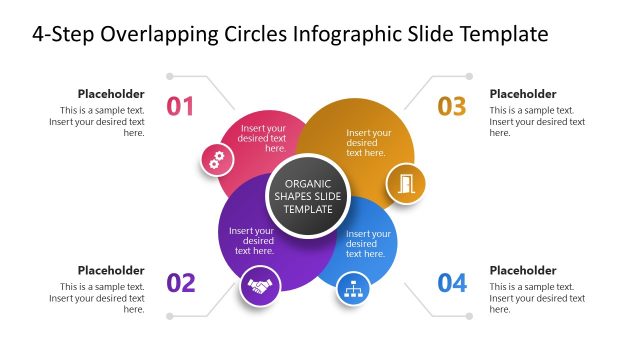
The 4-Item Overlapping Circles Diagram slide from the 4-Item Overlapping Circles PowerPoint Template offers a clear visual tool for illustrating relationships and categories. This diagram layout is ideal for business presentations and pitch deck templates that require showcasing project milestones or strategic connections. Its editable shapes and balanced design enhance clarity, making it a practical choice within professional slide decks and Google Slides templates focused on strategic analysis.
What’s on This Slide
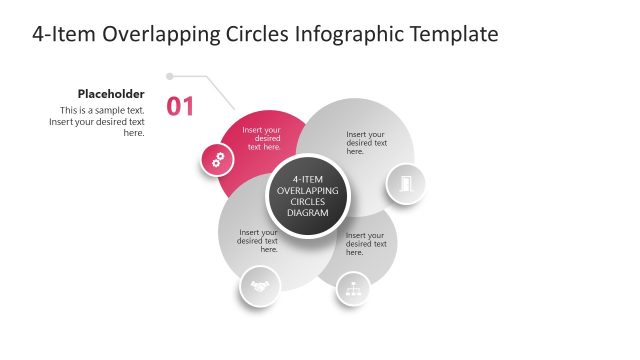
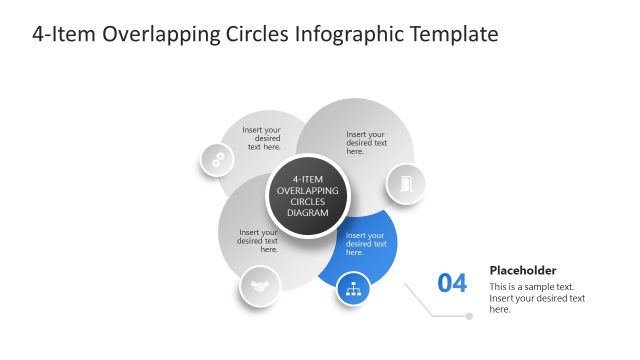
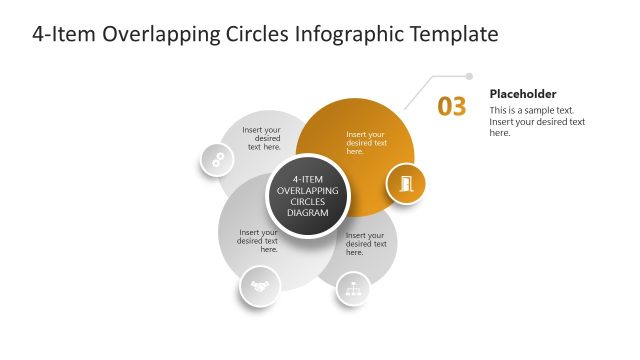
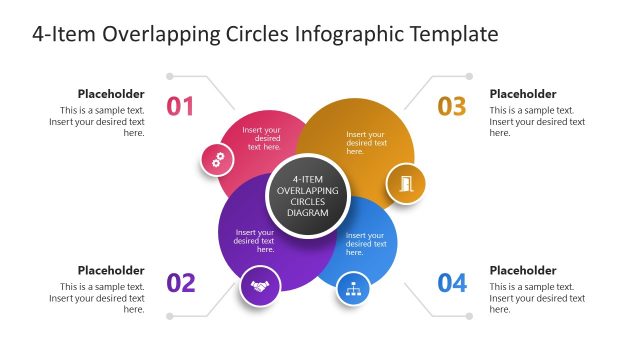
The layout features four overlapping circles arranged in a central diagram. The central circle is larger and labeled '4-Item Overlapping Circles Diagram,' while the surrounding circles are smaller and labeled with placeholders for text. Each circle has a unique color, with the central circle in purple and the others in shades of gray. A placeholder for additional text is positioned at the bottom left, with a numbered label '02' next to it. The overall design is balanced, with circles evenly spaced and visually connected.
How to Use It
This layout serves as a visual representation of interconnected concepts or items, making it suitable for illustrating relationships or categories. It fits well in a presentation sequence following a problem statement or introduction, leading into detailed discussions. This structure is useful for business scenarios such as project milestones, product features, or strategic initiatives, where clarity in relationships is essential.
Text Placeholders & Capacity
Keep your copy within these limits so it fits without resizing. Node body slots can accommodate roughly 10 words each.
| Placeholder | Count | Max characters (approx.) |
|---|---|---|
| Item heading | 4 | 30 |
| Item body | 4 | 50 |
| Slide title | 1 | 50 |
| Callout | 1 | 80 |
Slide Keywords
Download unlimited PowerPoint templates, charts and graphics for your presentations with our annual plan.
DOWNLOAD