Slide 2 of 2 from 4 Item Circular Diagram Concept for PowerPoint
Infographic PowerPoint Useful Icons
Useful Icons for Presentations
- Media Layout
- Other
- Context Slide
- 16:9
- 100% Editable
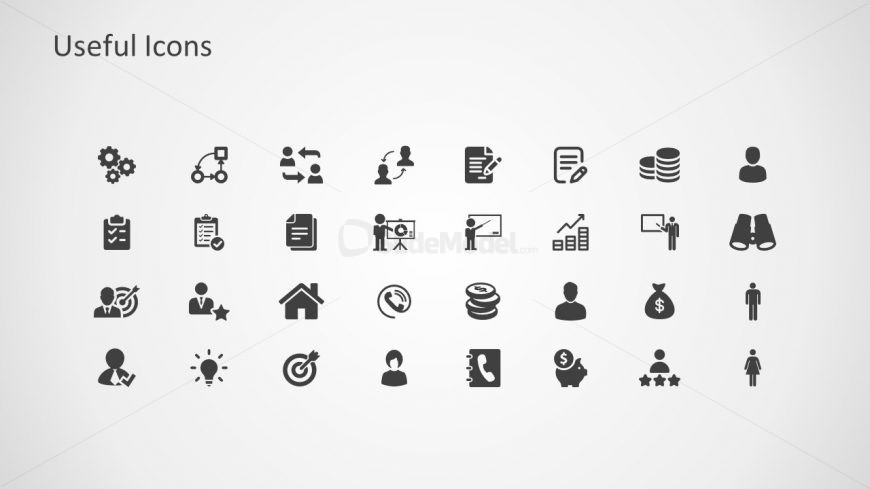
The Useful Icons slide from the 4 Item Circular Diagram Concept for PowerPoint template provides a clean grid of monochromatic icons ideal for enhancing business presentations and educational materials. This slide layout offers an efficient visual reference for incorporating editable shapes and vector icons into slide decks, supporting clear communication of concepts such as teamwork, finance, and planning within corporate presentations or pitch decks.
What’s on This Slide
The layout features a grid of icons arranged in four rows and six columns. Each icon is uniformly sized and represents various business concepts, such as teamwork, finance, and planning. The icons are monochromatic and set against a light background, enhancing visibility. The title 'Useful Icons' is positioned at the top left, indicating the slide's purpose. There are no text placeholders for body content, but the grid structure allows for easy identification of each icon's meaning. The overall composition is clean and straightforward.
How to Use It
This layout serves as a reference for incorporating icons into presentations. It is suitable for slides that require visual aids to enhance communication of concepts. This slide fits well after a diagram or process explanation, providing a visual toolkit for presenters. It can be used in business meetings, educational settings, or marketing pitches where visual representation of ideas is essential. The grid format allows for quick access to icons, making it efficient for users to select relevant imagery.
Text Placeholders & Capacity
Keep your copy within these limits so it fits without resizing. The title slot can hold about 5 words comfortably.
| Placeholder | Count | Max characters (approx.) |
|---|---|---|
| Slide title | 1 | 20 |
Slide Keywords
Download unlimited PowerPoint templates, charts and graphics for your presentations with our annual plan.
DOWNLOAD