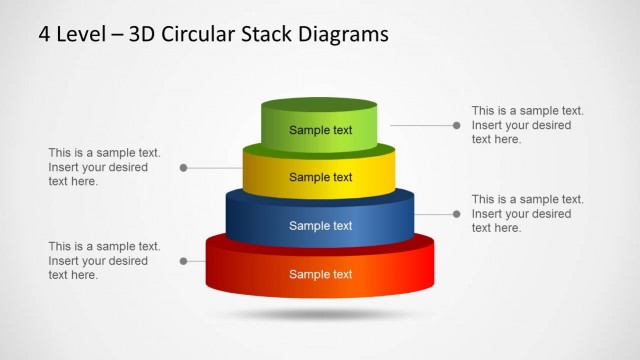
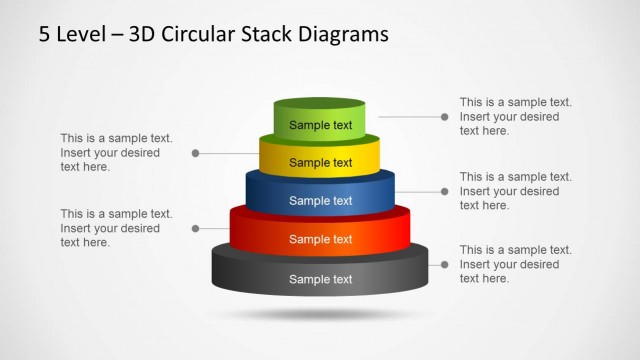
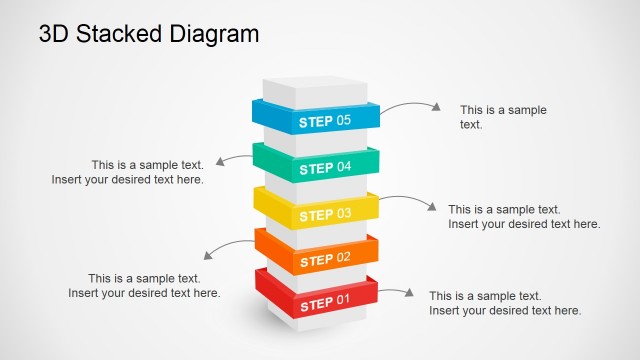
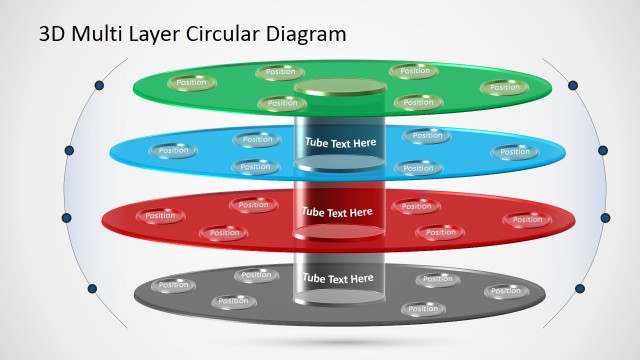
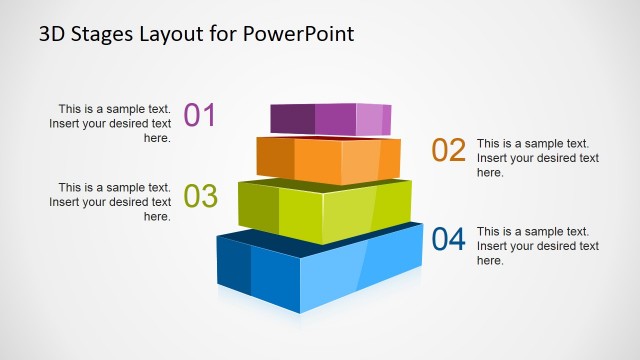
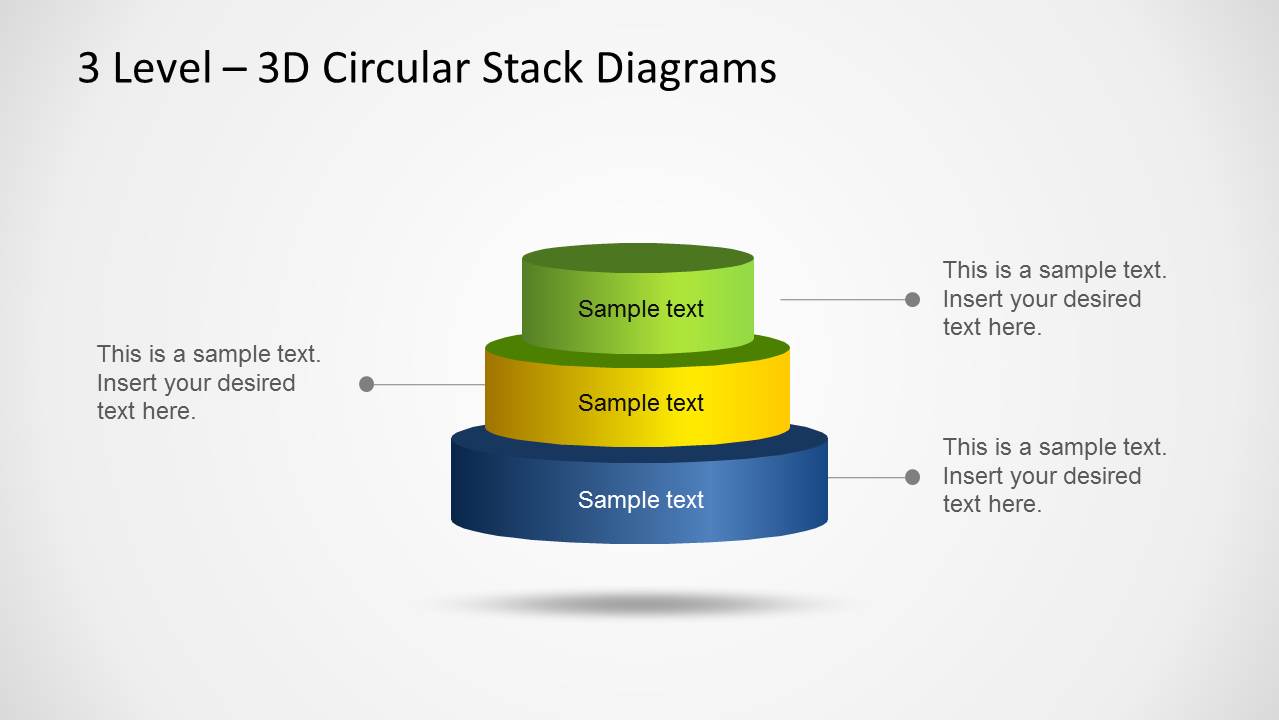
The 3D Circular Stack Diagram for PowerPoint with 3 Levels can help you create professional looking 3D stack diagrams.
This PowerPoint Template provides editable three level stack diagrams which are easy to customize for making custom diagrams. The sample slides not only provide a complete diagram slide but also offer different slides which can be used for explaining different parts of your stack diagram.
What’s inside this template
Example presentation scenarios
- A strategy consultant can explain a three-tier operating model by starting with the complete stacked cylinder and using the callout labels to define each layer.
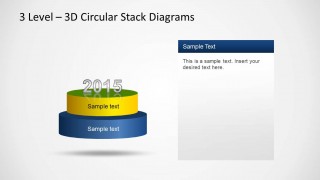
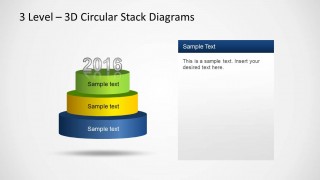
- A product manager can present phased roadmap maturity by using the one-level, two-level, and three-level build slides with the visible year markers.
- A training facilitator can teach foundational, intermediate, and advanced concepts by assigning each concept to a separate colored stack tier and placing explanations in the right-side text panel.
- A sales or customer success presenter can describe a tiered service offer by using the full stack diagram to separate core, expansion, and premium value layers.
Features
- 100% editable presentation template
- Compatible with Microsoft PowerPoint and Google Slides
- Scalable vector shapes, icons and illustrations
- AI-Ready for Microsoft Copilot and Claude
- Instant access and download
Frequently asked questions
Q: How should a presenter explain the three-level stack without making it feel like decoration?
A: Treat each cylinder as a distinct message layer, not just a label. Put the foundation or prerequisite in the blue base, the enabling layer in the yellow middle, and the outcome or differentiator in the green top. Use the callouts or right text panel for short proof points, constraints, or examples.
Q: For what communication situations is this circular stack diagram the best fit?
A: This template fits business explanations where a concept depends on three connected levels, such as a maturity model, service package, strategy pyramid, capability stack, or training path. It works best for consultants, managers, and trainers who need to show that one layer supports the next rather than compare numeric data.
Q: Why does the stacked cylinder metaphor help communicate a layered message?
A: The 3D stack makes dependency visible: the bottom tier reads as a base, the middle as a bridge, and the top as the result. The progressive slides reinforce that logic by revealing one, two, then three levels. This reduces cognitive load and helps the audience remember the model as a structure.


3D Circular Stack Diagram for PowerPoint with 3 Levels
5-slide PowerPoint diagram template for 3-level circular stacks and layered process explanations
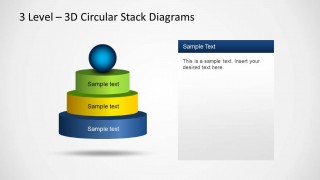
This is a 5-slide PowerPoint diagram template for explaining three-level circular stack concepts. The deck shows a full stacked cylinder with callout labels, progressive one-level, two-level, and three-level build slides with year markers, plus a stack topped by a sphere. It is suited for presenters describing layered models, priorities, stages, or hierarchy.


 Loading...
 Microsoft PowerPoint
  Microsoft Copilot
  Claude for PowerPoint
 Other formats supported
Subscribe today and get immediate
access to download our PowerPoint templates.