Slide 3 of 10 from 3D Block Layers 3 Steps PowerPoint Diagrams
3 Level Sliding PowerPoint
3D Block Layers PowerPoint Diagram
- Diagram
- Layered Stack
- Process Slide
- 16:9
- 100% Editable
What’s on This Slide
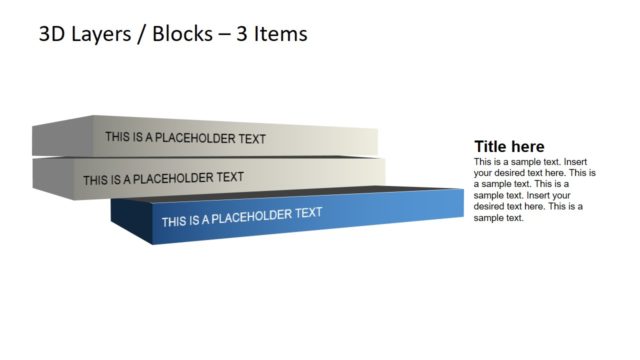
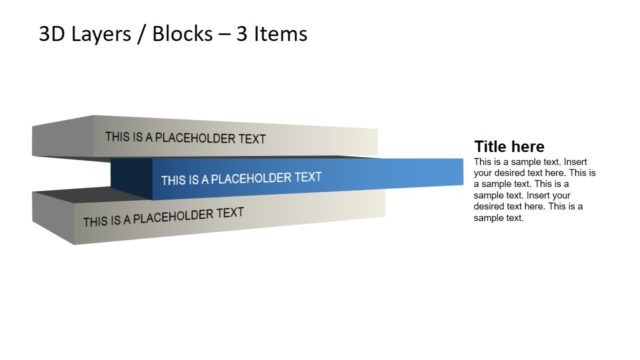
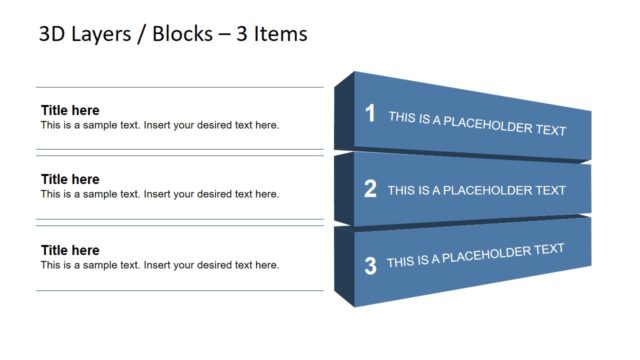
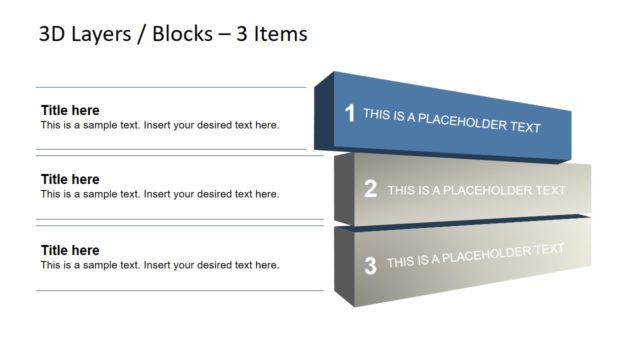
The layout features three horizontal 3D blocks stacked on top of each other. The top block is blue, while the middle and bottom blocks are gray and light gray, respectively. Each block contains a text placeholder aligned to the center, indicating where content can be inserted. A title placeholder is positioned at the top, also centered. The overall composition emphasizes the layered structure, with the blocks slightly offset to create a three-dimensional effect. The background is white, enhancing visibility and contrast.
How to Use It
This layout serves as a three-step process diagram, ideal for illustrating sequential concepts or stages. It fits well in a presentation sequence following an introduction or problem statement, providing a clear visual representation of key points. This structure is suitable for business scenarios such as project phases, product features, or strategic initiatives, where clarity and organization are essential. It can also be used to summarize findings or recommendations in a concise manner.
Text Placeholders & Capacity
Keep your copy within these limits so it fits without resizing. Node body slots can hold about 5-6 words each.
| Placeholder | Count | Max characters (approx.) |
|---|---|---|
| Slide title | 1 | 30 |
| Item body | 3 | 30 |
| Body paragraph | 1 | 300 |
Slide Keywords
Download unlimited PowerPoint templates, charts and graphics for your presentations with our annual plan.
DOWNLOADReturn to 3D Block Layers 3 Steps PowerPoint Diagrams.