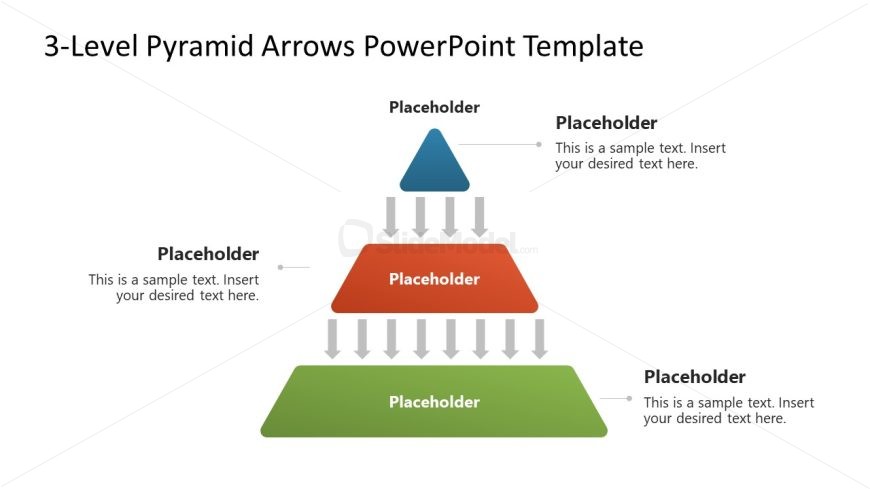
Slide 3 of 4 from 3-Level Pyramid Arrow PowerPoint Template
3-Level Pyramid Arrow Slide Template
3-Level Pyramid Arrow PowerPoint Slide
- Diagram
- Pyramid
- Strategy Slide
- 16:9
- 100% Editable
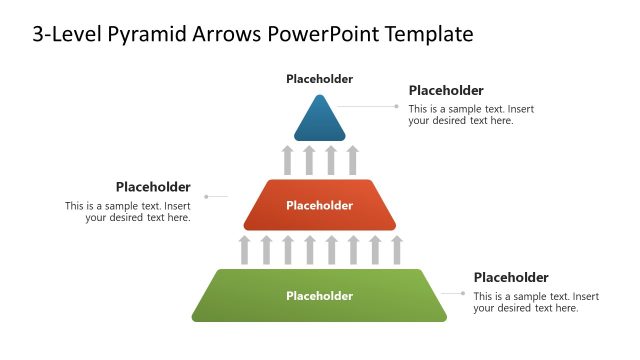
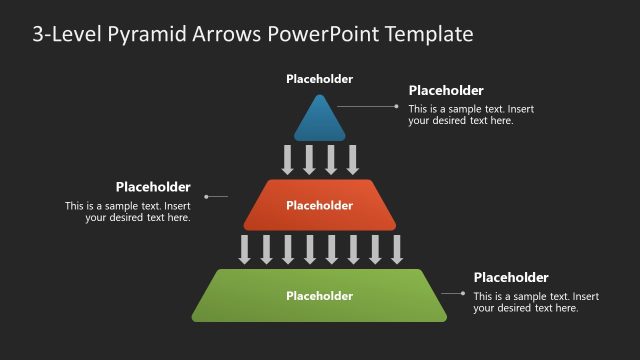
The 3-Level Pyramid with Arrows slide from the 3-Level Pyramid Arrow PowerPoint Template offers a clear hierarchical diagram ideal for business strategy and project planning. This slide layout uses editable shapes and vector icons to visually represent layered concepts, enhancing corporate presentations and educational frameworks. Its symmetrical design with downward arrows supports effective communication of process flow within slide decks and pitch deck templates.
What’s on This Slide
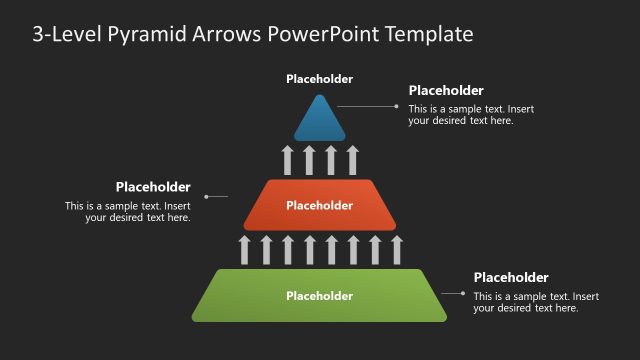
The slide features a three-level pyramid structure with arrows pointing downwards. The top level is a blue triangle, the middle level is an orange triangle, and the bottom level is a green triangle. Each triangle has a text placeholder centered within it, indicating where to insert content. Below each triangle, there are vertical arrows leading down to the next level, emphasizing the flow of information. The background is white, providing contrast to the colored shapes. The overall layout is symmetrical, with a clear visual hierarchy.
How to Use It
This layout serves as a hierarchical representation of concepts or processes, making it suitable for illustrating frameworks or strategies. It fits well in a presentation sequence after introducing a problem and before discussing solutions. Real-world applications include business strategy discussions, project planning, or educational content where layered information needs to be conveyed clearly. The pyramid structure allows for easy understanding of relationships between different levels of information.
Text Placeholders & Capacity
Keep your copy within these limits so it fits without resizing. Each node can hold about 45 characters comfortably.
| Placeholder | Count | Max characters (approx.) |
|---|---|---|
| Item body | 3 | 45 |
| Item heading | 3 | 45 |
Slide Keywords
Download unlimited PowerPoint templates, charts and graphics for your presentations with our annual plan.
DOWNLOADReturn to 3-Level Pyramid Arrow PowerPoint Template.