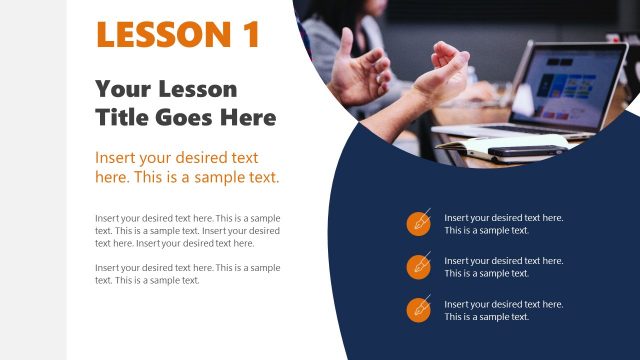
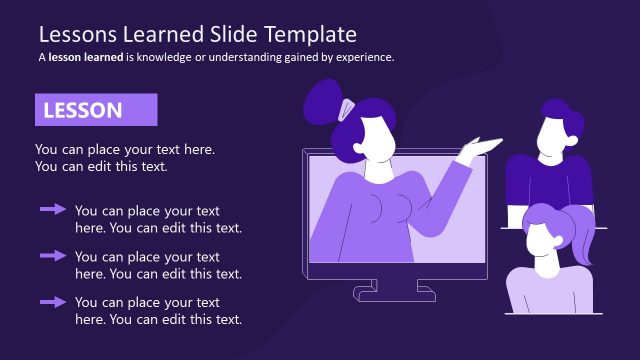
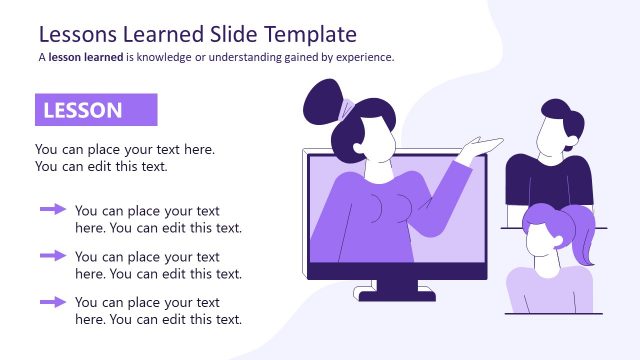
Slide 2 of 2 from 1-Slide Lesson Plan PowerPoint Template
Lesson Plan 1-Slide Learning Strategy
1-Slide Lesson Plan Template Overview
- Text Layout
- List Blocks
- Context Slide
- 16:9
- 100% Editable
What’s on This Slide
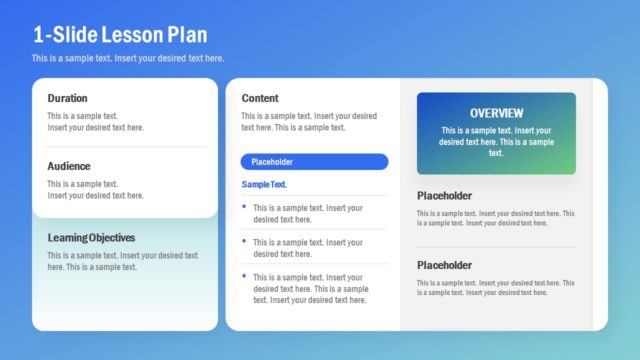
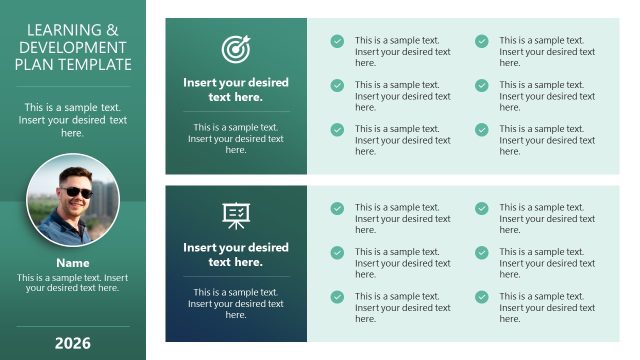
The layout features a structured arrangement divided into four sections on the left and a larger section on the right. The left sections are labeled 'Duration,' 'Audience,' 'Learning Objectives,' and 'Content,' with corresponding text placeholders aligned vertically. The right section includes a header 'OVERVIEW' with a colored background and a placeholder for an image above additional text placeholders. The overall color scheme transitions from blue at the top to lighter shades at the bottom, enhancing visual hierarchy. Each section is clearly defined, with rounded corners and consistent spacing.
How to Use It
This layout serves as a comprehensive lesson plan overview, suitable for educational presentations. It effectively organizes key components such as duration, audience, learning objectives, and content in a visually appealing manner. This slide fits well in a sequence where initial problem framing is followed by detailed planning, making it ideal for training sessions or course outlines. It can be used in various educational contexts to summarize lesson details succinctly.
Text Placeholders & Capacity
Keep your copy within these limits so it fits without resizing. Body slots can accommodate roughly 8-10 words each.
| Placeholder | Count | Max characters (approx.) |
|---|---|---|
| Slide title | 1 | 30 |
| Body paragraph | 8 | 50 |
| Item heading | 4 | 20 |
| Callout | 1 | 20 |
Slide Keywords
Download unlimited PowerPoint templates, charts and graphics for your presentations with our annual plan.
DOWNLOADReturn to 1-Slide Lesson Plan PowerPoint Template.