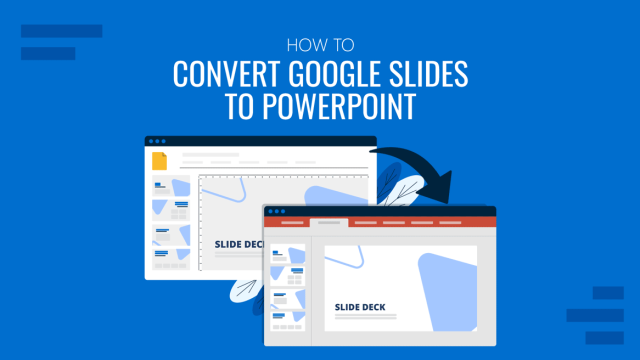
How To Convert Google Slides to PowerPoint
Work with your presentation files in PowerPoint as if made with it by mastering how to convert Google Slides to PowerPoint.
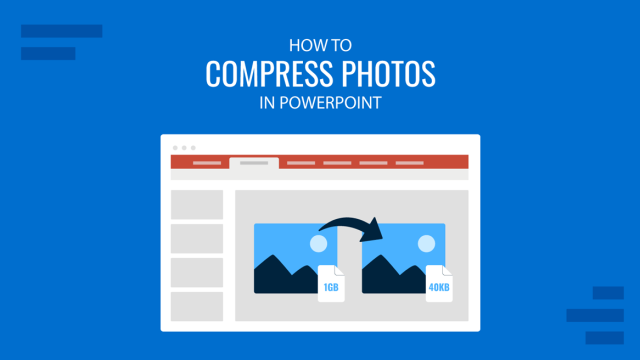
How to Compress Photos in PowerPoint
Make your slide decks easier to share by learning how to compress photos in PowerPoint. Ideal to optimize file sizing in your presentations.
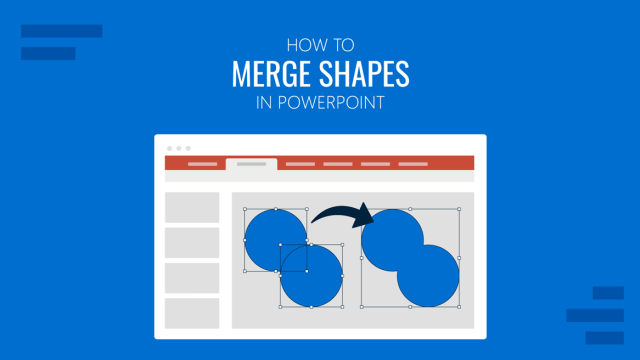
How to Merge Shapes in PowerPoint
Discover step-by-step instructions to merge shapes in PowerPoint using built-in tools for clean, custom designs.
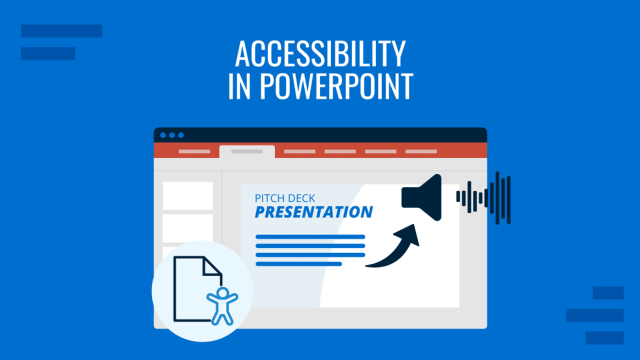
Accessibility in PowerPoint: Making EAA Compliant Slides
Learn how to make PowerPoint presentations accessible with a 20-point EAA-ready checklist for inclusive design.
Microsoft Copilot for PowerPoint
Discover the applications of Microsoft Copilot to enrich your PowerPoint presentations. From designer assistant to content generation, see more here!
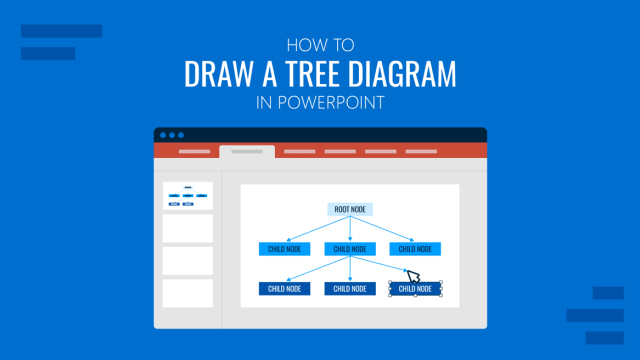
How to Draw a Tree Diagram in PowerPoint
Create a professional tree diagram in PowerPoint with step-by-step instructions, design tips, and customization ideas.
How to Duplicate a PowerPoint Presentation
Discover how easy it is to duplicate a PowerPoint presentation by mastering different methods. Step-by-step guide here.
How to Obfuscate a PowerPoint Presentation
Protect your data integrity by learning how to obfuscate a PowerPoint presentation. Step-by-step instructions with images here.
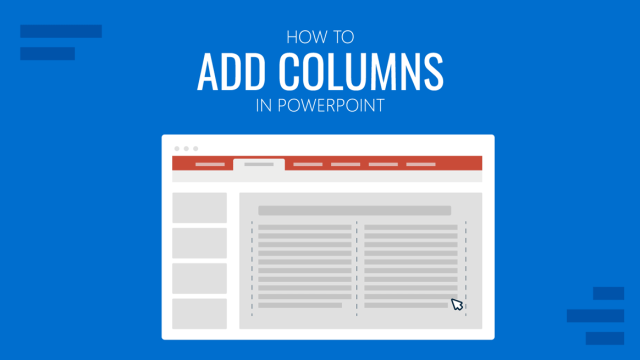
How to Add Columns in PowerPoint
Organize the way you disclose large text areas in presentation slides by learning how to add columns in PowerPoint.
What Is Microsoft PowerPoint? History, Features, and Uses Explained
Learn Microsoft PowerPoint inside out, from its history to key tools and features, to create polished, powerful presentations.

PowerPoint Crashes: A Guide to Resolving Common Issues
Software freeze from time to time, but when it comes to PowerPoint, it means trouble. Explore how to deal with PowerPoint crashes here.
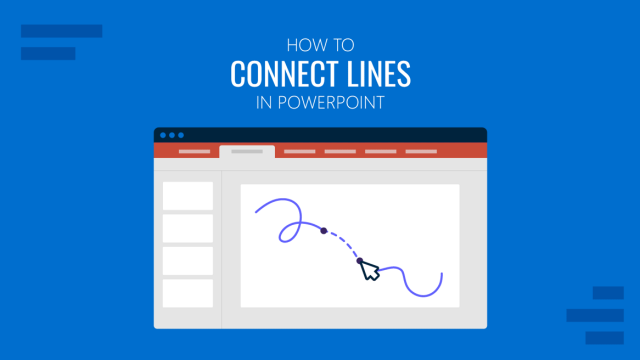
How to Connect Lines in PowerPoint
Learn how easy is to connect lines in PowerPoint for different types of graphics. Step by step instructions with images here.