Slide 3 of 5 from Multiple Doors Metaphor Free PowerPoint Template
Door Clipart PPT Free Download
Multiple Doors Comparison Slide
- Diagram
- Comparison Split
- Comparison Slide
- 16:9
- 100% Editable
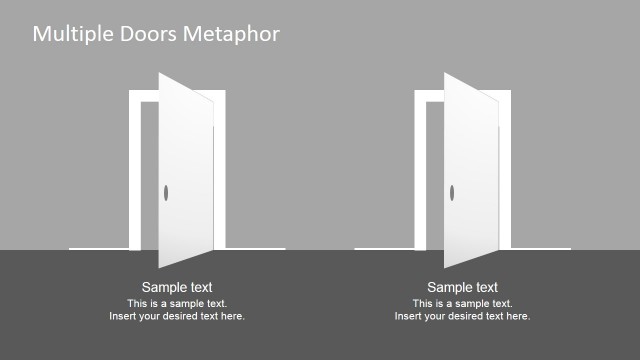
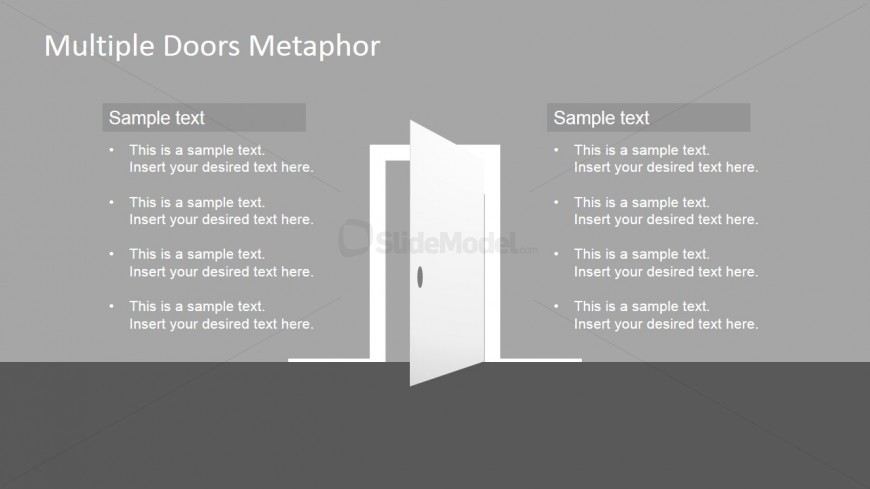
The Multiple Doors Comparison slide from the Multiple Doors Metaphor Free PowerPoint Template offers a clear visual layout for contrasting two strategies or options. Featuring editable shapes and a central door graphic symbolizing choice, this slide template supports decision-making presentations and business presentation needs with balanced columns for detailed comparison.
What’s on This Slide
The layout features two columns of text with a central door graphic. The left column contains a header labeled 'Sample text' followed by four bullet points aligned vertically. The right column mirrors this structure with another 'Sample text' header and four additional bullet points. The door graphic is positioned centrally, slightly open, symbolizing choice. The background is a solid gray, enhancing text visibility. Text placeholders are present, allowing for flexible content insertion while maintaining visual balance. The overall composition emphasizes the metaphor of decision-making.
How to Use It
This layout serves as a comparison tool, ideal for presenting two options or paths side by side. It fits well in a presentation sequence following a problem statement, leading into a discussion of potential solutions. Real-world applications include decision-making scenarios, project comparisons, or evaluating alternative strategies. The structure allows for clear visual differentiation between two choices, making it suitable for business meetings, strategy sessions, or educational contexts where options need to be analyzed.
Text Placeholders & Capacity
Keep your copy within these limits so it fits without resizing. Body slots can accommodate roughly 8-10 words each.
| Placeholder | Count | Max characters (approx.) |
|---|---|---|
| Item heading | 2 | 20 |
| Item body | 8 | 50 |
Slide Keywords
Download unlimited PowerPoint templates, charts and graphics for your presentations with our annual plan.
DOWNLOAD