Slide 4 of 8 from Free Useful Business Diagrams for PowerPoint
Timeline 5 Steps Diagram PPT
Company History Timeline Diagram for Presentations
- Diagram
- Timeline Horizontal
- Timeline Slide
- 16:9
- 100% Editable
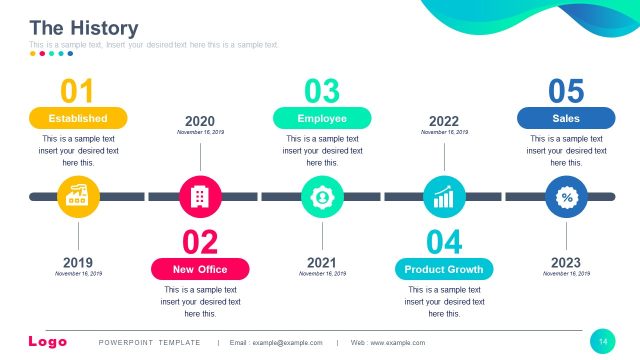
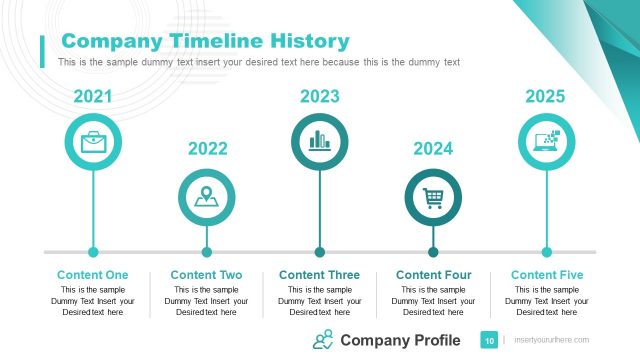
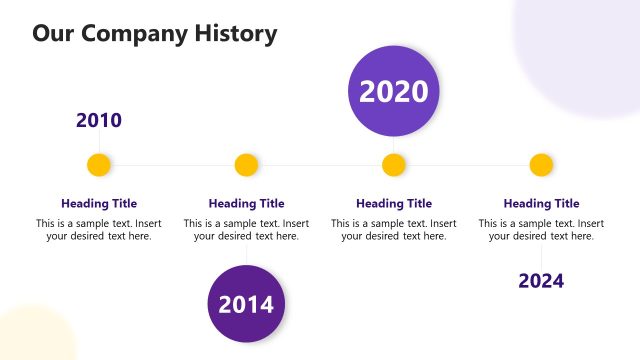
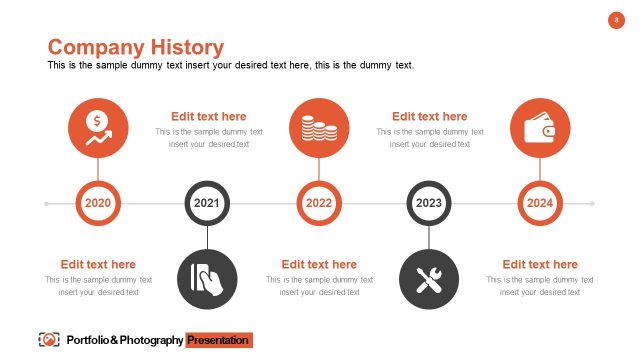
The Company History Timeline slide from the Free Useful Business Diagrams for PowerPoint template offers a clear horizontal timeline layout ideal for illustrating company milestones and project phases. This editable slide features distinct colored nodes connected by arrows to emphasize chronological progression, making it suitable for business presentations and strategic planning. Its design supports effective communication of growth and key developments using editable shapes and vector icons within a professional slide deck.
What’s on This Slide
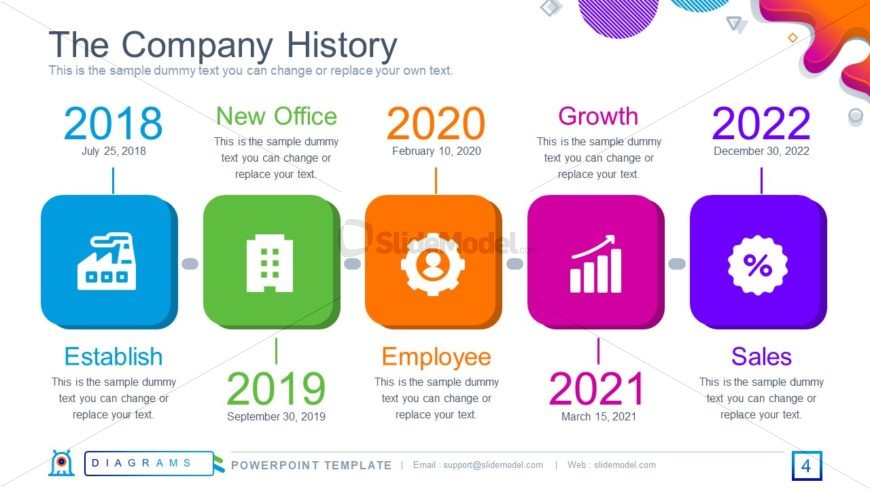
The layout features a horizontal timeline with five distinct nodes. Each node is a colored square containing a year, a title, and a date. The nodes are evenly spaced, with arrows connecting them to indicate progression. The first node is blue, followed by green, orange, pink, and purple. Below each node, there are text placeholders aligned centrally for descriptions. The background is light with abstract shapes in various colors, enhancing visual interest. The overall composition is organized and clear, emphasizing the chronological flow of events.
How to Use It
This layout serves as a chronological timeline, ideal for showcasing company milestones or project phases. It fits well in presentations that require a clear sequence of events, such as annual reports or strategic planning. This structure is effective for illustrating growth, achievements, or key developments over time. It can be used in business contexts to highlight significant moments in a company's history or project lifecycle, providing a visual narrative that aids audience understanding.
Text Placeholders & Capacity
Keep your copy within these limits so it fits without resizing. Node labels can hold about 15 characters each, while body text can accommodate up to 50 characters.
| Placeholder | Count | Max characters (approx.) |
|---|---|---|
| Item heading | 5 | 15 |
| Item body | 5 | 50 |
| Slide title | 1 | 30 |
Slide Keywords
Download unlimited PowerPoint templates, charts and graphics for your presentations with our annual plan.
DOWNLOADReturn to Free Useful Business Diagrams for PowerPoint.