Slide 21 of 38 from Free Timeline Infographics
Rectangular Shapes Timeline Presentation Slide
Timeline Infographics for Presentations
- Diagram
- Timeline Horizontal
- Process Slide
- 16:9
- 100% Editable
What’s on This Slide
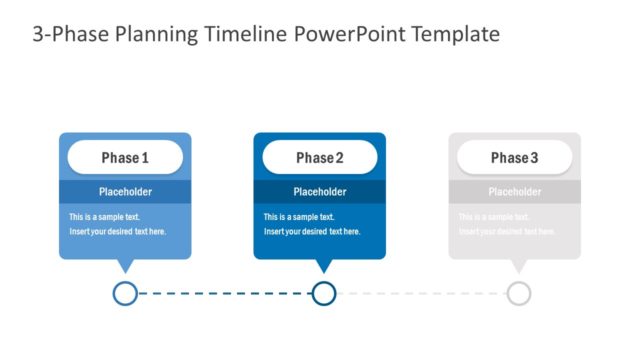
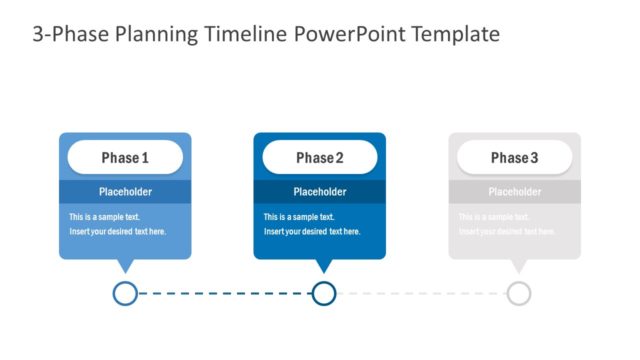
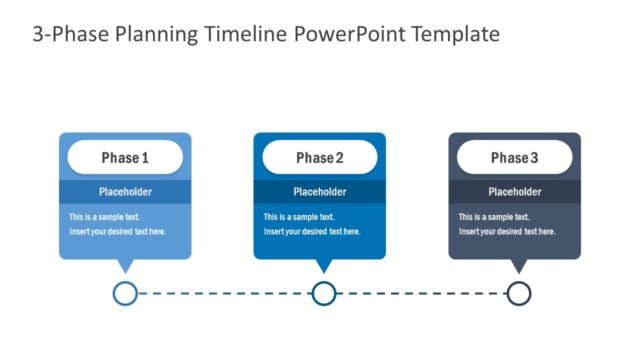
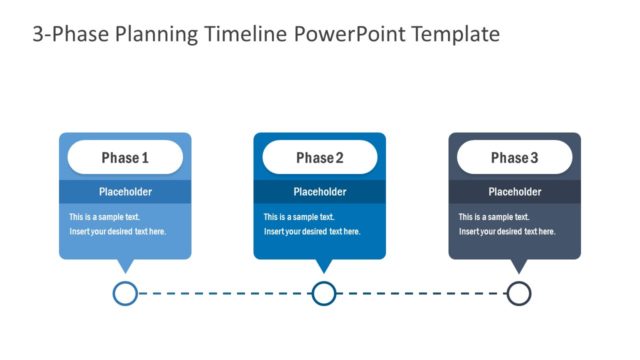
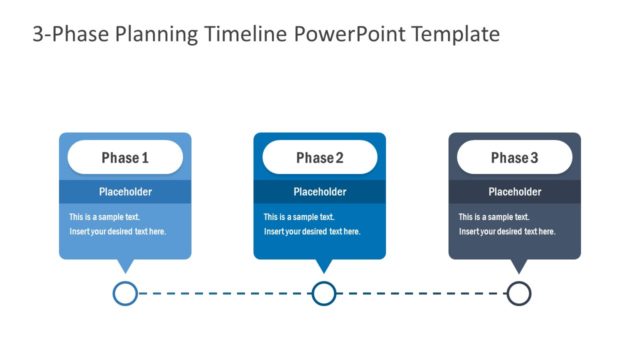
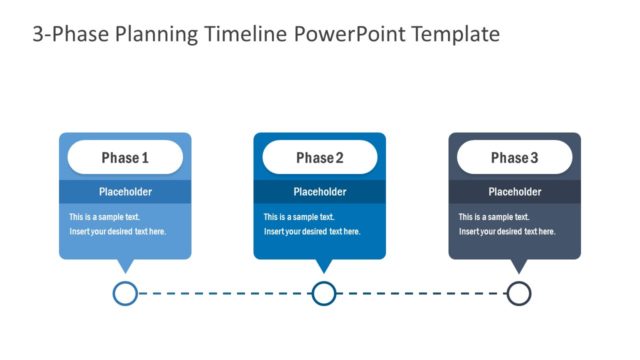
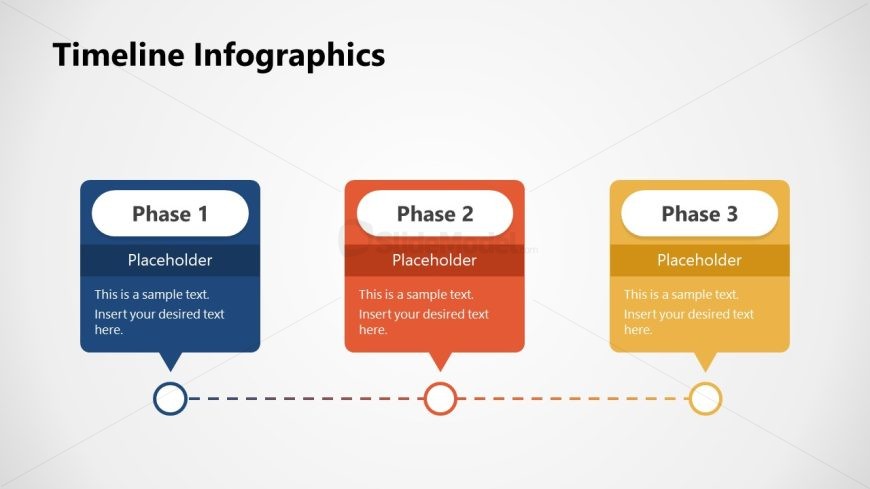
The layout features three distinct phases aligned horizontally across the center. Each phase is represented by a rounded rectangular shape with a title and two text placeholders below. The first phase is colored blue, the second is orange, and the third is yellow, creating a gradient effect. A horizontal dotted line connects the phases, with solid circles marking the start and end points. The background is light gray, enhancing the visibility of the colored shapes. The visual hierarchy emphasizes the phase titles, while the placeholders are aligned centrally within each shape.
How to Use It
This layout serves as a chronological process diagram, ideal for presenting project phases or timelines. It fits well in a presentation sequence after introducing a topic and before detailing specific actions or outcomes. This structure is useful for business scenarios such as project management updates, product development stages, or strategic planning presentations. The clear visual flow guides the audience through each phase effectively.
Text Placeholders & Capacity
Keep your copy within these limits so it fits without resizing. Node body slots can accommodate roughly 10-12 words each.
| Placeholder | Count | Max characters (approx.) |
|---|---|---|
| Slide title | 1 | 30 |
| Item heading | 3 | 20 |
| Item body | 3 | 60 |
Slide Keywords
Download unlimited PowerPoint templates, charts and graphics for your presentations with our annual plan.
DOWNLOADReturn to Free Timeline Infographics.