Slide 1 of 4 from Free Three Steps Angle Arrows PowerPoint Diagram
3 Steps PowerPoint Arrow Diagram
Three Steps Arrow Flow Diagram for Presentations
- Diagram
- Arrow Sequence
- Process Slide
- 16:9
- 100% Editable
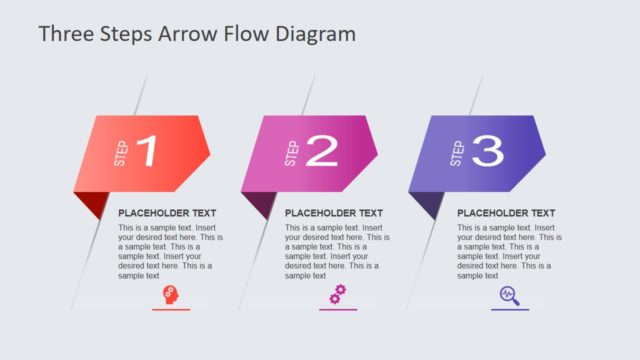
The Three Steps Arrow Flow Diagram from the Free Three Steps Angle Arrows PowerPoint Diagram template offers a clear process visualization using editable shapes and vector icons. This slide layout is designed for business presentations and training sessions, providing a structured overview of sequential steps in a project or workflow. Its horizontal arrow sequence supports effective communication in pitch decks or corporate presentations, making it a practical choice for illustrating step-by-step processes with customizable PowerPoint slides.
What’s on This Slide
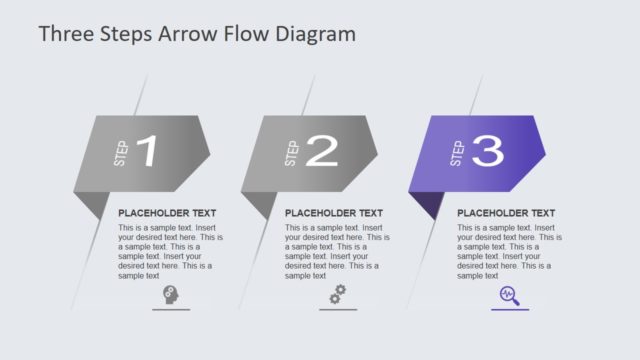
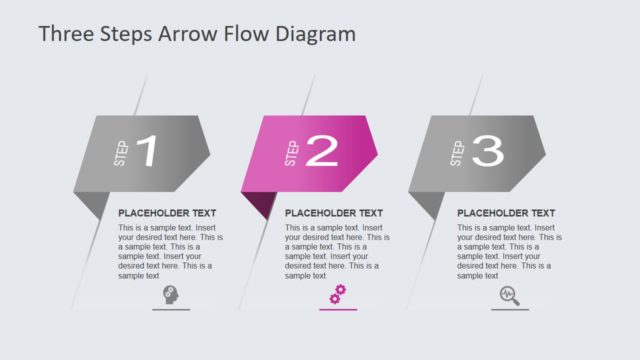
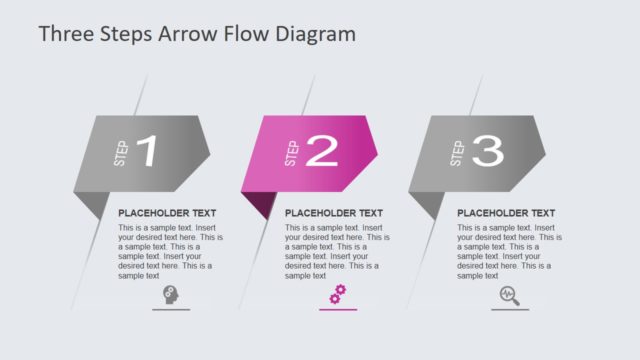
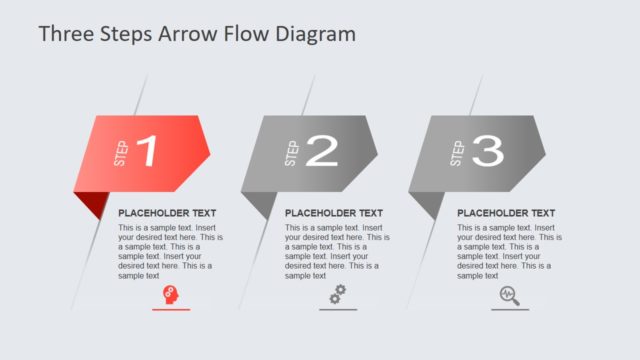
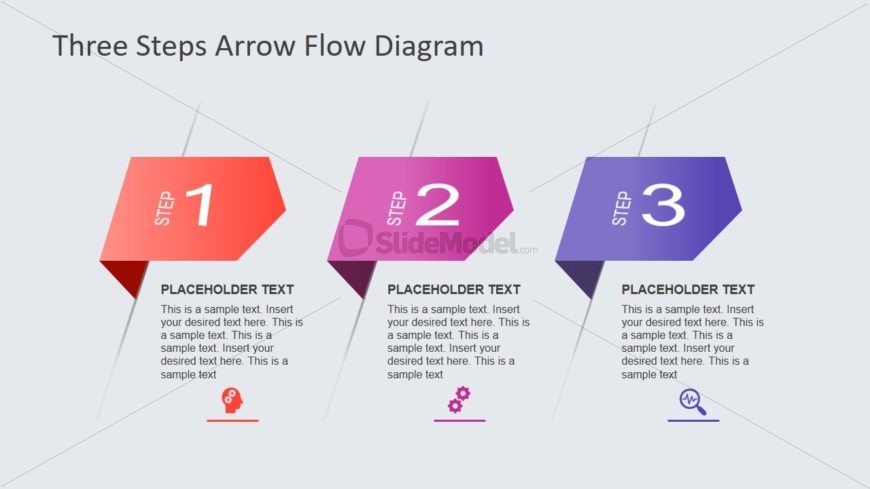
The layout features three distinct arrow shapes arranged horizontally. Each shape represents a step, with the first shape in red, the second in purple, and the third in dark purple. The shapes are labeled 'STEP 1', 'STEP 2', and 'STEP 3', positioned centrally within each shape. Below each label, there are text placeholders aligned left, indicating where additional information can be inserted. Icons are present below the text placeholders, each corresponding to a step. The background is light gray, creating contrast with the shapes.
How to Use It
This layout serves as a sequential flow diagram, ideal for illustrating processes or steps in a presentation. It fits well in a sequence following a problem statement, guiding the audience through solutions or actions. Suitable for business scenarios such as project planning, product development, or training sessions, this structure clearly delineates each step's purpose and details, enhancing audience understanding and engagement.
Text Placeholders & Capacity
Keep your copy within these limits so it fits without resizing. Body slots can hold roughly 25-30 words each.
| Placeholder | Count | Max characters (approx.) |
|---|---|---|
| Slide title | 1 | 40 |
| Item heading | 3 | 10 |
| Item body | 3 | 150 |
Slide Keywords
Download unlimited PowerPoint templates, charts and graphics for your presentations with our annual plan.
DOWNLOAD