Slide 2 of 4 from Free Swimlane Diagram Template for PowerPoint
Editable Swimlane Diagram for PPT
Swimlane Diagram Process Flow Template
- Diagram
- Swimlane
- Process Slide
- 16:9
- 100% Editable
What’s on This Slide
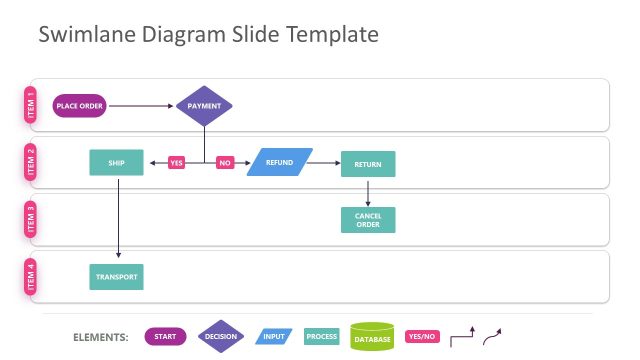
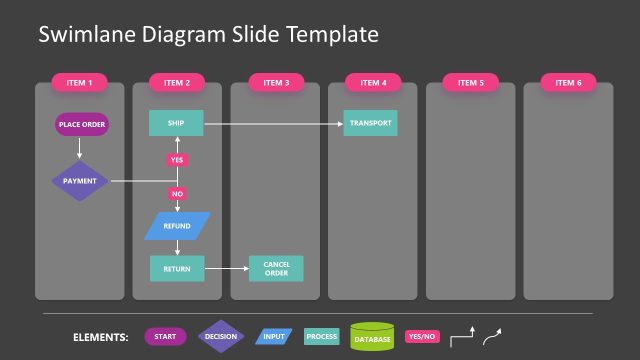
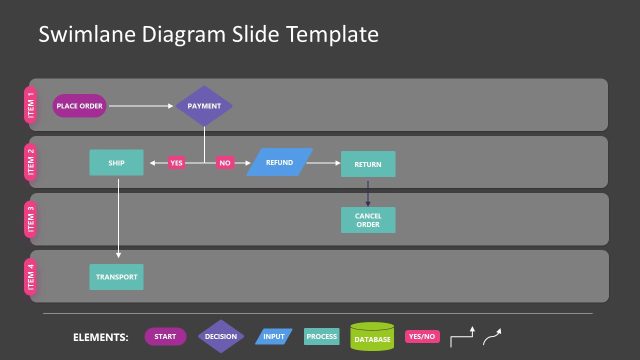
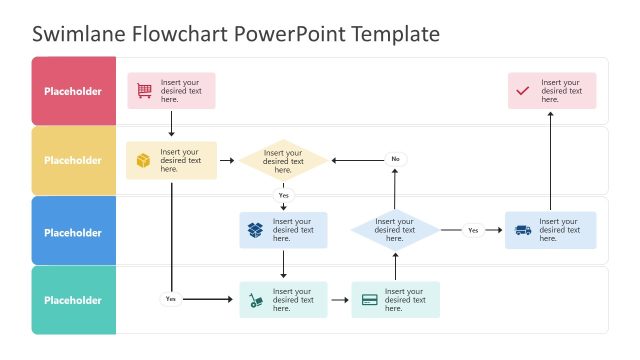
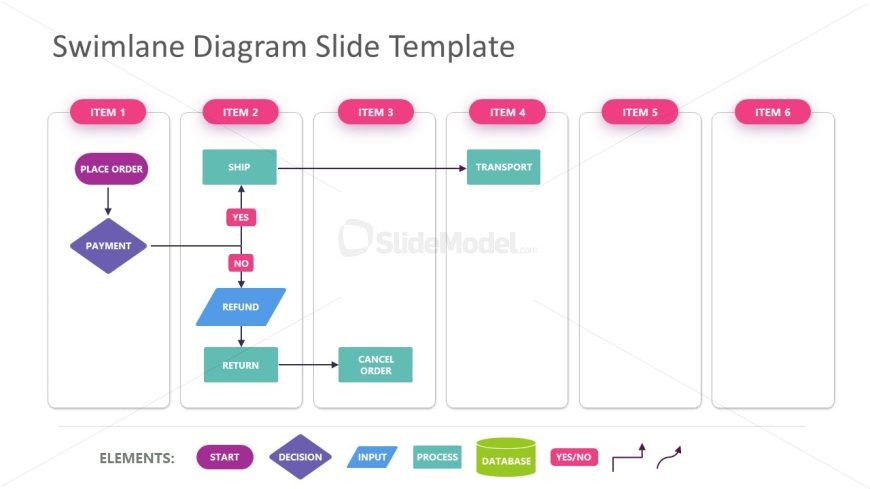
The layout features a swimlane diagram with multiple horizontal lanes. Each lane is labeled with 'ITEM 1' through 'ITEM 6', positioned at the top of each section. The diagram includes various shapes such as rectangles for processes, diamonds for decisions, and arrows indicating flow direction. Key actions like 'PLACE ORDER', 'SHIP', and 'REFUND' are represented in distinct colors. Text placeholders exist for each item, aligned centrally within their respective lanes. The overall structure is organized, with clear visual hierarchy and flow.
How to Use It
This layout serves as a process flow diagram, ideal for illustrating sequential steps in a workflow. It fits well in presentations that aim to clarify operational processes, such as order fulfillment or customer service workflows. This structure is useful for business scenarios that require clear decision points and actions, making it suitable for training sessions, project management discussions, or process improvement presentations.
Text Placeholders & Capacity
Keep your copy within these limits so it fits without resizing. Node labels can hold about 20 characters each.
| Placeholder | Count | Max characters (approx.) |
|---|---|---|
| Item heading | 6 | 20 |
| Item body | 6 | 30 |
Slide Keywords
Download unlimited PowerPoint templates, charts and graphics for your presentations with our annual plan.
DOWNLOAD