Slide 4 of 7 from Free Square Milestones Timeline Template
PowerPoint Timeline 6 Phases
Milestones Timeline Step 3 Overview
- Diagram
- Timeline Horizontal
- Process Slide
- 16:9
- 100% Editable
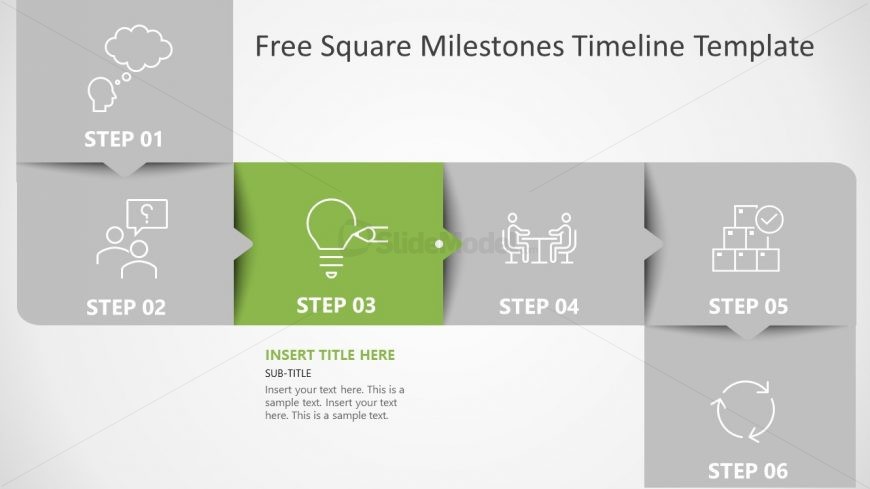
The Milestones Timeline Step 3 slide from the Free Square Milestones Timeline Template offers a clear horizontal process visualization ideal for project milestone presentations and strategic planning updates. This slide features editable shapes and vector icons arranged in a linear sequence, highlighting the current step with a distinct color to enhance focus. It integrates seamlessly into business presentation slide decks, providing an effective way to communicate progress within product development timelines or corporate presentations.
What’s on This Slide
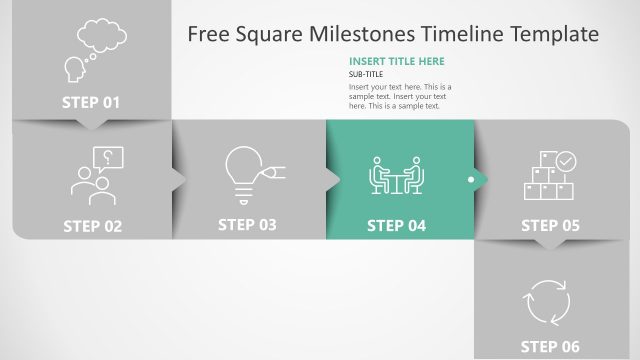
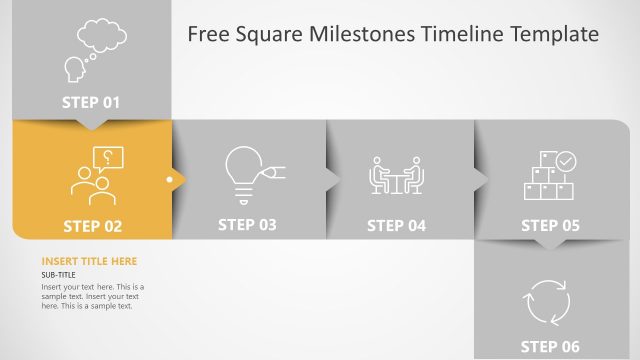
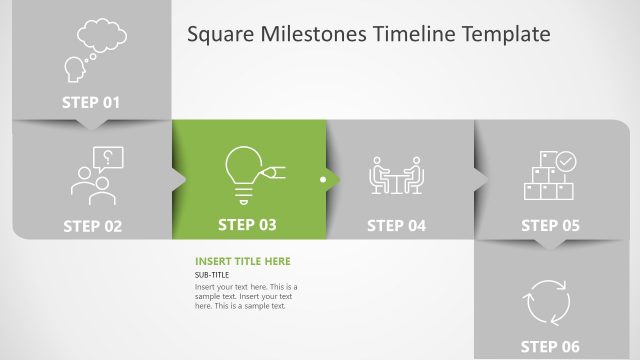
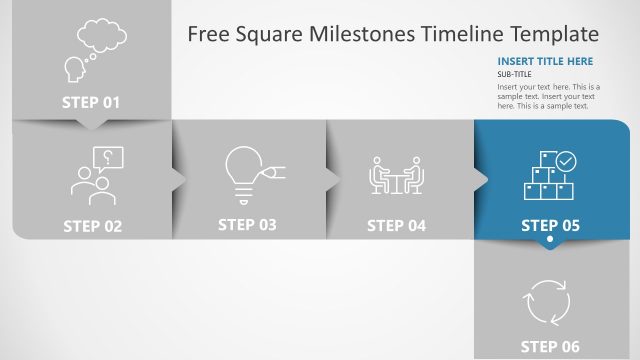
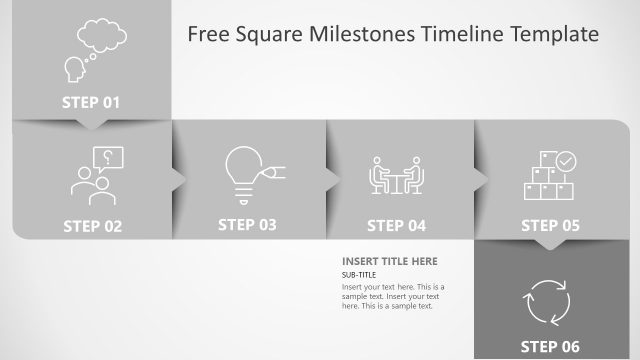
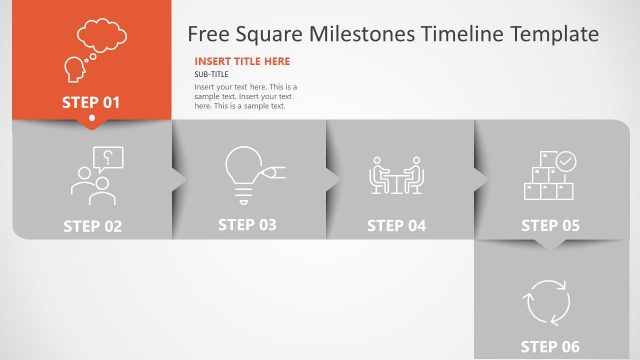
The layout features a horizontal sequence of six steps, each represented by a square with rounded corners. The third step is highlighted in green, while the others are in gray. Each step contains an icon: a light bulb for step three, a thought bubble for step one, a question mark for step two, a meeting icon for step four, a box icon for step five, and a cycle icon for step six. Text placeholders are positioned within the green box, including a title and subtitle, indicating where content should be added. The overall design is clean, with a light background and clear visual hierarchy.
How to Use It
This layout serves as a step-by-step process visualization, ideal for illustrating milestones or phases in a project. It fits well in a presentation sequence that discusses progress or development, particularly after introducing the project context. This structure is useful for business scenarios such as project management updates, product development timelines, or strategic planning sessions. It allows for clear communication of sequential steps and can be adapted for various topics requiring a linear progression.
Text Placeholders & Capacity
Keep your copy within these limits so it fits without resizing. Title and subtitle slots allow for concise text, roughly 5-10 words each.
| Placeholder | Count | Max characters (approx.) |
|---|---|---|
| Slide title | 1 | 30 |
| Subtitle | 1 | 50 |
| Item heading | 6 | 10 |
Slide Keywords
Download unlimited PowerPoint templates, charts and graphics for your presentations with our annual plan.
DOWNLOADReturn to Free Square Milestones Timeline Template.