Slide 2 of 2 from Free Spiral Diagram Concept for PowerPoint
4 Steps Spiral Template PPT
Spiral Diagram Concept for Presentations
- Diagram
- Spiral
- Process Slide
- 16:9
- 100% Editable
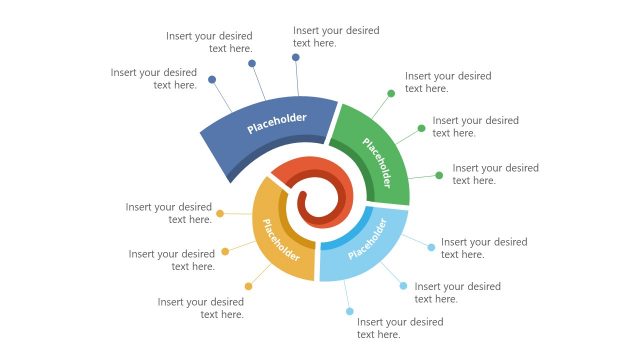
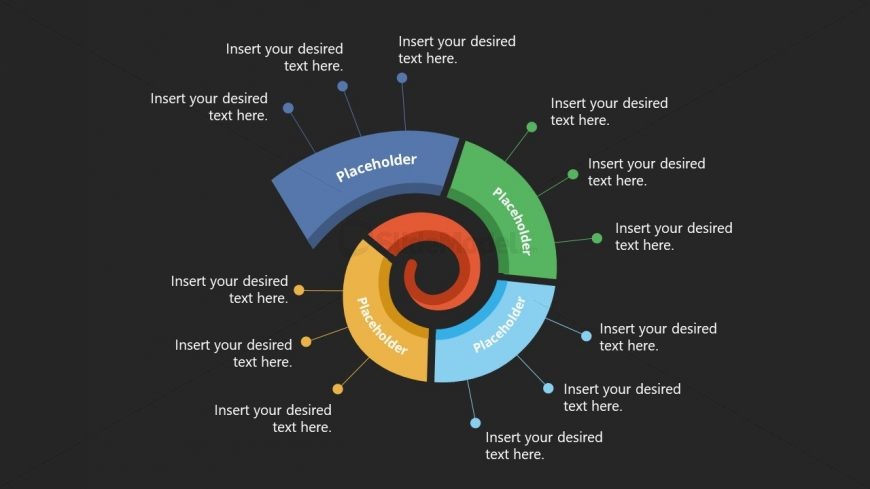
The Spiral Diagram with Placeholders slide from the Free Spiral Diagram Concept for PowerPoint template offers a clear visual tool for illustrating cyclical processes and workflows. This slide layout integrates editable shapes and text placeholders arranged in a colorful spiral, making it suitable for business presentations and pitch deck templates that require a dynamic depiction of stages or phases.
What’s on This Slide
The layout features a spiral diagram with multiple segments arranged in a circular pattern. Each segment is a distinct color and contains a placeholder for text, positioned around the spiral. The central area is circular and contains a smaller placeholder. The background is dark, enhancing the visibility of the colorful segments. The text placeholders are evenly distributed, with some positioned at the outer edge and others along the spiral's curve. The overall composition emphasizes a dynamic flow, guiding the viewer's eye around the spiral.
How to Use It
This layout serves as a visual representation of a cyclical process or concept, ideal for illustrating stages or phases in a project. It fits well in presentations discussing strategies, workflows, or iterative processes. This slide can be used in business contexts where a clear depiction of progression or development is needed. It is effective for training sessions, project updates, or marketing strategies, where conveying a sequence of actions is essential.
Text Placeholders & Capacity
Keep your copy within these limits so it fits without resizing. Each segment can hold about 30 characters comfortably.
| Placeholder | Count | Max characters (approx.) |
|---|---|---|
| Item body | 8 | 30 |
| Item body | 1 | 30 |
Slide Keywords
Download unlimited PowerPoint templates, charts and graphics for your presentations with our annual plan.
DOWNLOADReturn to Free Spiral Diagram Concept for PowerPoint.