Slide 7 of 8 from Free Simple Product PowerPoint Template
Process Flow Free Diagram Template
Process Flow Diagram for Presentations
- Diagram
- Process Flow
- Process Slide
- 16:9
- 100% Editable
The Process Flow Diagram slide from the Free Simple Product PowerPoint Template offers a clear visual layout for illustrating sequential steps in project management or product development. Featuring editable shapes and vector icons arranged symmetrically on a blue background, this slide template supports effective communication of workflows within business presentations or pitch decks.
What’s on This Slide
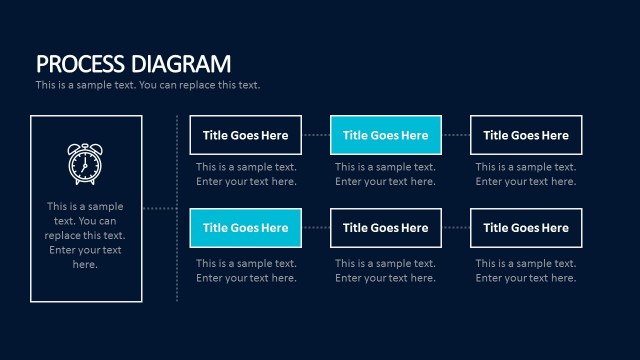
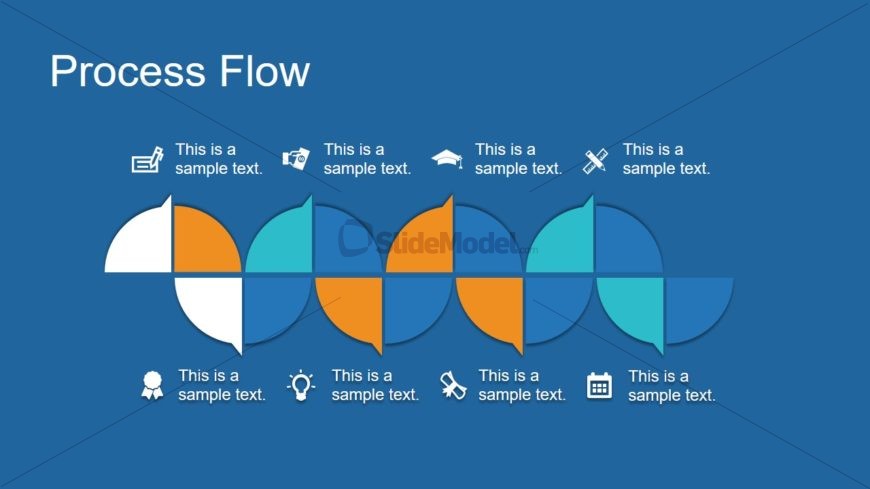
The slide features a process flow diagram with a blue background. It contains five semi-circular shapes arranged in two rows. The top row consists of four shapes, alternating in orange and teal colors, while the bottom row has three shapes in similar colors. Each shape has a corresponding icon above it, representing various concepts. Text placeholders are positioned adjacent to the shapes, aligned to the left and right. The overall composition is symmetrical, emphasizing the flow of information across the diagram.
How to Use It
This layout serves as a process flow diagram, ideal for illustrating sequential steps in a project or workflow. It fits well in a presentation sequence following a problem-framing slide and before a roadmap. Business scenarios include project management, product development, or operational processes, where clarity in steps is essential. It can be used to guide audiences through complex information in a structured manner.
Text Placeholders & Capacity
Keep your copy within these limits so it fits without resizing. Node labels can hold about 20 characters each, while node bodies can fit around 30 characters.
| Placeholder | Count | Max characters (approx.) |
|---|---|---|
| Item heading | 5 | 20 |
| Item body | 5 | 30 |
Slide Keywords
Download unlimited PowerPoint templates, charts and graphics for your presentations with our annual plan.
DOWNLOADReturn to Free Simple Product PowerPoint Template.