Slide 2 of 4 from Free Simple Business Infographic Slide Template
Business Infographic PowerPoint Diagram
Business Infographic Steps Slide
- Diagram
- Process Flow
- Process Slide
- 16:9
- 100% Editable
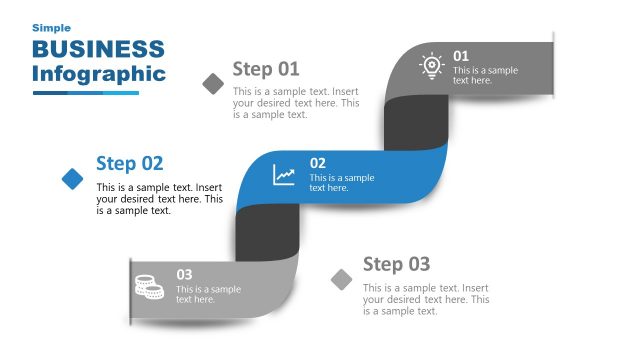
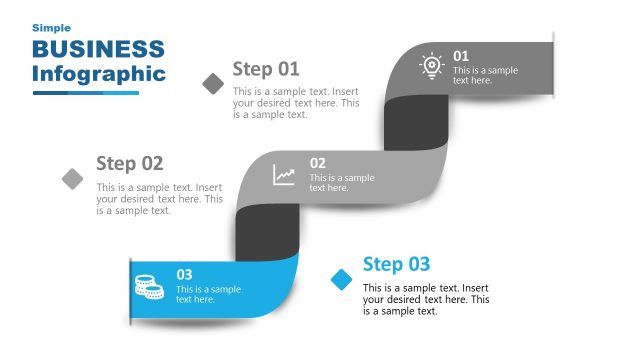
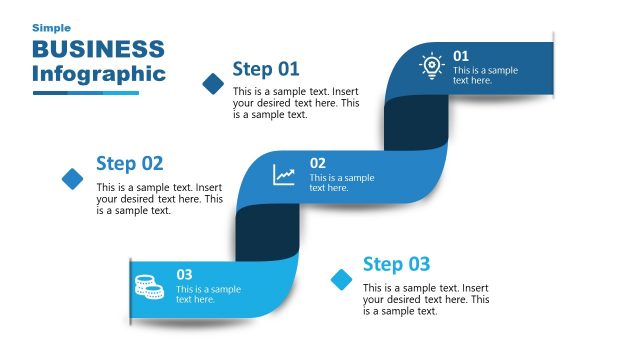
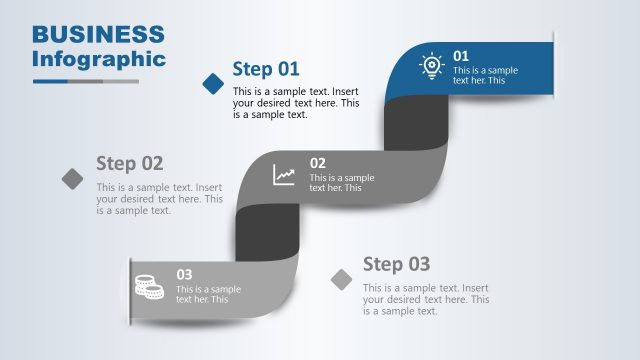
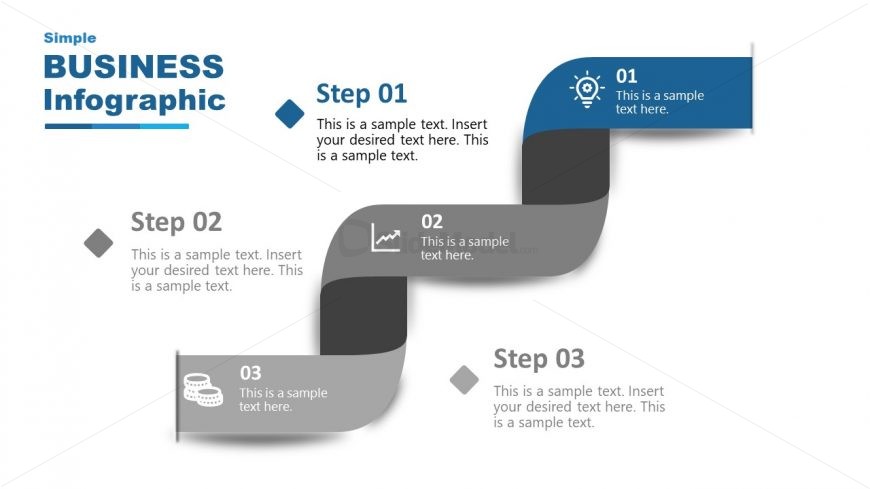
The Business Infographic Steps slide, part of the Free Simple Business Infographic Slide Template, effectively illustrates sequential processes with a clear zigzag design. This layout is ideal for business presentations, allowing users to visually represent workflows and project phases through editable shapes and vector icons.
What’s on This Slide
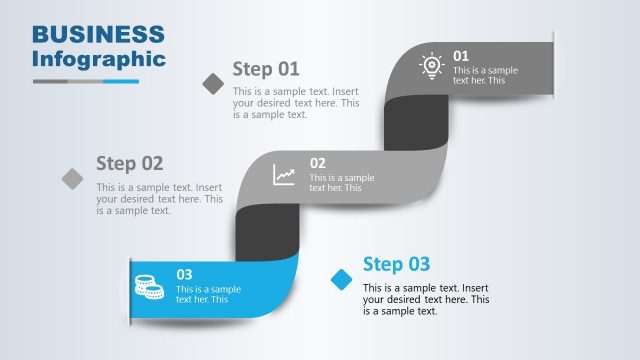
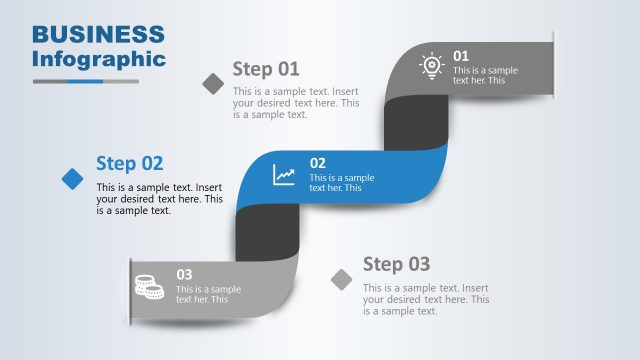
The layout features a flowing design with three steps arranged in a zigzag pattern. Each step is represented by a rectangular node, with the first node at the top left, followed by the second node in the center, and the third node at the bottom right. Each node contains a number and a brief text placeholder aligned to the left. Icons are included within the nodes, enhancing visual interest. A title is positioned at the top left, with a subtitle below it. The background is white, and the color scheme includes shades of blue and gray.
How to Use It
This layout serves as a process flow diagram, ideal for illustrating sequential steps in a business context. It is effective for presentations that require a clear depiction of a workflow or procedure. This slide fits well after an introductory slide, providing a visual representation of the steps involved in a process. It can be used in training sessions, project updates, or strategy discussions to guide the audience through key phases of a project or initiative.
Text Placeholders & Capacity
Keep your copy within these limits so it fits without resizing. Node body slots can hold about 15-20 words each.
| Placeholder | Count | Max characters (approx.) |
|---|---|---|
| Slide title | 1 | 30 |
| Item heading | 3 | 20 |
| Item body | 3 | 100 |
Slide Keywords
Download unlimited PowerPoint templates, charts and graphics for your presentations with our annual plan.
DOWNLOAD