Slide 2 of 2 from Free Simple 3 Stage Process Diagram for PowerPoint
Free Simple Process Diagram with Curve Lines
Simple 3 Stage Process Diagram for Presentations
- Diagram
- Process Flow
- Process Slide
- 16:9
- 100% Editable
The Simple 3 Stage Process Diagram slide from the Free Simple 3 Stage Process Diagram for PowerPoint template offers a clear, editable layout to illustrate sequential stages in project management or product development. Designed with distinct colored containers and a connecting flow line, this slide template supports business presentations and educational content by visually organizing multi-step processes within professional slide templates.
What’s on This Slide
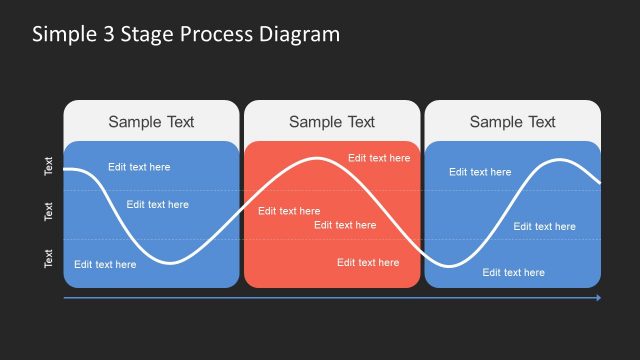
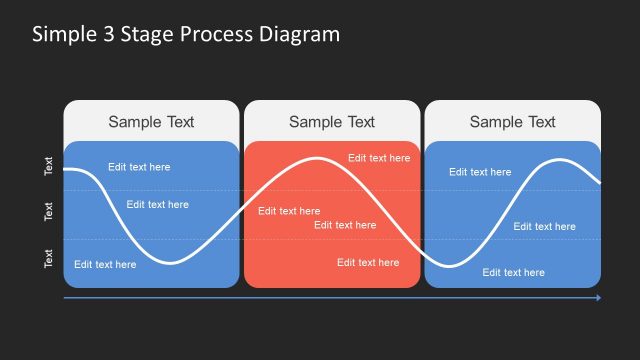
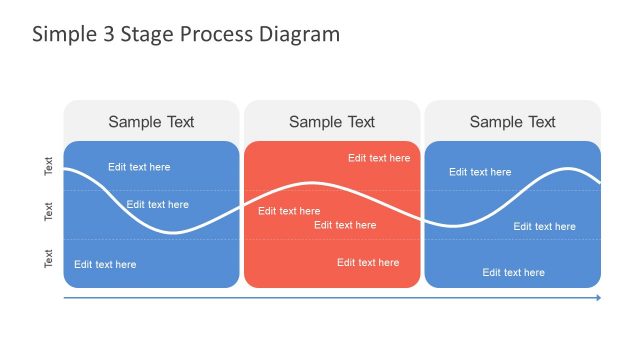
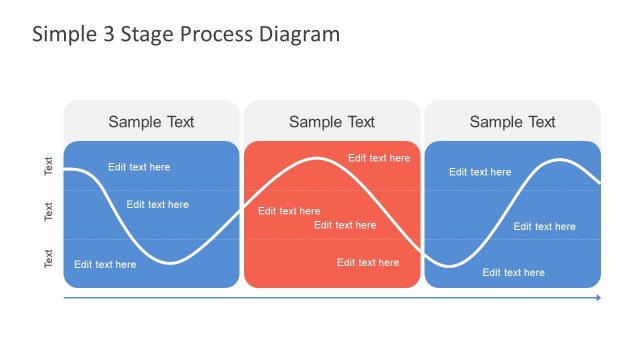
The layout features three distinct sections arranged horizontally. Each section contains a rectangular container with rounded corners, colored alternately in blue and red. Above each container is a placeholder for a title, and below are multiple text placeholders for content, aligned centrally. A wavy line connects the sections, indicating a flow or process. The background is dark, enhancing the visibility of the colored containers and text. The overall composition is balanced, with equal spacing between the sections and a clear visual hierarchy.
How to Use It
This layout serves as a process diagram, ideal for illustrating sequential stages in a project or concept. It fits well in presentations that require a clear depiction of a multi-step process. Suitable scenarios include project management updates, product development stages, or educational content explaining a series of steps. It effectively communicates progression and relationships between stages, making it useful for both business and academic contexts.
Text Placeholders & Capacity
Keep your copy within these limits so it fits without resizing. Node body slots can accommodate roughly 10-15 words each.
| Placeholder | Count | Max characters (approx.) |
|---|---|---|
| Slide title | 1 | 30 |
| Item heading | 3 | 20 |
| Item body | 9 | 50 |
Slide Keywords
Download unlimited PowerPoint templates, charts and graphics for your presentations with our annual plan.
DOWNLOADReturn to Free Simple 3 Stage Process Diagram for PowerPoint.