Slide 4 of 4 from Free Schedule Slide Template
Weekly Schedule Slide PPT Template
Weekly Schedule Slide for Planning
- Table
- Comparison Table
- Process Slide
- 16:9
- 100% Editable
What’s on This Slide
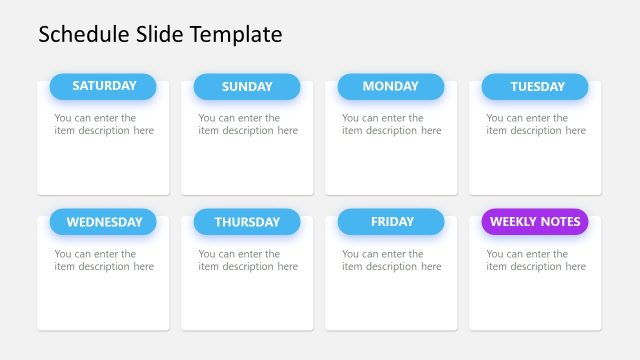
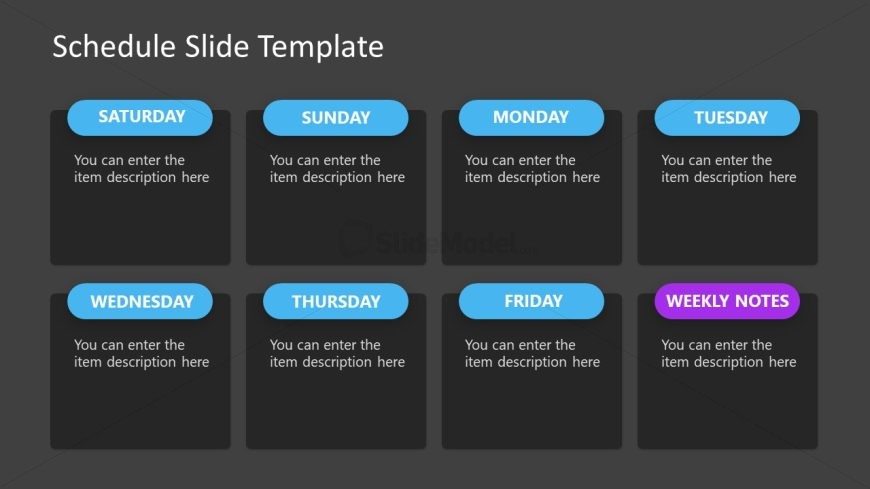
The layout features a grid of eight rectangular sections arranged in two rows and four columns. Each section is labeled with a day of the week, including a 'Weekly Notes' section. The day labels are positioned at the top of each rectangle and are styled in a bold font with a blue background. Below each label, there is a text placeholder for item descriptions, centered within each section. The background is dark gray, providing contrast to the lighter colored sections. The overall composition is structured and organized for clarity.
How to Use It
This layout serves as a weekly schedule, ideal for organizing tasks or events across the week. It fits well in presentations focused on project planning or time management. This structure can be used in business meetings to outline weekly objectives or in educational settings to plan lessons. It is effective for summarizing weekly activities and ensuring clarity in communication.
Text Placeholders & Capacity
Keep your copy within these limits so it fits without resizing. Each item description slot can hold roughly 10 words.
| Placeholder | Count | Max characters (approx.) |
|---|---|---|
| Item heading | 8 | 20 |
| Item body | 8 | 50 |
Slide Keywords
Download unlimited PowerPoint templates, charts and graphics for your presentations with our annual plan.
DOWNLOADReturn to Free Schedule Slide Template.