Slide 3 of 5 from Free Roadmap Slides for PowerPoint
FF0026-01-roadmap-slides-3
Road Bifurcation Slide for Presentations
- Diagram
- Arrow Sequence
- Process Slide
- 16:9
- 100% Editable
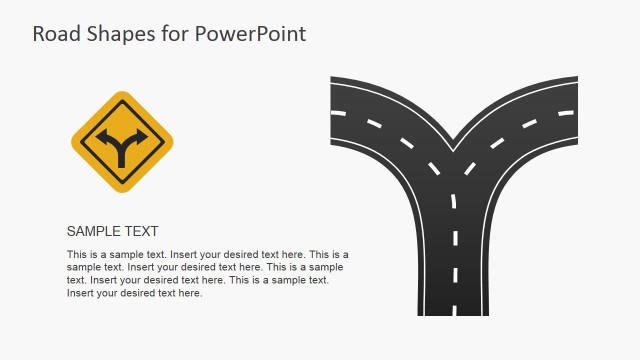
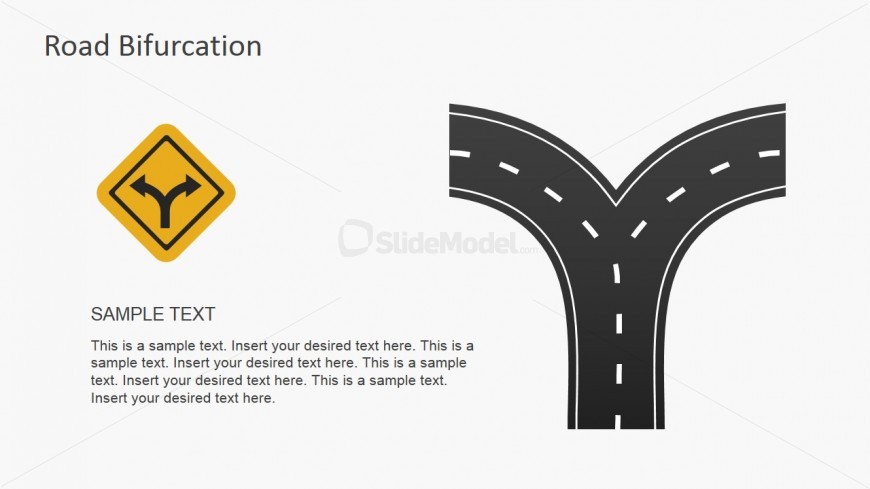
The Road Bifurcation slide from the Free Roadmap Slides for PowerPoint template visually supports strategic planning and decision-making by illustrating diverging paths. This slide layout is ideal for business presentations and pitch deck templates where option analysis and project direction are discussed. Featuring editable shapes and clear text placeholders, it integrates seamlessly into slide decks focused on guiding audiences through complex choices.
What’s on This Slide
The slide features a road bifurcation graphic on the right side, showing two diverging paths. A yellow caution sign with a curved arrow is positioned above the graphic. The left side contains a title placeholder aligned at the top, followed by a subtitle placeholder. Below the subtitle, there is a large text placeholder for body text, which is aligned to the left and spans most of the height of the slide. The background is light gray, providing contrast to the graphic and text elements, creating a clear visual hierarchy.
How to Use It
This layout serves to illustrate decision points or options in a process, making it suitable for discussions on strategic choices or project directions. It fits well in a presentation sequence after outlining a problem or opportunity, guiding the audience toward potential paths forward. This slide can be effectively used in business scenarios such as project planning, strategic decision-making, or presenting alternative solutions in a meeting.
Text Placeholders & Capacity
Keep your copy within these limits so it fits without resizing. Body slots can hold around 40-50 words each without overflow.
| Placeholder | Count | Max characters (approx.) |
|---|---|---|
| Slide title | 1 | 30 |
| Subtitle | 1 | 50 |
| Body paragraph | 1 | 300 |
Slide Keywords
Download unlimited PowerPoint templates, charts and graphics for your presentations with our annual plan.
DOWNLOADReturn to Free Roadmap Slides for PowerPoint.