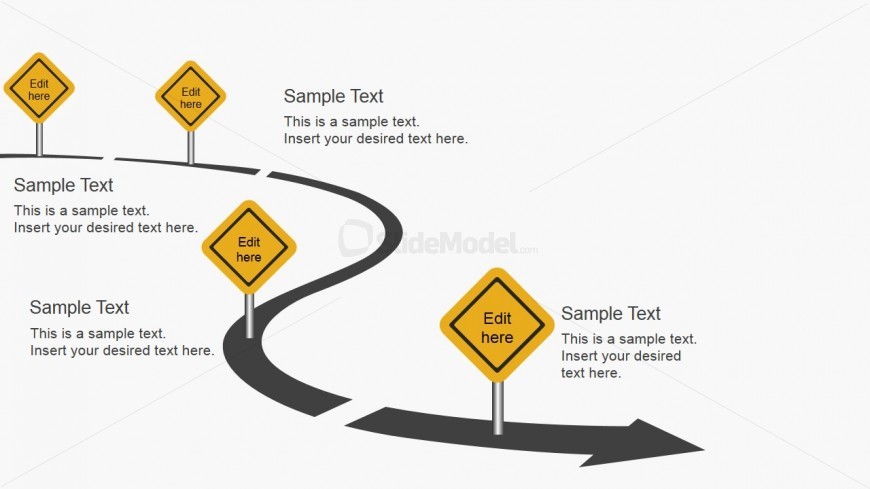
Slide 2 of 5 from Free Roadmap Slides for PowerPoint
FF0026-01-roadmap-slides-2
Curved Roadmap Slide with Editable Signs
- Diagram
- Roadmap
- Process Slide
- 16:9
- 100% Editable
The Curved Roadmap with Signs slide from the Free Roadmap Slides for PowerPoint template offers a clear visual process layout ideal for project timelines and strategic planning. This slide features editable shapes and vector icons arranged along a curved path to illustrate milestones effectively in business presentations or pitch deck templates.
What’s on This Slide
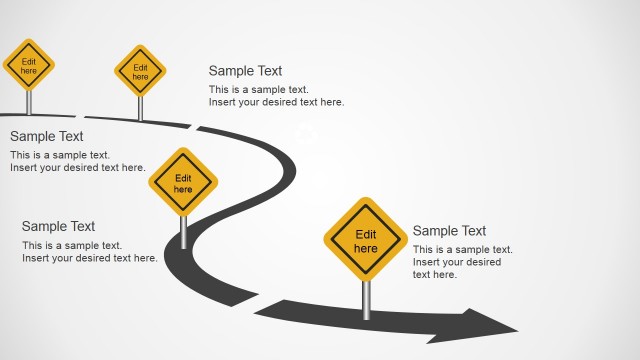
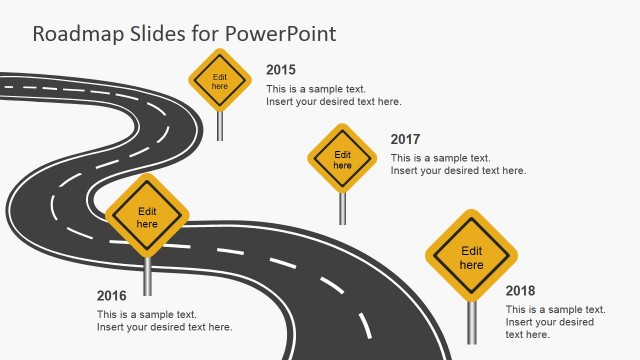
The layout features a curved road design with four traffic signs positioned along the path. The signs are diamond-shaped and colored yellow, with three signs containing editable text placeholders at the top and bottom. The road curves from the left side to the right, creating a visual flow. Each sign has a distinct placement, with some signs aligned vertically and others horizontally. The background is light, enhancing the visibility of the signs and road. Text placeholders are clearly marked, allowing for easy content insertion.
How to Use It
This layout serves as a roadmap to illustrate a sequence of steps or milestones in a project. It fits well in presentations that outline strategic plans or project timelines. The curved design helps convey movement and progression, making it suitable for business scenarios such as project planning, product development timelines, or strategic roadmaps. It can be used to visually guide an audience through a series of phases or key points in a presentation.
Text Placeholders & Capacity
Keep your copy within these limits so it fits without resizing. Node labels can hold up to 50 characters each, while body text slots can accommodate around 100 characters.
| Placeholder | Count | Max characters (approx.) |
|---|---|---|
| Item heading | 4 | 50 |
| Body paragraph | 3 | 100 |
Slide Keywords
Download unlimited PowerPoint templates, charts and graphics for your presentations with our annual plan.
DOWNLOADReturn to Free Roadmap Slides for PowerPoint.