Slide 2 of 2 from Free Pros & Cons PowerPoint Template
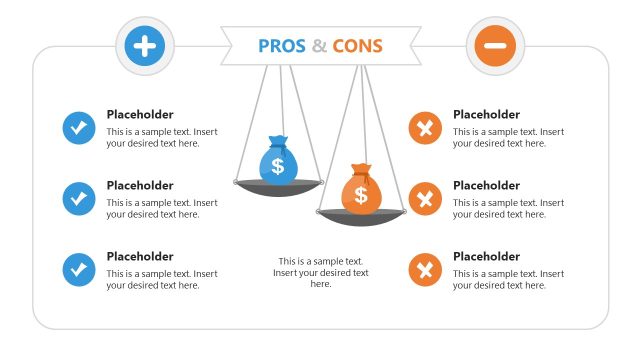
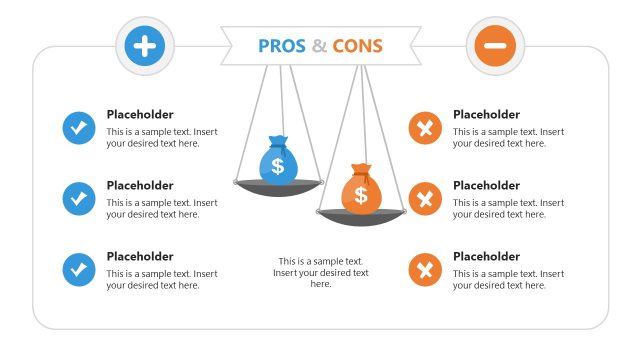
Weighing Machine Illustration Slide for Pros And Cons Comparison
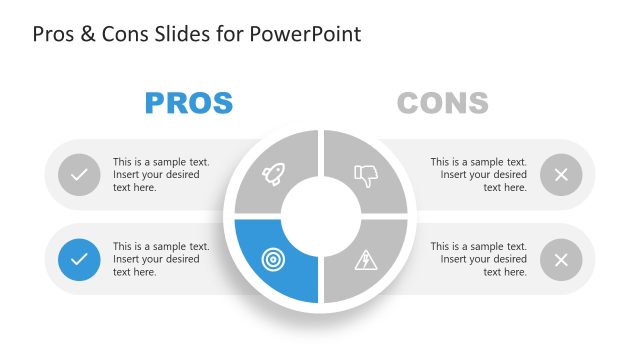
Pros and Cons Comparison Slide
- Table
- Comparison Table
- Evaluation Slide
- 16:9
- 100% Editable
What’s on This Slide
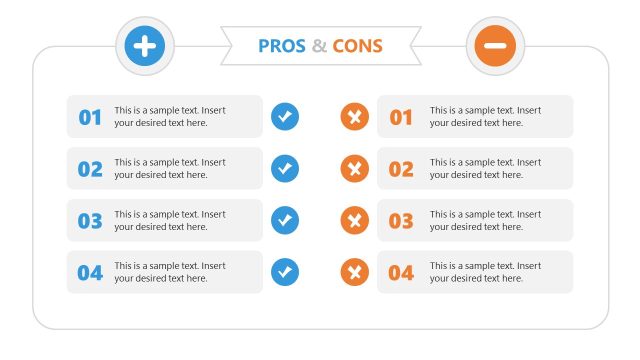
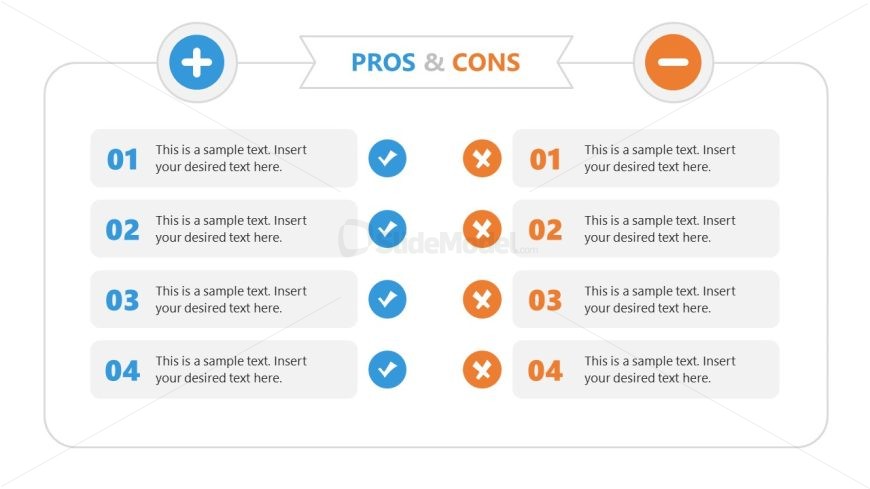
The layout features two columns, one for pros and one for cons, with a header titled 'PROS & CONS' centered at the top. Each column contains four rows, each row has a circular icon on the left indicating either a checkmark or an 'X' for pros and cons, respectively. Text placeholders are aligned to the right of the icons, allowing space for descriptions. The overall color scheme includes blue for pros and orange for cons, with a light background that enhances readability. Each row is visually separated, maintaining a clear structure.
How to Use It
This layout serves as a comparison tool to evaluate the advantages and disadvantages of a subject. It is effective in presentations that require a balanced view, such as product evaluations or decision-making processes. This slide fits well in a sequence following a problem statement, helping to clarify options. It is suitable for business meetings, educational settings, or any scenario where pros and cons need to be presented clearly and concisely.
Text Placeholders & Capacity
Keep your copy within these limits so it fits without resizing. Node body slots can hold roughly 15-20 words each.
| Placeholder | Count | Max characters (approx.) |
|---|---|---|
| Item heading | 4 | 30 |
| Item body | 4 | 100 |
Slide Keywords
Download unlimited PowerPoint templates, charts and graphics for your presentations with our annual plan.
DOWNLOADReturn to Free Pros & Cons PowerPoint Template.