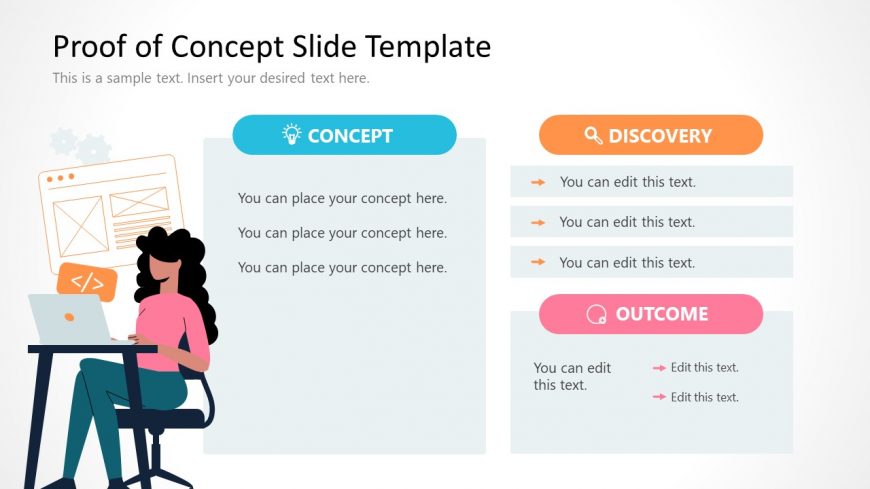
Slide 1 of 2 from Free Proof of Concept Slide Template for PowerPoint
Proof of Concept Slide Design with Creative Visuals
Proof of Concept Slide Overview
- Text Layout
- Other
- Context Slide
- 16:9
- 100% Editable
What’s on This Slide
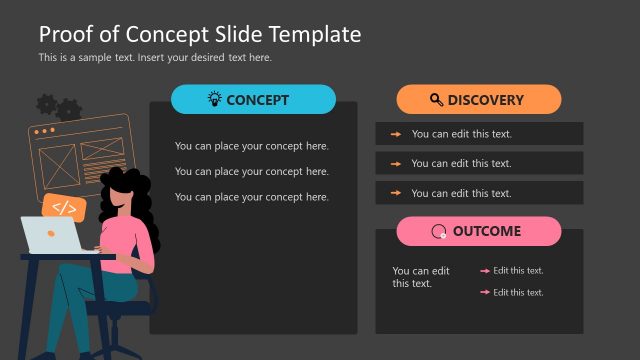
The layout features three main sections aligned vertically on the left, center, and right. The left section contains a visual of a person working at a computer, while the center section is labeled 'CONCEPT' with three text placeholders stacked vertically. The right section is divided into two parts, labeled 'DISCOVERY' and 'OUTCOME,' each with additional text placeholders. Each section has a distinct color scheme, with icons representing the concepts. The overall composition is balanced, with clear visual hierarchy and defined boundaries for each section.
How to Use It
This layout serves as an overview for presenting a proof of concept. It is suitable for introducing key ideas, discoveries, and expected outcomes in a business context. It can be used at the beginning of a presentation to set the stage for detailed discussions. The layout is effective for summarizing project goals, findings, and anticipated results, making it ideal for stakeholder meetings or project kick-offs.
Text Placeholders & Capacity
Keep your copy within these limits so it fits without resizing. Body slots can hold roughly 5-6 words each.
| Placeholder | Count | Max characters (approx.) |
|---|---|---|
| Slide title | 1 | 40 |
| Body paragraph | 6 | 30 |
Slide Keywords
Download unlimited PowerPoint templates, charts and graphics for your presentations with our annual plan.
DOWNLOADReturn to Free Proof of Concept Slide Template for PowerPoint.