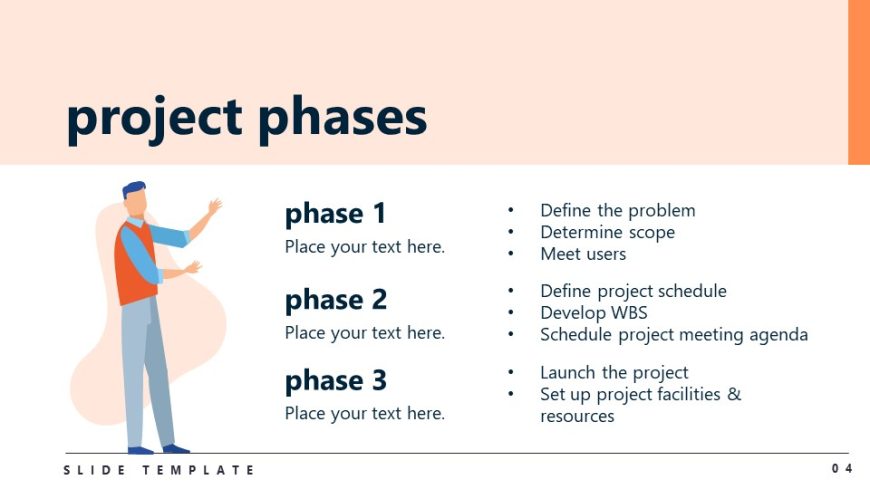
Slide 3 of 6 from Free Project Kickoff Meeting PowerPoint Template
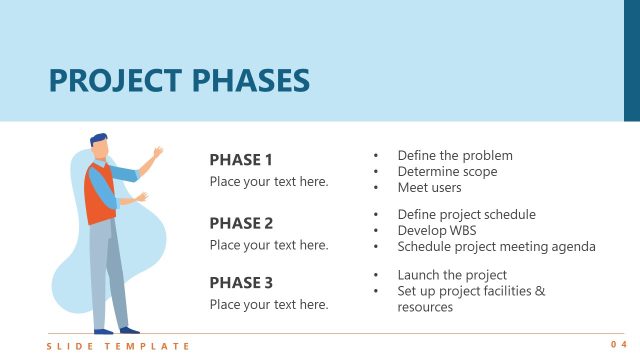
Project Phases Slide with Human Illustration
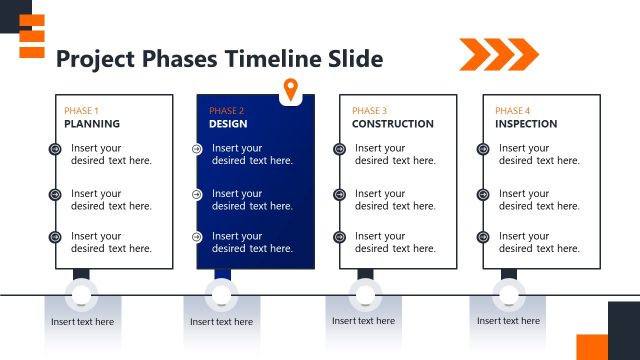
Project Phases Overview Slide
- Text Layout
- List Blocks
- Process Slide
- 16:9
- 100% Editable
The Project Phases Overview slide from the Free Project Kickoff Meeting PowerPoint Template effectively outlines sequential steps in project management. This layout is designed for clarity, featuring labeled phases and bullet points that enhance communication during team planning sessions and project kickoff meetings. The soft peach background adds a professional touch, making it an ideal choice for business presentations.
What’s on This Slide
The layout features a large title at the top center, stating 'project phases.' Below, three sections are aligned vertically on the left side. Each section is labeled 'phase 1,' 'phase 2,' and 'phase 3,' with placeholder text aligned beneath each label. To the right, bullet points provide details for each phase, arranged in a list format. A character illustration is positioned to the left of the first phase, enhancing visual interest. The background is a soft peach color, creating a gentle contrast with the text and elements.
How to Use It
This layout serves as a structured overview of project phases, ideal for presenting sequential steps in a project kickoff meeting. It fits well after introductory slides, providing clarity on project progression. This format is suitable for business scenarios where teams need to outline project stages, such as in project management or planning discussions. It can be used to communicate key tasks and responsibilities associated with each phase effectively.
Text Placeholders & Capacity
Keep your copy within these limits so it fits without resizing. Node body slots can hold approximately 50 characters each.
| Placeholder | Count | Max characters (approx.) |
|---|---|---|
| Slide title | 1 | 20 |
| Item heading | 3 | 10 |
| Item body | 3 | 50 |
| Body paragraph | 3 | 100 |
Slide Keywords
Download unlimited PowerPoint templates, charts and graphics for your presentations with our annual plan.
DOWNLOAD