Slide 5 of 6 from Free Paint Brush Concept PowerPoint Template
FF0039-01-paint-brush-concept-powerpoint-5
Paint Brush Concept PowerPoint Slide
- Text Layout
- Single Statement
- Context Slide
- 16:9
- 100% Editable
The Paint Brush Concept Layout from the Free Paint Brush Concept PowerPoint Template offers a visually engaging slide ideal for creative presentations. Featuring editable shapes and a distinctive paint stroke design, this slide template effectively highlights key concepts and summarizes ideas within a business presentation or pitch deck template.
What’s on This Slide
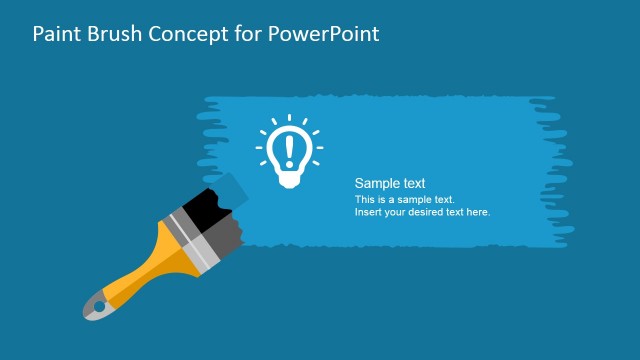
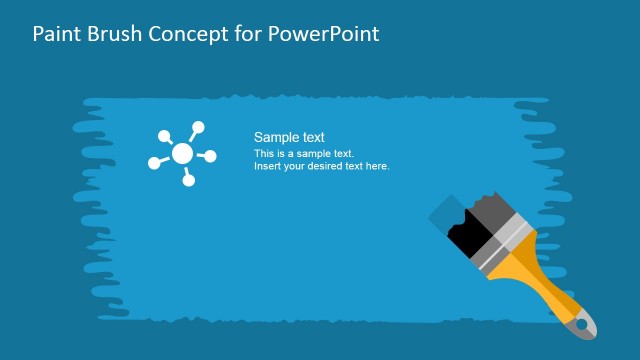
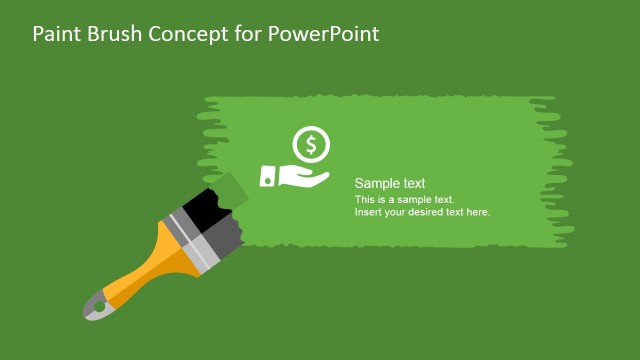
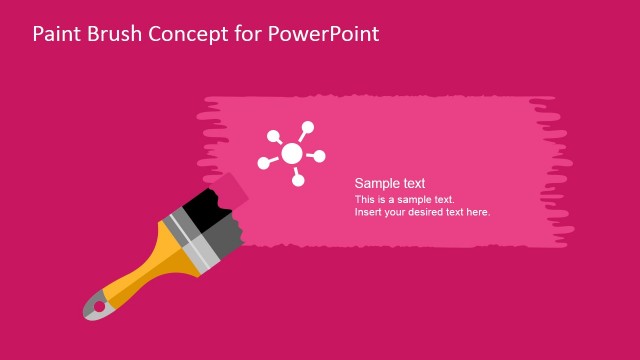
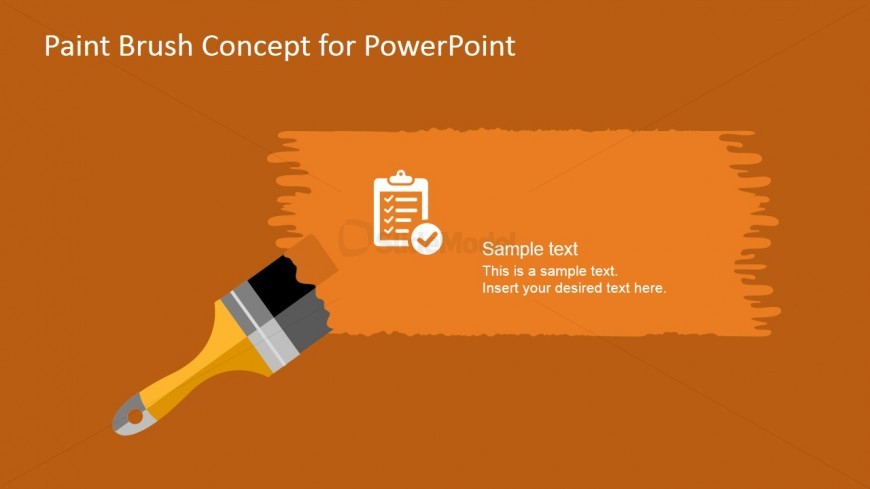
The slide features a solid orange background with a large paint brush graphic positioned on the left side. A paint stroke shape extends from the brush, creating a visual area for text on the right. Inside this area, there are two text placeholders: one for a title aligned at the top and another for body text below it. An icon of a checklist appears to the left of the body text, enhancing the visual hierarchy. The overall composition balances the graphic and text, making the slide visually engaging.
How to Use It
This layout serves as a callout slide, ideal for highlighting key points or concepts in a presentation. It fits well after introductory slides, providing a transition to more detailed discussions. Suitable for creative presentations, it can be used to summarize ideas, benefits, or initiatives related to artistic or design topics. The layout allows for flexibility in content, accommodating various text lengths while maintaining clarity.
Text Placeholders & Capacity
Keep your copy within these limits so it fits without resizing. Body slots can hold approximately 20-25 words each.
| Placeholder | Count | Max characters (approx.) |
|---|---|---|
| Slide title | 1 | 40 |
| Body paragraph | 1 | 150 |
Slide Keywords
Download unlimited PowerPoint templates, charts and graphics for your presentations with our annual plan.
DOWNLOADReturn to Free Paint Brush Concept PowerPoint Template.