Slide 1 of 4 from Free Orange Shapes for PowerPoint
FF0024-01-orange-shapes-1
Text and Device Connection Layout for Presentations
- Diagram
- Arrow Sequence
- Concept Explanation Slide
- 16:9
- 100% Editable
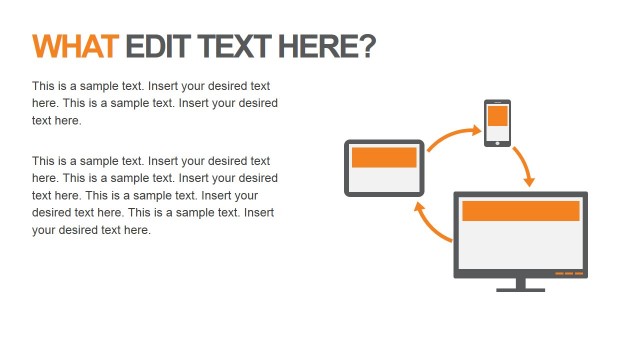
The Text and Device Connection Layout from the Free Orange Shapes for PowerPoint template offers a clear visual framework for illustrating technology integration concepts. This slide template combines editable shapes and vector icons of devices like smartphones, tablets, and computers, linked by arrows to highlight digital workflows. Ideal for business presentations and educational tech workshops, it balances text and visuals effectively within a professional slide deck.
What’s on This Slide
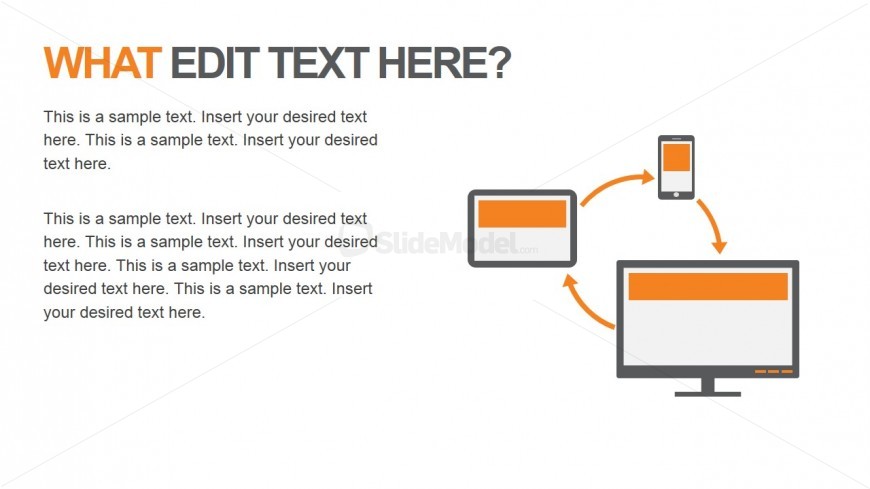
The layout features a large title at the top left, with a bold font. Below, there are three text placeholders arranged vertically, each aligned left. To the right, three device icons-a smartphone, tablet, and computer-are connected by curved arrows. The icons are in a consistent style, with an orange accent on each device. The background is white, creating a clean contrast with the orange elements. The overall composition balances text and visuals, with clear separation between the text and icon areas.
How to Use It
This layout serves as a visual representation of interconnected devices and their functions, suitable for explaining technology integration or digital workflows. It fits well in a presentation sequence after introducing a problem and before discussing solutions. This structure is useful in business contexts like tech presentations, product demonstrations, or educational sessions on digital tools, emphasizing the relationship between devices and their applications.
Text Placeholders & Capacity
Keep your copy within these limits so it fits without resizing. Body slots can accommodate about 25-30 words each.
| Placeholder | Count | Max characters (approx.) |
|---|---|---|
| Slide title | 1 | 30 |
| Body paragraph | 3 | 150 |
Slide Keywords
Download unlimited PowerPoint templates, charts and graphics for your presentations with our annual plan.
DOWNLOADReturn to Free Orange Shapes for PowerPoint.