Slide 1 of 2 from Free Octopus Design for PowerPoint
Octopus PowerPoint Free Diagram Template
Octopus Diagram for Presentations
- Diagram
- Other
- Concept Explanation Slide
- 16:9
- 100% Editable
The Octopus Diagram with Placeholders slide from the Free Octopus Design for PowerPoint template offers a clear visual structure ideal for business presentations and brainstorming sessions. Featuring editable shapes and vector icons arranged symmetrically around a central concept, this slide template supports effective concept explanations and team role presentations within professional slide decks.
What’s on This Slide
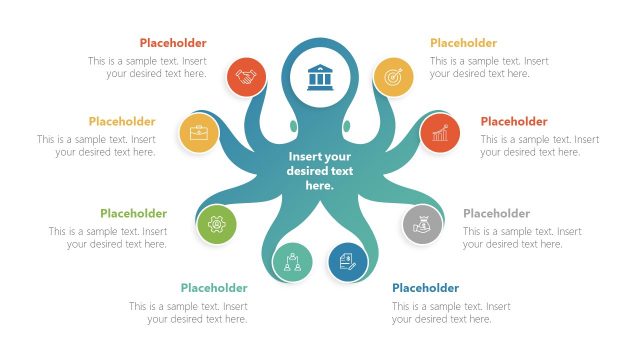
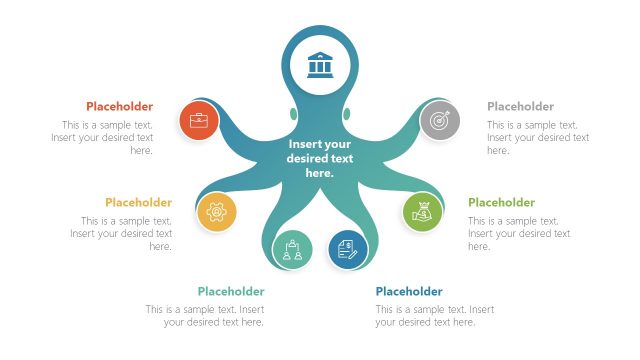
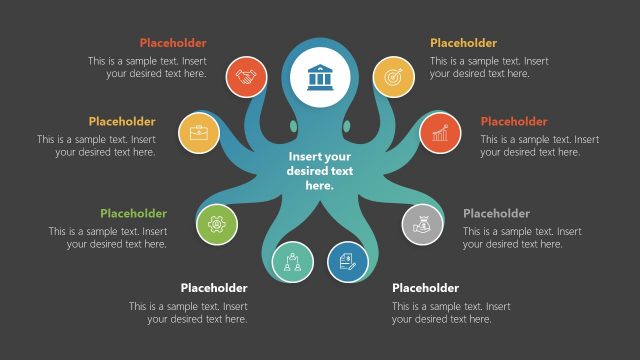
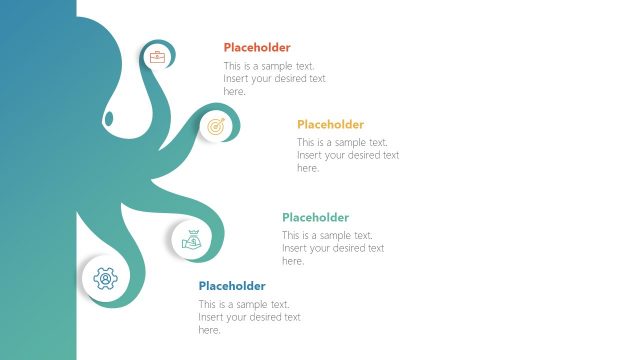
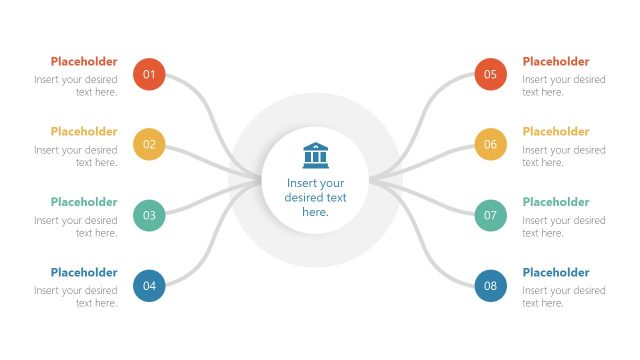
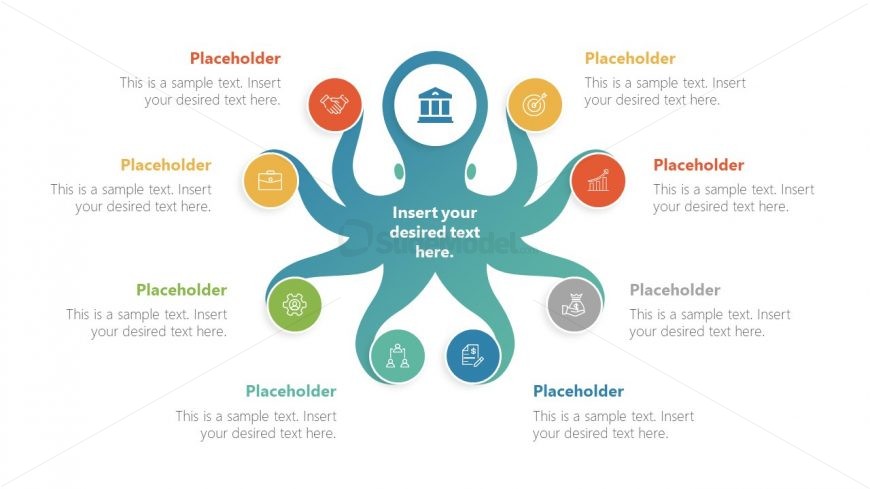
The layout features a central octopus shape with eight tentacles extending outward. Each tentacle contains a circular icon and a text placeholder positioned below it. The central area includes a larger text placeholder for a main title. The octopus is colored in a gradient of teal, while the tentacle icons are in various colors, including orange, green, and blue. The overall composition is symmetrical, with a clear visual hierarchy emphasizing the central placeholder. Background is light, enhancing the visibility of the elements.
How to Use It
This layout serves as a visual representation of interconnected ideas or themes, making it suitable for brainstorming sessions or concept explanations. It fits well in presentations that require illustrating relationships or categories. This structure can be used in business contexts to present strategies, project components, or team roles. It is particularly effective when highlighting multiple aspects of a central topic, allowing for easy audience comprehension and engagement.
Text Placeholders & Capacity
Keep your copy within these limits so it fits without resizing. Node labels can hold about 40 characters each, while the main title can accommodate around 50 characters.
| Placeholder | Count | Max characters (approx.) |
|---|---|---|
| Item heading | 8 | 40 |
| Body paragraph | 1 | 100 |
| Slide title | 1 | 50 |
Slide Keywords
Download unlimited PowerPoint templates, charts and graphics for your presentations with our annual plan.
DOWNLOADReturn to Free Octopus Design for PowerPoint.