Slide 6 of 8 from Free Multi-Purpose PowerPoint Template
Multi-Purpose Business Slide Deck
Introduction Slide with Icons and Text
- Text Layout
- List Blocks
- Context Slide
- 16:9
- 100% Editable
The Introduction with Icons slide from the Free Multi-Purpose PowerPoint Template provides a clear layout for presenting key themes or service overviews. Designed with editable shapes and vector icons, this slide template supports business presentations and pitch deck templates by visually emphasizing core concepts with a professional blue gradient background and consistent typography.
What’s on This Slide
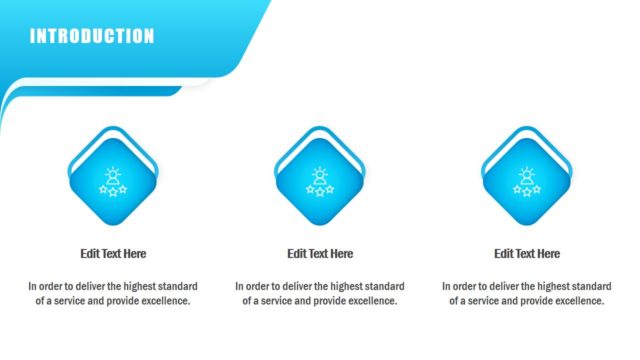
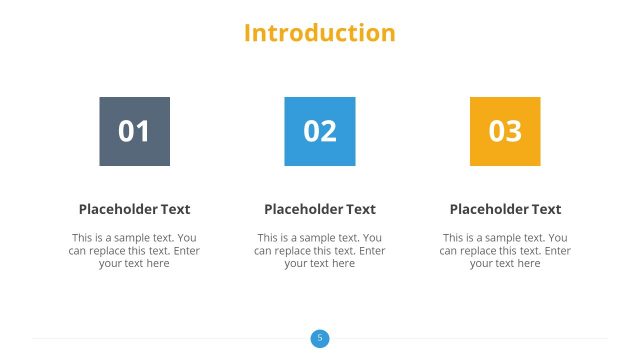
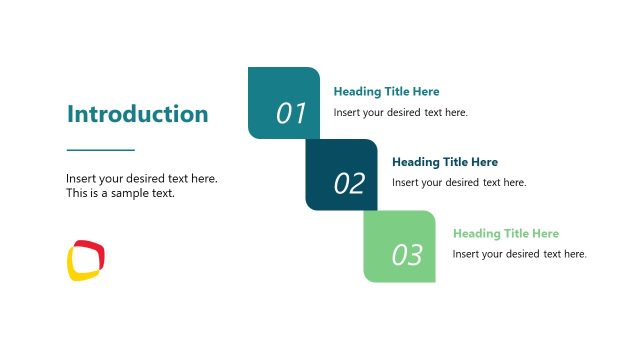
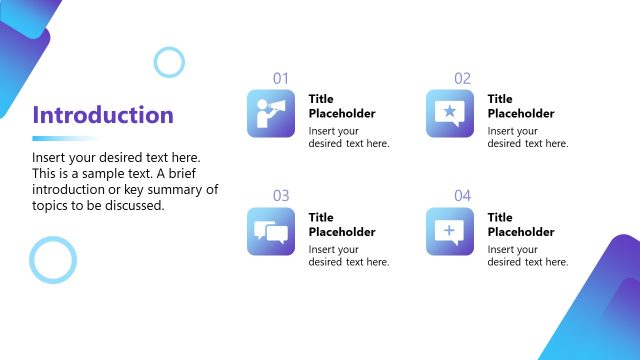
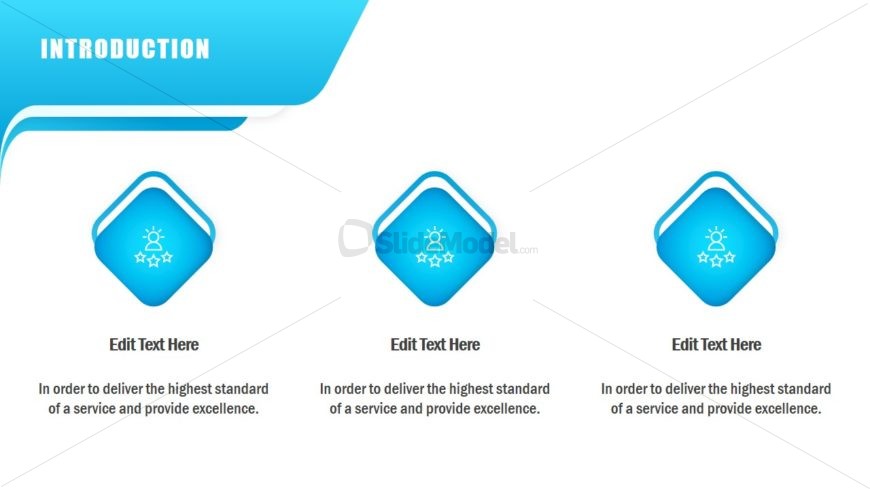
The slide features a top-left title area labeled 'INTRODUCTION' in bold white text against a blue background. Below, three diamond-shaped icons are arranged horizontally, each accompanied by a text placeholder below. The icons are blue with a white outline and depict a person and stars, suggesting a theme of excellence. Each diamond is evenly spaced and of equal size. The text placeholders are centered beneath each icon, with a consistent font style. The background is a gradient of blue, enhancing visual appeal.
How to Use It
This layout serves as an introductory slide, suitable for presenting key themes or concepts at the beginning of a presentation. It fits well after a title slide and before detailed content slides. This structure is effective for business presentations, project introductions, or service overviews, where highlighting core values or objectives is essential. It can be used to summarize the main points that will be discussed in subsequent slides.
Text Placeholders & Capacity
Keep your copy within these limits so it fits without resizing. Node body slots can accommodate roughly 15-20 words each.
| Placeholder | Count | Max characters (approx.) |
|---|---|---|
| Slide title | 1 | 30 |
| Item heading | 3 | 20 |
| Item body | 3 | 80 |
Slide Keywords
Download unlimited PowerPoint templates, charts and graphics for your presentations with our annual plan.
DOWNLOADReturn to Free Multi-Purpose PowerPoint Template.