Slide 26 of 29 from Free Modern Multi Purpose PowerPoint Template
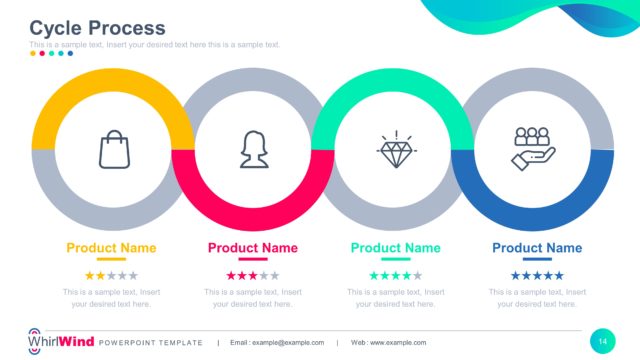
Four Connected Circles Process Diagram
Cycle Process Diagram for Presentations
- Diagram
- Circular Cycle
- Process Slide
- 16:9
- 100% Editable
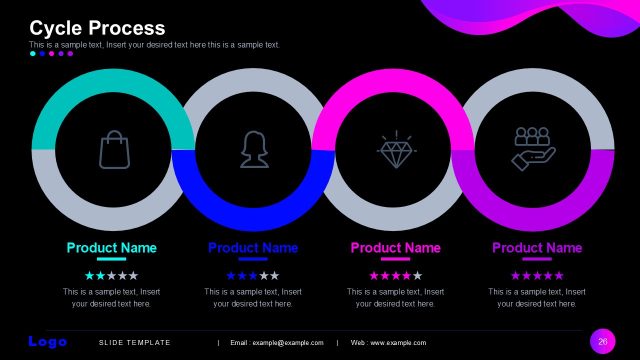
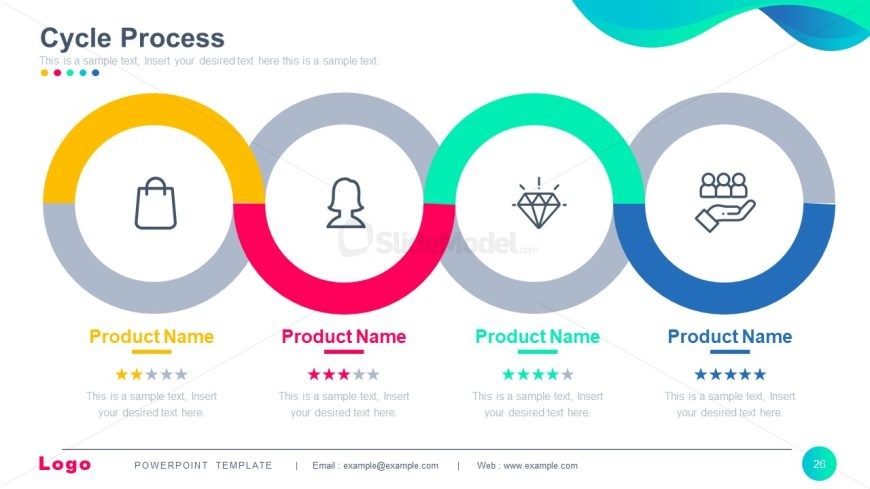
The Cycle Process Diagram from the Free Modern Multi Purpose PowerPoint Template effectively illustrates sequential steps in processes like product development and customer journey mapping. This layout features four circular nodes with icons, alternating colors, and placeholders for product names and ratings, making it ideal for business presentations.
What’s on This Slide
The layout features four circular nodes arranged horizontally. Each node contains an icon centered within a colored circle, with the circles alternating in color: yellow, pink, green, and blue. Below each node, there is a placeholder for 'Product Name' and a star rating graphic. Text placeholders for descriptions are aligned centrally beneath each product name. The background is light with a gradient wave design at the top. The overall structure emphasizes the cycle concept with a clear visual hierarchy among the nodes.
How to Use It
This layout serves as a cycle process diagram, suitable for illustrating sequential steps or stages in a business process. It fits well in a presentation sequence following a problem statement and before a solution overview. Real-world applications include product development cycles, customer journey mapping, or service delivery processes, allowing for clear communication of multi-step processes in a concise format.
Text Placeholders & Capacity
Keep your copy within these limits so it fits without resizing. Node labels can hold about 20 characters each, while body text can fit approximately 50 characters.
| Placeholder | Count | Max characters (approx.) |
|---|---|---|
| Item heading | 4 | 20 |
| Item body | 4 | 50 |
| Chart title | 1 | 30 |
Slide Keywords
Download unlimited PowerPoint templates, charts and graphics for your presentations with our annual plan.
DOWNLOAD