Slide 4 of 4 from Free Mission & Vision Slide Template for PowerPoint
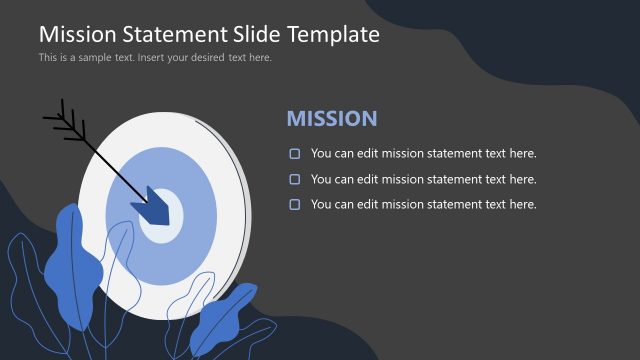
Vision and Mission Presentation Template Slide with Dark Background
Vision and Mission Overview Slide
- Text Layout
- Two Column Text
- Strategic Analysis Slide
- 16:9
- 100% Editable
What’s on This Slide
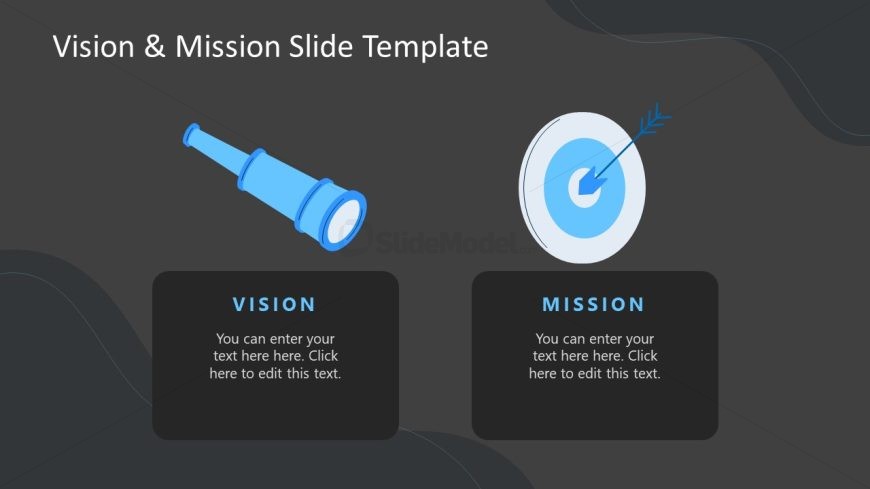
The slide features a dark background with two main sections positioned side by side. On the left, there is a telescope icon representing 'Vision,' with a text placeholder below it. On the right, a target icon symbolizes 'Mission,' also accompanied by a text placeholder. Both sections are visually balanced, with the icons centered above their respective labels. The text placeholders are aligned centrally within their containers, which are rectangular and have rounded corners. The overall layout emphasizes clarity and separation between the two concepts.
How to Use It
This layout serves to present a clear distinction between an organization's vision and mission. It is suitable for introductory slides in strategic planning presentations or organizational overviews. This structure can be effectively used in business meetings, workshops, or educational settings where clarity in mission and vision statements is essential. It fits well after problem framing slides to outline the organization's direction.
Text Placeholders & Capacity
Keep your copy within these limits so it fits without resizing. Node body slots can hold around 100 characters each.
| Placeholder | Count | Max characters (approx.) |
|---|---|---|
| Slide title | 1 | 30 |
| Item heading | 2 | 20 |
| Item body | 2 | 100 |
Slide Keywords
Download unlimited PowerPoint templates, charts and graphics for your presentations with our annual plan.
DOWNLOADReturn to Free Mission & Vision Slide Template for PowerPoint.