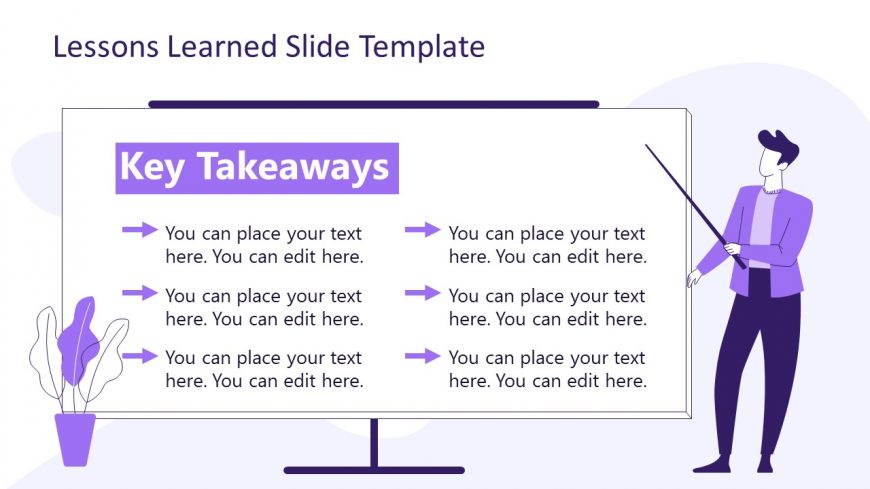
Slide 2 of 4 from Free Lessons Learned PowerPoint Template
PPT Slide for Key Takeaways Presentation
Key Takeaways Slide for Lessons Learned
- Text Layout
- List Blocks
- Concept Explanation Slide
- 16:9
- 100% Editable
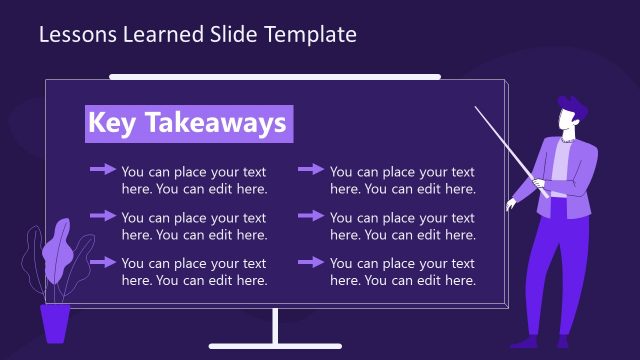
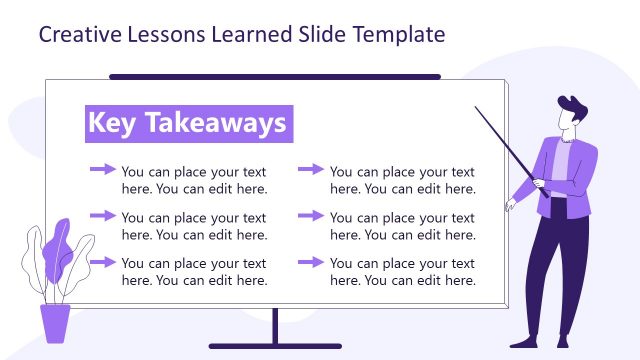
The Key Takeaways Layout from the Free Lessons Learned PowerPoint Template effectively summarizes project insights and training highlights. This structured slide design features a central container for key points, enhancing clarity and focus. Ideal for business presentations, it facilitates the communication of essential lessons learned during team meetings or project debriefs.
What’s on This Slide
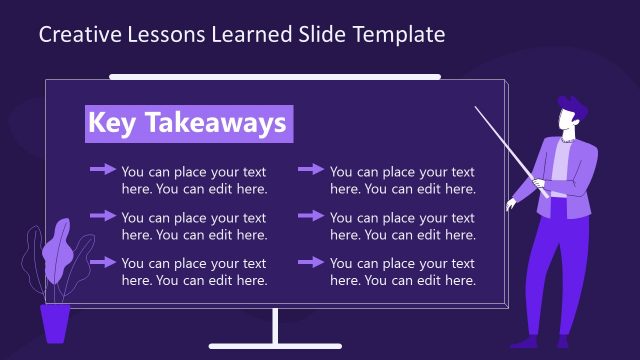
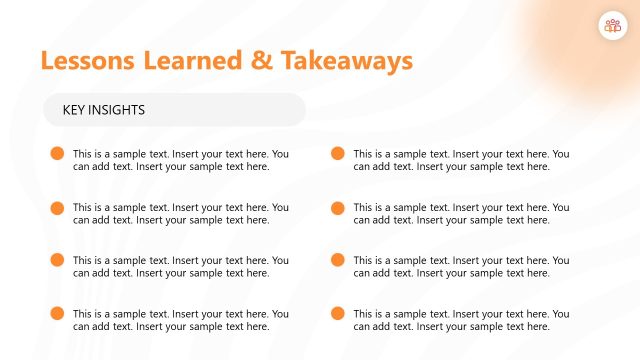
The layout features a central rectangular container with a bold title at the top labeled 'Key Takeaways.' Below the title, there are four text placeholders arranged vertically, each accompanied by a right-pointing arrow. The arrows indicate a flow from the left to the right. To the left of the text area, there is a decorative plant element. A character holding a pointer is positioned on the right side, enhancing the visual hierarchy. The background has a light gradient, contributing to the overall composition.
How to Use It
This layout serves as a summary slide, ideal for presenting key insights or lessons learned in a structured manner. It fits well after a problem or analysis slide, transitioning into actionable takeaways. Business scenarios include project debriefs, training sessions, or team meetings where summarizing insights is crucial. This slide can be used individually to highlight important points in various contexts.
Text Placeholders & Capacity
Keep your copy within these limits so it fits without resizing. Node body slots can hold about 10-12 words each.
| Placeholder | Count | Max characters (approx.) |
|---|---|---|
| Slide title | 1 | 30 |
| Item body | 4 | 50 |
| Item heading | 4 | 20 |
Slide Keywords
Download unlimited PowerPoint templates, charts and graphics for your presentations with our annual plan.
DOWNLOADReturn to Free Lessons Learned PowerPoint Template.