Slide 1 of 1 from Free Key Highlights PowerPoint Template
Free Key Highlights Presentation Template
Key Highlights Overview Slide
- Diagram
- Comparison Split
- Context Slide
- 16:9
- 100% Editable
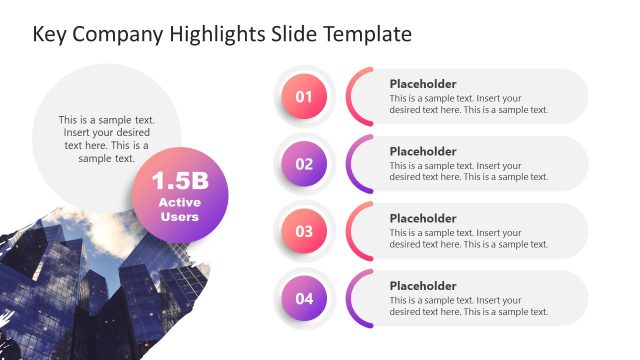
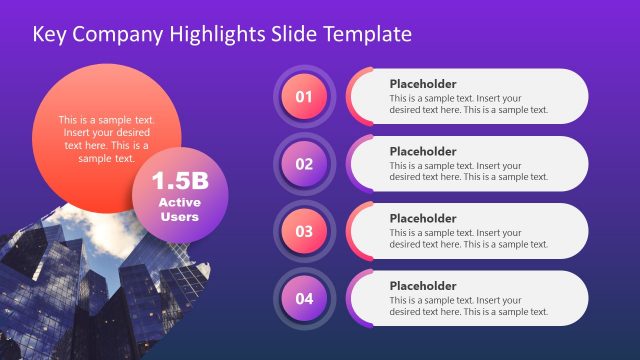
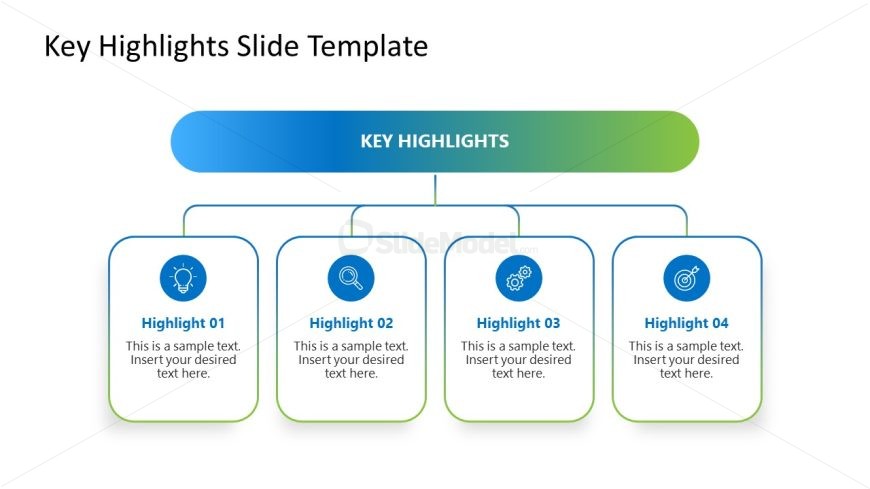
The Key Highlights Overview slide from the Free Key Highlights PowerPoint Template effectively presents key features and project updates. With a balanced design featuring four editable shapes and icons, this slide is ideal for business presentations and summarizing product benefits.
What’s on This Slide
The layout features a central title at the top, labeled 'KEY HIGHLIGHTS', with a gradient background transitioning from blue to green. Below, four rectangular nodes are evenly spaced in a row, each containing an icon and a placeholder for text. The icons represent different highlights, with the first node on the left containing a light bulb, followed by a magnifying glass, a gear, and a target icon. Each node has a rounded border and is aligned vertically with the text placeholders centered within. The overall composition is balanced and organized.
How to Use It
This layout serves as a summary slide to present key highlights or features in a clear and concise manner. It fits well in the introduction or overview section of a presentation, allowing for quick communication of important points. This structure is suitable for business meetings, product launches, or project updates where summarizing highlights is essential. It can be used individually to emphasize specific features or benefits in various contexts.
Text Placeholders & Capacity
Keep your copy within these limits so it fits without resizing. Node body slots can hold about 10 words each.
| Placeholder | Count | Max characters (approx.) |
|---|---|---|
| Slide title | 1 | 30 |
| Item heading | 4 | 20 |
| Item body | 4 | 50 |
Slide Keywords
Download unlimited PowerPoint templates, charts and graphics for your presentations with our annual plan.
DOWNLOADReturn to Free Key Highlights PowerPoint Template.