Slide 1 of 4 from Free Hexagonal PowerPoint Template Diagram
Editable Hexagonal PowerPoint Template Slide
Hexagonal Diagram Slide Template
- Diagram
- Other
- Concept Explanation Slide
- 16:9
- 100% Editable
What’s on This Slide
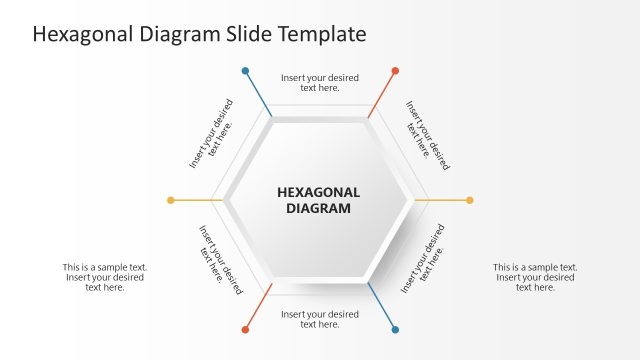
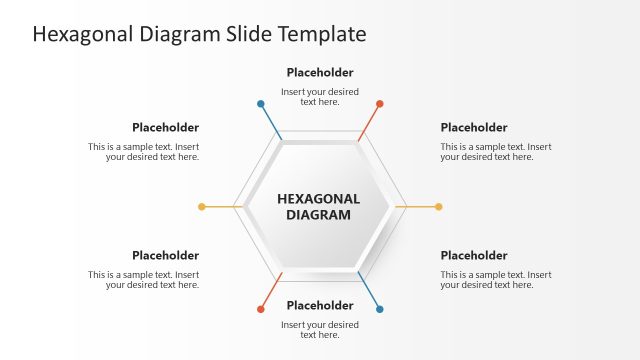
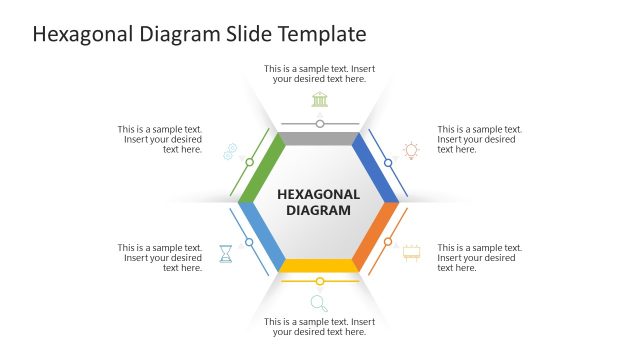
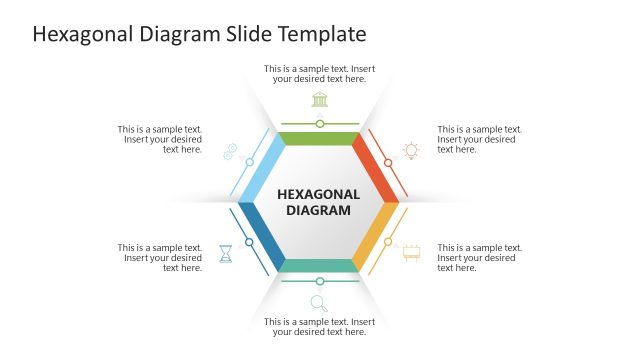
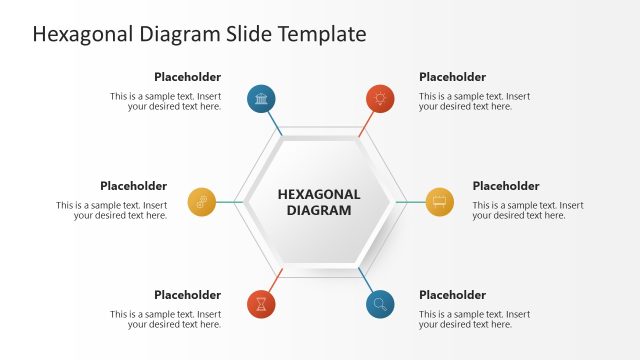
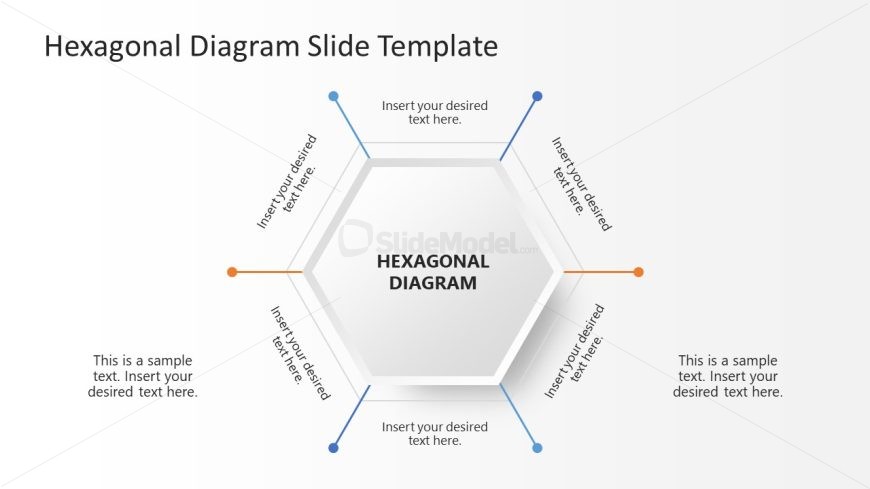
The layout features a central hexagon labeled 'HEXAGONAL DIAGRAM' surrounded by six text placeholders. These placeholders are positioned at the top, bottom, and sides of the hexagon, each aligned to point towards the center. The placeholders are arranged in a radial pattern, creating a visual flow towards the central hexagon. The background is light with a gradient effect, enhancing the visual hierarchy. The text placeholders are of equal size, and there is a sample text placeholder at the bottom left, indicating additional content space. Overall, the design is structured and organized.
How to Use It
This layout serves as a visual representation of interconnected ideas or components, making it suitable for brainstorming sessions or strategic planning. It fits well in presentations that require illustrating relationships or processes. This structure is effective for showcasing product features, project phases, or team roles. It can be used in business meetings to facilitate discussions or in educational settings to explain complex concepts. The hexagonal shape allows for a clear and engaging presentation of multiple elements.
Text Placeholders & Capacity
Keep your copy within these limits so it fits without resizing. Node slots can hold about 30 characters each, while body slots can hold around 70 characters.
| Placeholder | Count | Max characters (approx.) |
|---|---|---|
| Item body | 6 | 30 |
| Body paragraph | 2 | 70 |
| Slide title | 1 | 30 |
Slide Keywords
Download unlimited PowerPoint templates, charts and graphics for your presentations with our annual plan.
DOWNLOADReturn to Free Hexagonal PowerPoint Template Diagram.