Slide 1 of 3 from Free Head Design for PowerPoint
Silhouette PowerPoint of Human Head
Head Design for PowerPoint - Slide 1
- Text Layout
- List Blocks
- Process Slide
- 16:9
- 100% Editable
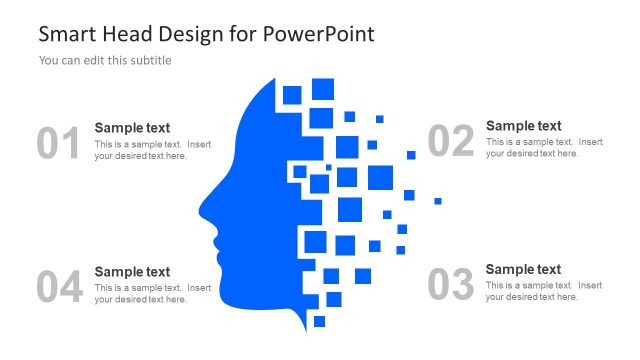
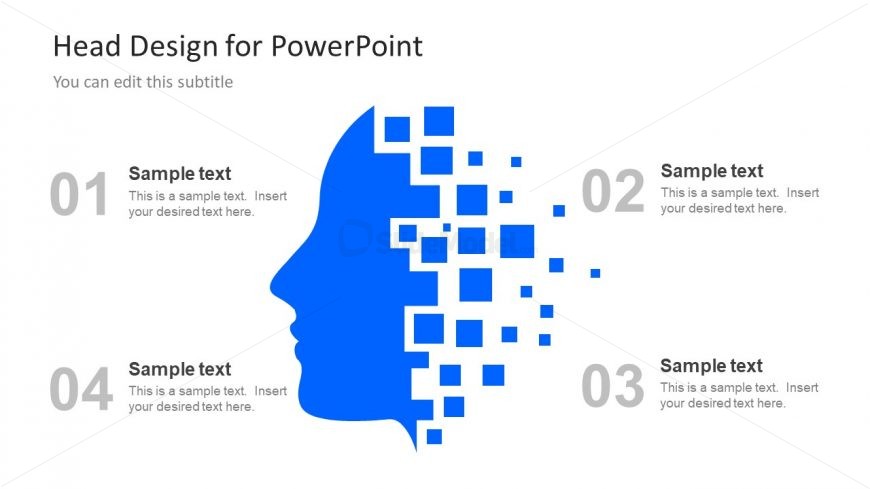
The Head Design with Steps slide from the Free Head Design for PowerPoint template offers a structured layout ideal for illustrating step-by-step processes in healthcare or brain-related topics. Featuring editable shapes and numbered text placeholders alongside a distinctive blue head silhouette, this slide supports clear communication in corporate presentations and pitch deck templates focused on medical or AI innovations.
What’s on This Slide
The layout features a large blue silhouette of a human head on the right side, composed of smaller squares that appear to dissolve toward the left. Four numbered text placeholders are positioned on the left side, aligned vertically. The first placeholder is at the top, followed by the second, third, and fourth, which are evenly spaced. Each placeholder includes a title and a body text section. The background is white, providing contrast to the blue silhouette and gray text. The overall composition emphasizes the head graphic while maintaining a clear structure for text.
How to Use It
This layout serves as an introductory slide for presenting a sequence of steps or concepts related to the human head or brain. It fits well at the beginning of a presentation to outline key points or stages in a process. Suitable scenarios include discussions on artificial intelligence, healthcare innovations, or bioinformatics. The numbered format supports clarity and organization, guiding the audience through the content effectively.
Text Placeholders & Capacity
Keep your copy within these limits so it fits without resizing. Node body slots can hold about 10-15 words each.
| Placeholder | Count | Max characters (approx.) |
|---|---|---|
| Slide title | 1 | 30 |
| Subtitle | 1 | 50 |
| Item heading | 4 | 10 |
| Item body | 4 | 50 |
Slide Keywords
Download unlimited PowerPoint templates, charts and graphics for your presentations with our annual plan.
DOWNLOADReturn to Free Head Design for PowerPoint.