Slide 7 of 7 from Free Gantt Chart PowerPoint Templates
Horizontal Timeline Templates Gantt Chart Design
Gantt Chart Timeline for Project Planning
- Chart
- Gantt
- Project Plan Slide
- 16:9
- 100% Editable
What’s on This Slide
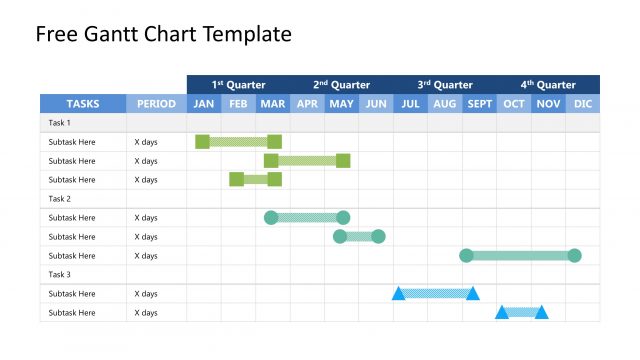
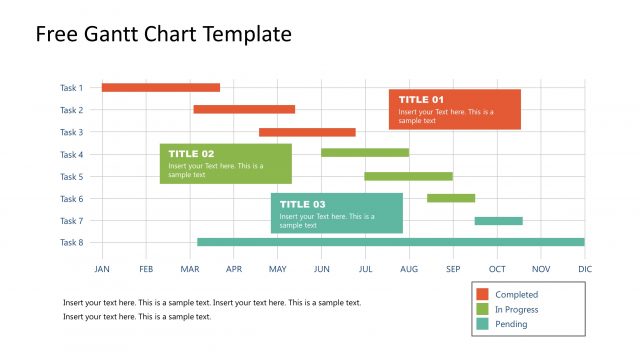
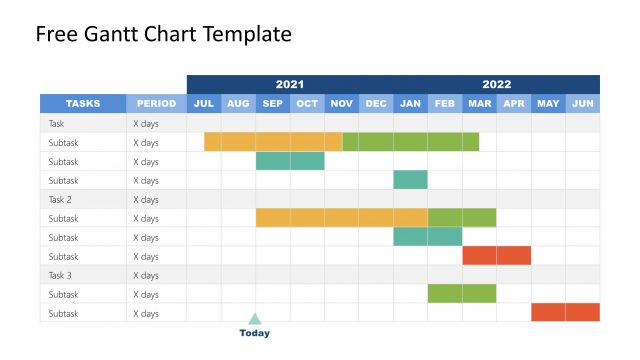
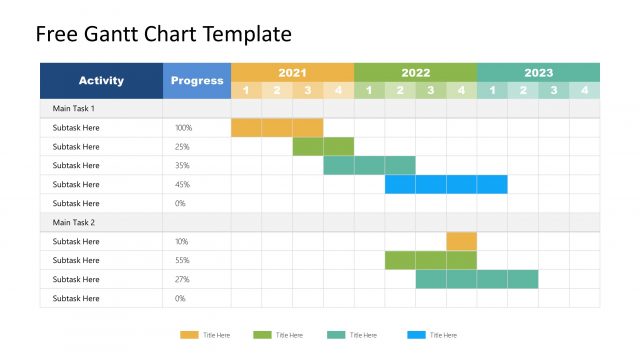
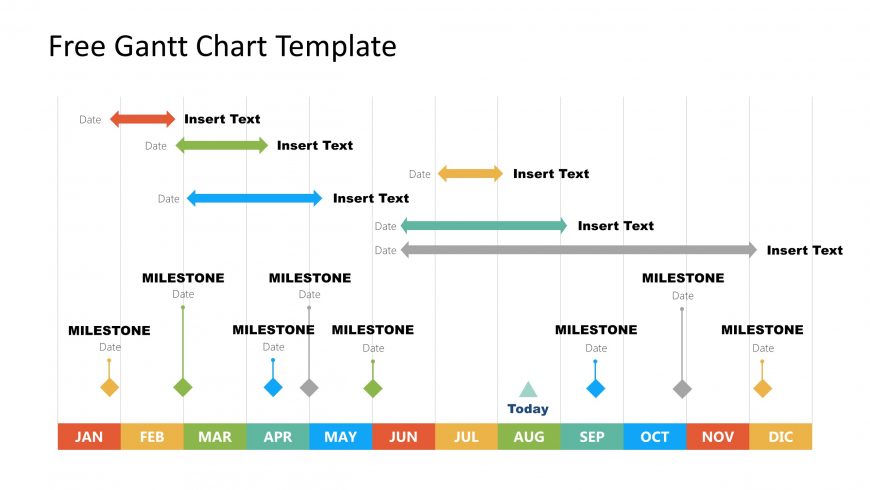
The layout features a horizontal timeline with months labeled from January to December at the bottom. Above the timeline are several horizontal bars representing tasks, with varying lengths and colors indicating progress. Milestones are marked with diamond shapes at specific points along the timeline. Each task has a corresponding text placeholder for descriptions and dates, aligned above or below the bars. The 'Today' marker is represented by a triangle shape, indicating the current date. Color contrasts enhance visual clarity.
How to Use It
This layout serves as a Gantt chart for project management, illustrating timelines and milestones. It fits into a presentation sequence where project planning or scheduling is discussed. This slide is useful for tracking project phases, deadlines, and task progress. It can be applied in business scenarios such as project updates, resource allocation discussions, or strategic planning sessions. The visual structure allows for easy updates and clear communication of project timelines.
Text Placeholders & Capacity
Keep your copy within these limits so it fits without resizing. Node labels can hold about 15 characters each, while node bodies can accommodate around 50 characters.
| Placeholder | Count | Max characters (approx.) |
|---|---|---|
| Item heading | 6 | 15 |
| Item body | 6 | 50 |
| Chart title | 1 | 30 |
| Footer | 1 | 30 |
Slide Keywords
Download unlimited PowerPoint templates, charts and graphics for your presentations with our annual plan.
DOWNLOADReturn to Free Gantt Chart PowerPoint Templates.