Slide 9 of 15 from Free Flat Project Management PowerPoint Templates
Content Slides Free Project Management
Text Block with Color Bars for Project Management
- Text Layout
- Other
- Project Overview Slide
- 16:9
- 100% Editable
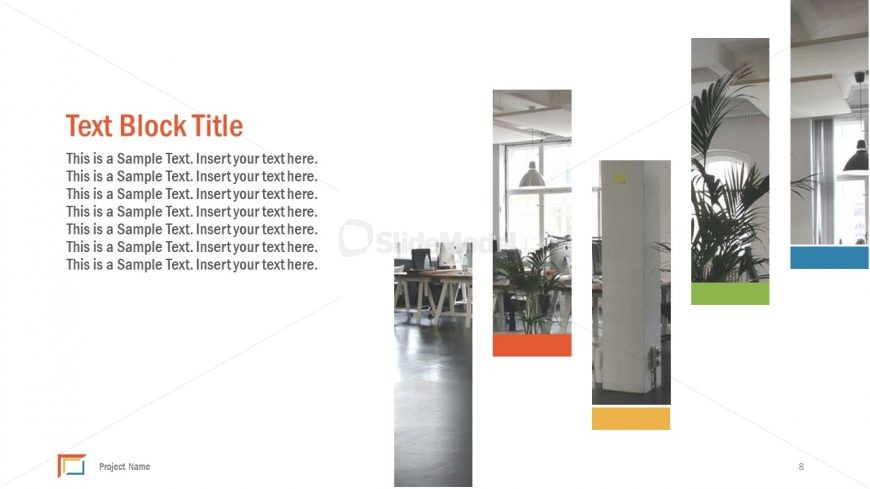
The Text Block with Color Bars slide from the Free Flat Project Management PowerPoint Templates offers a clear layout for project overviews. This slide template features editable shapes and color bars that visually segment information, making it suitable for project updates, status reports, and team introductions within a business presentation or slide deck.
What’s on This Slide
The layout features a large left-aligned text block with a title and several lines of sample text. The title is prominently displayed at the top in a bold font. To the right, there are four vertical color bars, each containing a different image or color, arranged in a staggered manner. The color bars vary in height and are visually distinct, creating a dynamic visual flow. The background is predominantly white, enhancing the contrast with the colorful elements. There is a footer area for project name placement.
How to Use It
This layout serves as a text-centric slide suitable for presenting project details or updates. It fits well in a sequence that requires elaboration on project components or milestones. Ideal for business presentations, it can be used to summarize project objectives, timelines, or team roles. The color bars can be adapted to represent different categories or themes relevant to the project, making it versatile for various contexts.
Text Placeholders & Capacity
Keep your copy within these limits so it fits without resizing. Body slots can accommodate roughly 6 lines of text.
| Placeholder | Count | Max characters (approx.) |
|---|---|---|
| Slide title | 1 | 30 |
| Body paragraph | 6 | 50 |
| Footer | 1 | 20 |
Slide Keywords
Download unlimited PowerPoint templates, charts and graphics for your presentations with our annual plan.
DOWNLOADReturn to Free Flat Project Management PowerPoint Templates.