Slide 1 of 3 from Free Flat Infographic Elements for PowerPoint
Flat Interface PowerPoint Template
Flat Interface Infographic for Presentations
- Media Layout
- Other
- Concept Explanation Slide
- 16:9
- 100% Editable
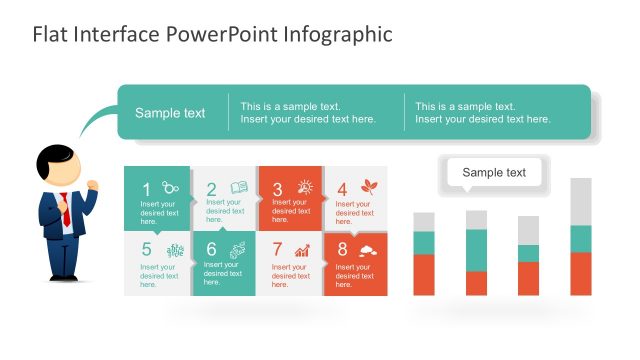
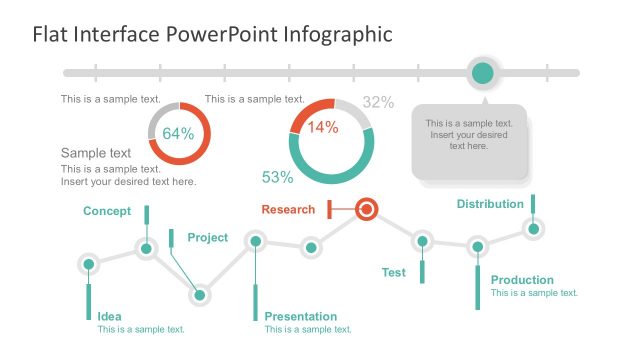
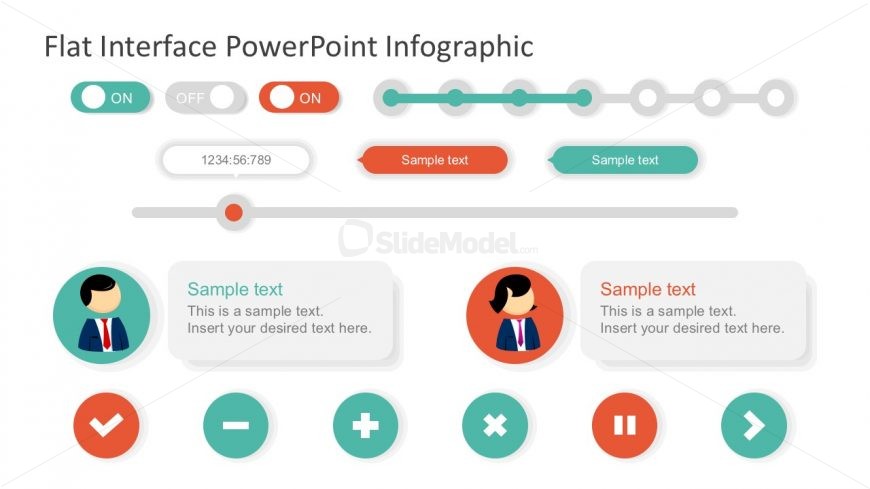
The Flat Interface Infographic slide from the Free Flat Infographic Elements for PowerPoint template offers an editable layout ideal for showcasing user interface features and interactive elements. This slide template supports clear comparison and feature overview, making it suitable for business presentations or pitch decks that require a clean, modern design with editable shapes and vector icons.
What’s on This Slide
The layout features a series of toggle switches at the top, labeled 'ON' and 'OFF', with a central time display. Below, there are two circular character icons, each accompanied by text placeholders. The first icon is on the left, with a light background, while the second is on the right, with a darker background. Additional elements include various buttons, such as checkmarks and plus signs, arranged in a row. Text placeholders are present throughout, indicating where specific content can be inserted. The overall composition is balanced and organized.
How to Use It
This layout serves as an interactive interface for presenting information in a visually engaging manner. It is suitable for scenarios such as user experience demonstrations, product features, or process overviews. The arrangement allows for easy comparison of options and functionalities, making it ideal for tech-related presentations. This slide fits well within a sequence that introduces concepts before diving into detailed analysis or case studies.
Text Placeholders & Capacity
Keep your copy within these limits so it fits without resizing. Text slots can accommodate short phrases, roughly 5-10 words each.
| Placeholder | Count | Max characters (approx.) |
|---|---|---|
| Item body | 4 | 50 |
| Item heading | 2 | 20 |
| Chart title | 1 | 40 |
Slide Keywords
Download unlimited PowerPoint templates, charts and graphics for your presentations with our annual plan.
DOWNLOAD