Slide 2 of 8 from Free Flat Elements for PowerPoint Infographics
Tag Timeline Process Diagram Slide
Process Flow with Text Boxes for Presentations
- Diagram
- Process Flow
- Process Slide
- 16:9
- 100% Editable
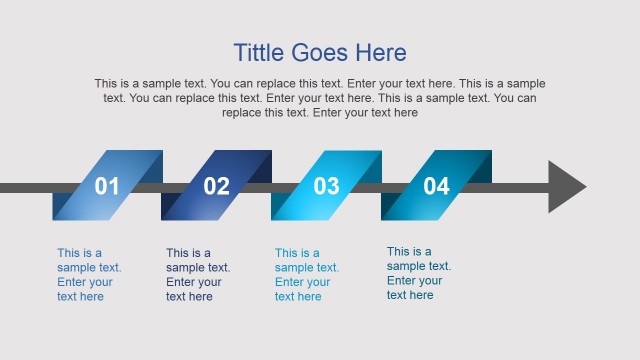
The Process Flow with Text Boxes slide from the Free Flat Elements for PowerPoint Infographics template offers a clear visual sequence ideal for illustrating workflows or project phases. This slide layout uses editable shapes and color gradients to emphasize step-by-step progress, making it suitable for business presentations and project management slide decks that require concise process explanations.
What’s on This Slide
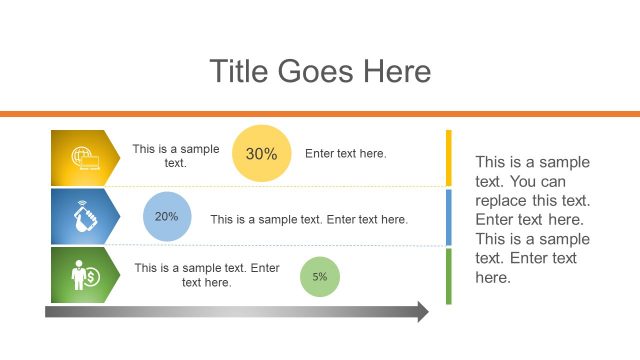
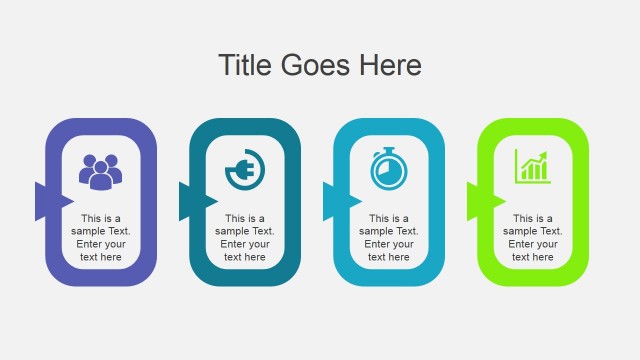
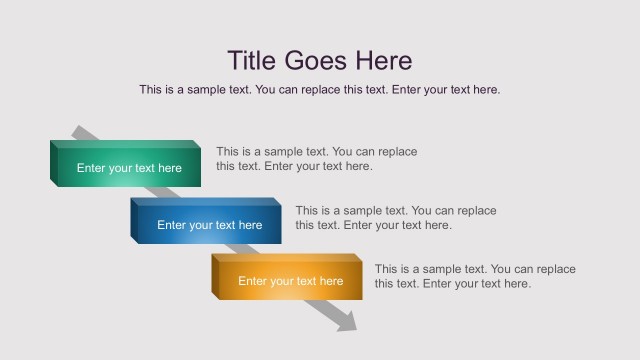
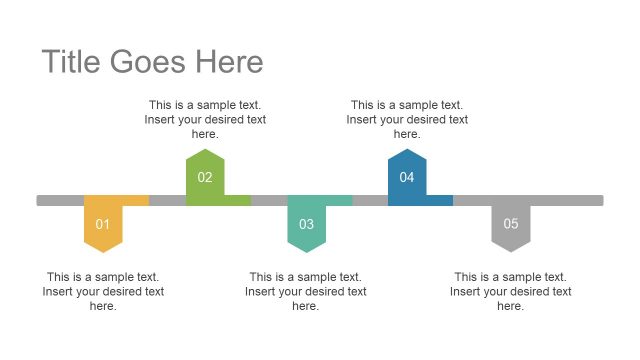
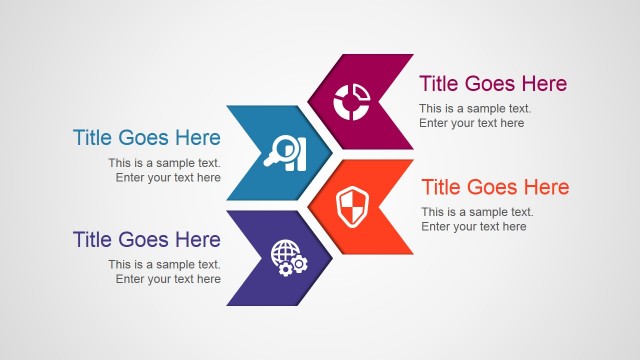
The layout features a horizontal arrangement of three rectangular text boxes, each with an arrow pointing to the next. The first box is gray, the second is red, and the third is green, creating a color gradient effect. Below the boxes, there is a larger rectangular area with a light orange background containing additional text placeholders. The title is positioned at the top center, with a large font size. Each text box contains a placeholder for sample text, aligned centrally within the shapes. The overall composition emphasizes a sequential flow.
How to Use It
This layout serves to illustrate a process or workflow, making it suitable for presentations that require step-by-step explanations. It fits well after a problem slide, leading into a solution or action plan. This structure is useful in business contexts such as project management, product development, or operational processes, where clarity in sequential steps is essential. It can also be used to outline phases in a project timeline or stages in a decision-making process.
Text Placeholders & Capacity
Keep your copy within these limits so it fits without resizing. Body slots can hold about 10-15 words each.
| Placeholder | Count | Max characters (approx.) |
|---|---|---|
| Slide title | 1 | 30 |
| Item body | 3 | 50 |
| Body paragraph | 1 | 200 |
Slide Keywords
Download unlimited PowerPoint templates, charts and graphics for your presentations with our annual plan.
DOWNLOAD