Slide 1 of 8 from Free Flat Elements for PowerPoint Infographics
Infographic PowerPoint of Free Flat Elements
Five Icon Sections for Infographics
- Text Layout
- List Blocks
- Context Slide
- 16:9
- 100% Editable
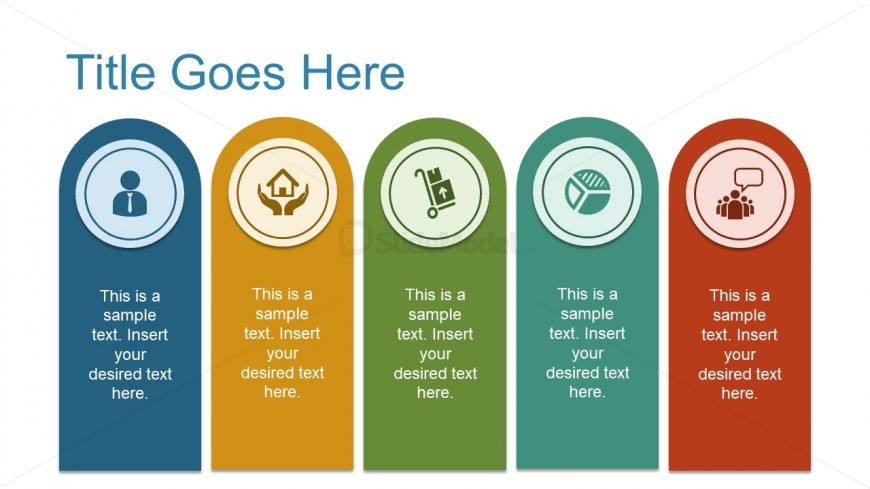
The Five Icon Sections with Text slide from the Free Flat Elements for PowerPoint Infographics template offers a clear layout to introduce product features or service categories. This slide design uses editable shapes and vector icons arranged in five vertical sections, making it suitable for business presentations or pitch deck templates that require structured and visually engaging content.
What’s on This Slide
The layout features five vertical sections, each containing a circular icon at the top, aligned centrally. The icons represent different categories, with each section having a colored background: blue, orange, green, teal, and red. Below each icon, there is a text placeholder for a title, followed by a larger placeholder for descriptive text. The overall composition is structured to emphasize the icons and their corresponding text, creating a clear visual hierarchy. The title is positioned at the top center, providing context for the content below.
How to Use It
This layout serves as a structured way to present multiple related concepts or categories, ideal for business presentations. It fits well at the beginning of a section to introduce key topics or themes. Scenarios include product features, service offerings, or team roles. Each section can be customized with specific icons and text to convey distinct messages, making it versatile for various contexts. This layout is effective for summarizing information in a visually engaging manner.
Text Placeholders & Capacity
Keep your copy within these limits so it fits without resizing. Node labels can hold up to 40 characters, while body text can accommodate around 80 characters each.
| Placeholder | Count | Max characters (approx.) |
|---|---|---|
| Slide title | 1 | 30 |
| Item heading | 5 | 40 |
| Item body | 5 | 80 |
Slide Keywords
Download unlimited PowerPoint templates, charts and graphics for your presentations with our annual plan.
DOWNLOAD