Slide 7 of 7 from Free Features Shapes Layouts for PowerPoint
Useful Clip Arts, Shapes, Icons for PowerPoint
Social Media Icons and Text Layout
- Media Layout
- Image + Text Split
- Concept Explanation Slide
- 16:9
- 100% Editable
The Social Media Icons with Text Boxes slide from the Free Features Shapes Layouts for PowerPoint template offers a clear visual and textual balance ideal for digital marketing overviews. This slide layout integrates editable shapes and vector icons to illustrate social media strategies effectively, making it suitable for business presentations and pitch deck templates focused on social media engagement and communication.
What’s on This Slide
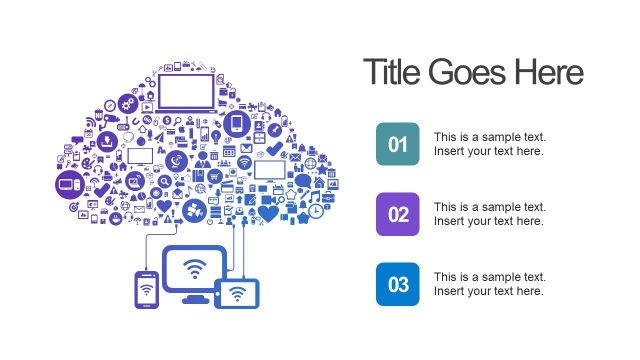
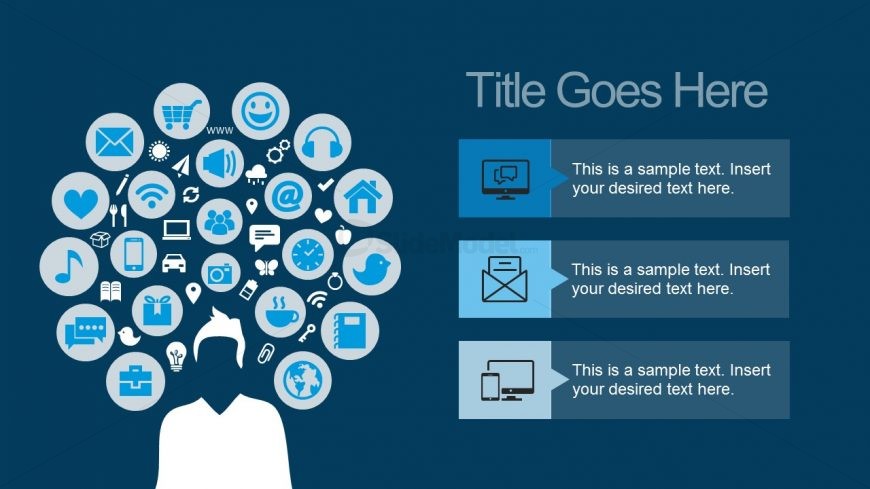
The slide features a central figure with a head composed of various social media icons arranged in a circular pattern. The icons include symbols for email, music, home, and more, all in a light blue color against a dark blue background. To the right, three rectangular text boxes are aligned vertically, each containing a title placeholder and a body text placeholder. The text boxes are visually separated by color and have rounded corners, creating a clear hierarchy. The overall composition balances the icon cluster with the text areas, emphasizing both visual and textual information.
How to Use It
This layout serves as a visual representation of social media engagement or digital communication strategies. It is suitable for presentations discussing marketing, social media campaigns, or technology trends. Positioned towards the end of a presentation, it can summarize key points or highlight important aspects of a digital strategy. This layout can also be adapted for team introductions or service offerings, making it versatile for various business contexts.
Text Placeholders & Capacity
Keep your copy within these limits so it fits without resizing. Text boxes can accommodate roughly 50-100 words each.
| Placeholder | Count | Max characters (approx.) |
|---|---|---|
| Slide title | 1 | 30 |
| Item heading | 3 | 50 |
| Item body | 3 | 100 |
Slide Keywords
Download unlimited PowerPoint templates, charts and graphics for your presentations with our annual plan.
DOWNLOADReturn to Free Features Shapes Layouts for PowerPoint.