Slide 1 of 7 from Free Features Shapes Layouts for PowerPoint
Free Features Shapes and Layouts for PowerPoint
Feature Comparison Layout for Presentations
- Text Layout
- List Blocks
- Comparison Slide
- 16:9
- 100% Editable
The Feature Comparison Layout from the Free Features Shapes Layouts for PowerPoint template provides an effective structure for side-by-side product or service evaluations. This slide template includes editable shapes and visual elements like sliders and speech bubbles to clearly present performance metrics or feature differences. Ideal for business presentations and pitch deck templates, it supports concise communication of comparative data within professional slide decks.
What’s on This Slide
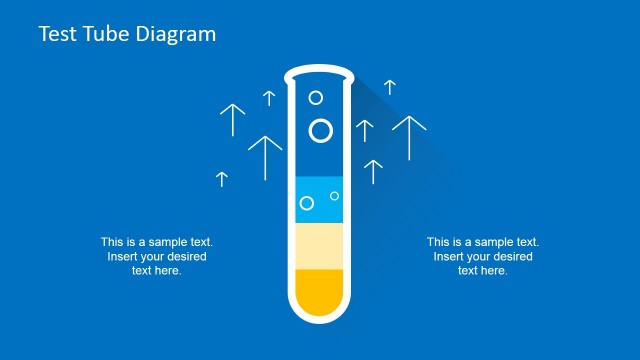
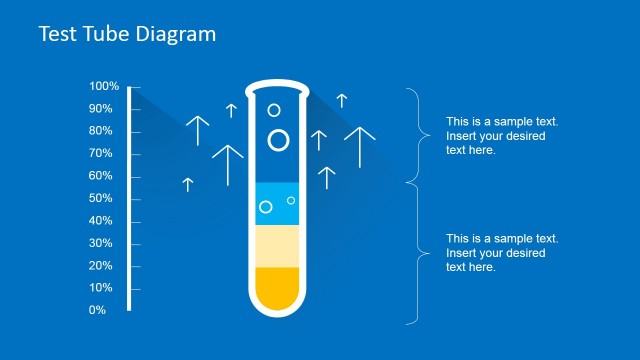
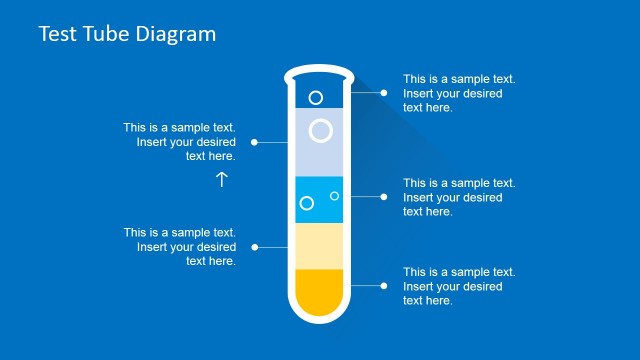
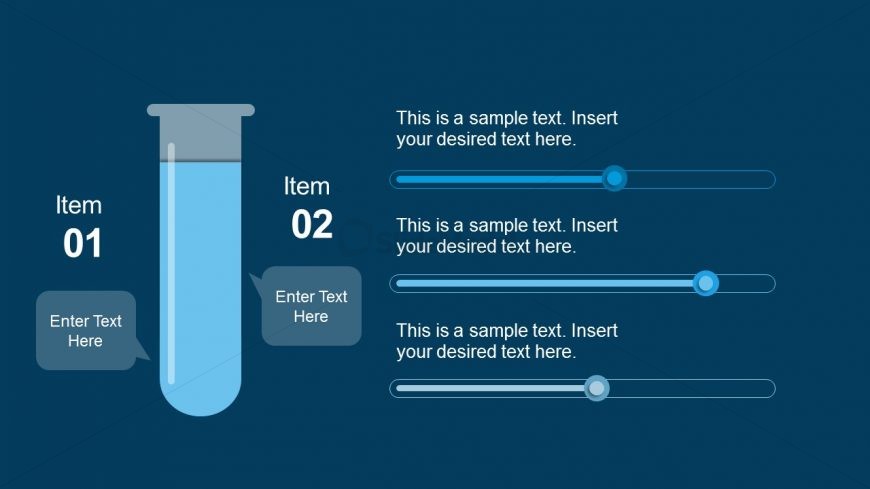
The layout features a dark blue background with a vertical test tube shape on the left side. Inside the test tube, there is a liquid graphic. To the right, there are two sections labeled 'Item 01' and 'Item 02', each with a corresponding text placeholder beneath. Below each item label, there are horizontal sliders for input. The text placeholders are aligned centrally under the sliders, with a speech bubble shape for additional text input next to 'Item 01'. The overall composition is balanced, with clear visual hierarchy between the test tube and the item sections.
How to Use It
This layout serves as a feature comparison tool, allowing users to present two distinct items side by side. It is suitable for showcasing product features, service comparisons, or performance metrics in a presentation. This structure is effective in contexts where visual representation of features is necessary, such as marketing pitches, product launches, or team updates. It fits well in the early sections of a presentation, following an introduction and leading into detailed comparisons.
Text Placeholders & Capacity
Keep your copy within these limits so it fits without resizing. Node body slots can accommodate roughly 10-12 words each.
| Placeholder | Count | Max characters (approx.) |
|---|---|---|
| Item heading | 2 | 20 |
| Item body | 4 | 50 |
| Callout | 2 | 30 |
Slide Keywords
Download unlimited PowerPoint templates, charts and graphics for your presentations with our annual plan.
DOWNLOADReturn to Free Features Shapes Layouts for PowerPoint.