About Event Slide for Event Planning Presentation

Slide 4 of 6 from Free Event Planning PowerPoint Template

Image Slide for About Event Discussion

About This Event Slide for Event Planning

  • Text Layout
  • Single Statement
  • Context Slide
  • 16:9
  • 100% Editable

What’s on This Slide

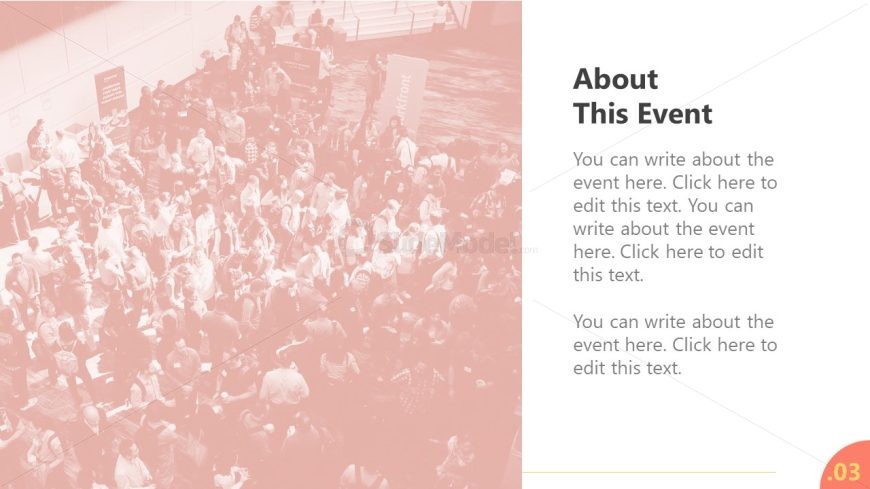
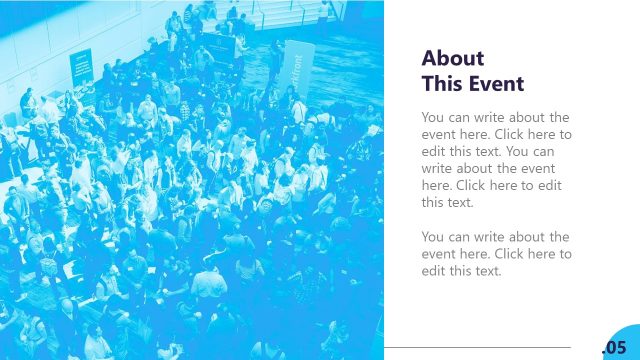
The slide features a large background image of a crowded event space, occupying the left side. On the right, there is a white text box containing a title at the top, followed by three text placeholders stacked vertically. The title is bold and larger than the body text, which is aligned left. Each text placeholder has a similar size and is separated by a small gap. The overall layout emphasizes the title and provides ample space for detailed descriptions of the event. The color scheme is light with a soft overlay on the image.

How to Use It

This layout serves to present information about an event, typically following introductory slides. It is suitable for detailing event specifics such as objectives, schedules, or highlights. In a business context, it can be used for conferences, workshops, or networking events. The structure allows for clear communication of key details, making it effective for engaging an audience and providing essential information about the event.

Text Placeholders & Capacity

Keep your copy within these limits so it fits without resizing. Body slots can accommodate about 20-25 words each.

PlaceholderCountMax characters (approx.)
Slide title1 50
Body paragraph3 150

Slide Keywords

Event Details Presentation Layout Text Placeholder Crowd Image
Activate your subscription

Download unlimited PowerPoint templates, charts and graphics for your presentations with our annual plan.
DOWNLOAD
Supported Versions:
PowerPoint 2007PowerPoint 2010PowerPoint 2013PowerPoint 2011 MacKeynotePowerPoint 2016PowerPoint 2016 MacOffice 365Google Slides

Return to Free Event Planning PowerPoint Template.

Download Unlimited Content

Our Unlimited Plan lets you download unlimited content from SlideModel. Save hours of manual work and enhance your next presentation with professionally designed slides.

Subscribe Now