Slide 7 of 8 from Free ESG Slide Template for PowerPoint
Three Column Slide – ESG PowerPoint Template
ESG Categories Overview Slide
- Text Layout
- List Blocks
- Context Slide
- 16:9
- 100% Editable
What’s on This Slide
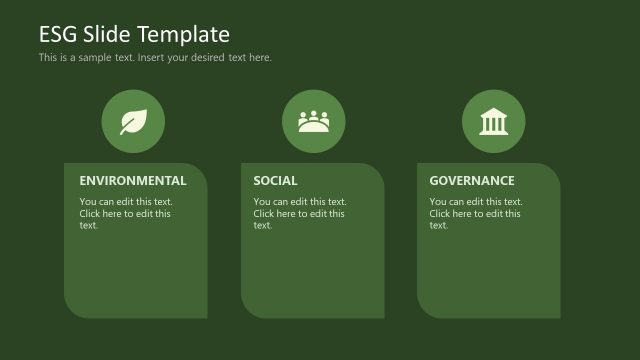
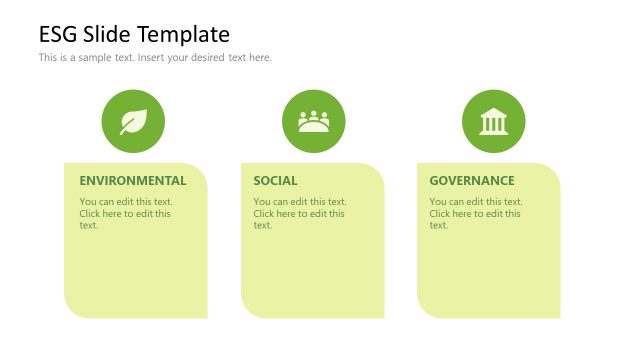
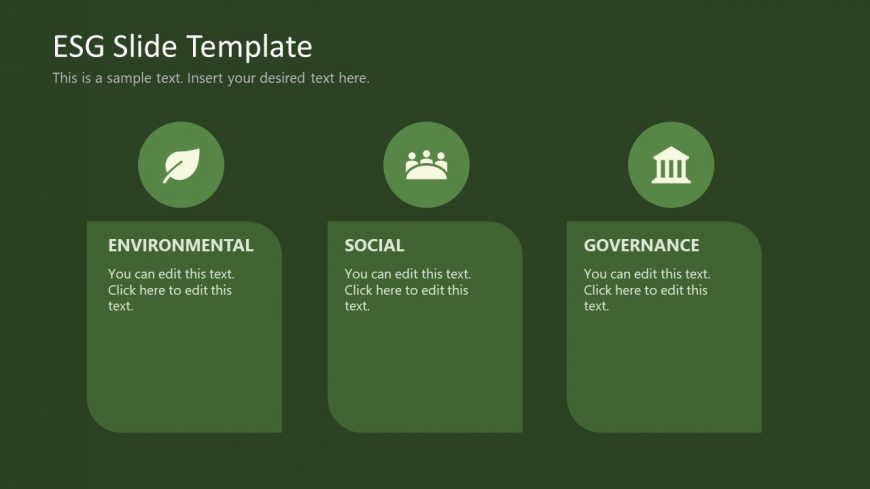
The slide features three rounded rectangles aligned horizontally. Each rectangle contains a title and a placeholder for text. The left rectangle is labeled 'ENVIRONMENTAL' with a leaf icon above it. The center rectangle is labeled 'SOCIAL' with a group icon, while the right rectangle is labeled 'GOVERNANCE' with a building icon. The background is a dark green color, creating a cohesive visual theme. Text placeholders are centered within each rectangle, indicating where content can be added. The overall layout emphasizes clarity and organization.
How to Use It
This layout serves as a structured overview of ESG categories, suitable for presentations discussing environmental, social, and governance factors. It fits well after introductory slides, providing a clear segmentation of topics. This format is useful in business contexts such as sustainability reports, corporate social responsibility discussions, or ESG strategy sessions. It allows for concise communication of key areas of focus within ESG frameworks.
Text Placeholders & Capacity
Keep your copy within these limits so it fits without resizing. Node labels can hold roughly 3-4 words each.
| Placeholder | Count | Max characters (approx.) |
|---|---|---|
| Slide title | 1 | 40 |
| Item heading | 3 | 20 |
| Item body | 3 | 50 |
Slide Keywords
Download unlimited PowerPoint templates, charts and graphics for your presentations with our annual plan.
DOWNLOADReturn to Free ESG Slide Template for PowerPoint.