Slide 2 of 10 from Free Editable SWOT Analysis Slide Template for PowerPoint
Strength Slide – Free SWOT Analysis Slide Template
SWOT Analysis Strengths Slide Template
- Text Layout
- Bullet List
- Strategic Analysis Slide
- 16:9
- 100% Editable
What’s on This Slide
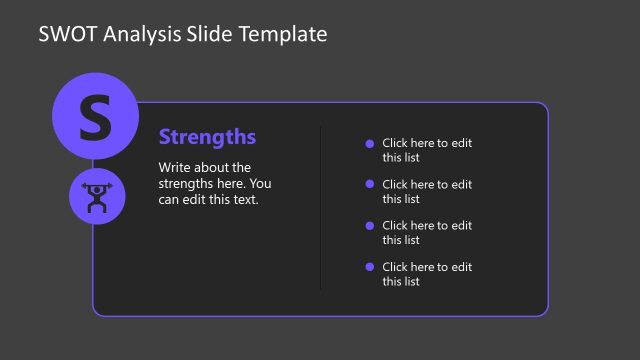
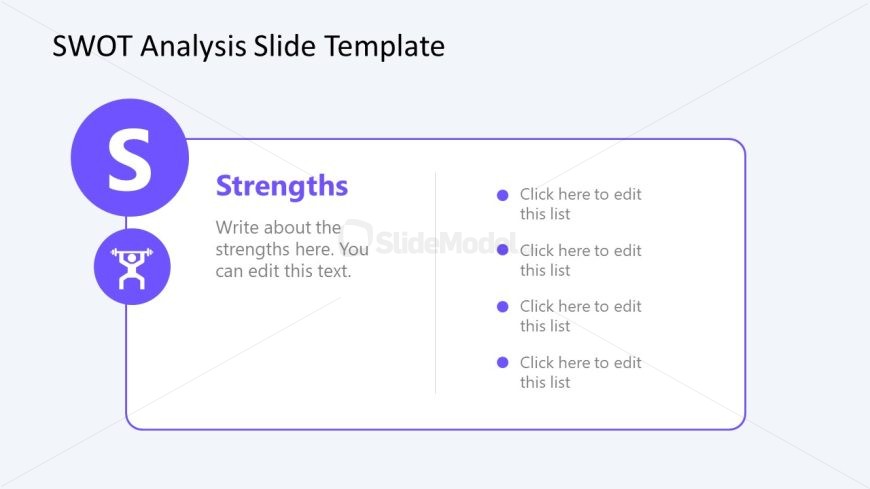
The slide features a circular icon on the left with the letter 'S' and a corresponding icon representing strength. To the right, there is a title labeled 'Strengths' in a bold font, followed by a text placeholder for a description. Below, there are four bullet point placeholders aligned vertically for listing strengths. The background is light blue with a purple border framing the content. The overall layout is structured with the icon and title on the left and the text placeholders on the right, creating a clear visual hierarchy.
How to Use It
This layout serves to present the strengths of a business or project in a SWOT analysis. It fits well after a problem-framing slide, allowing for a focused discussion on positive attributes. This structure is useful in business meetings, strategic planning sessions, and presentations where a clear identification of strengths is necessary. It can be utilized individually for brainstorming sessions or team discussions to highlight key advantages.
Text Placeholders & Capacity
Keep your copy within these limits so it fits without resizing. Body slots can accommodate roughly 8-10 words each.
| Placeholder | Count | Max characters (approx.) |
|---|---|---|
| Slide title | 1 | 30 |
| Item body | 4 | 50 |
| Body paragraph | 1 | 100 |
Slide Keywords
Download unlimited PowerPoint templates, charts and graphics for your presentations with our annual plan.
DOWNLOADReturn to Free Editable SWOT Analysis Slide Template for PowerPoint.