Slide 2 of 3 from Free Editable Brick Walls PowerPoint Shapes
Process Flow 3D Bricks Wall Template
Brick Wall Comparison Diagram for Presentations
- Diagram
- Comparison Split
- Comparison Slide
- 16:9
- 100% Editable
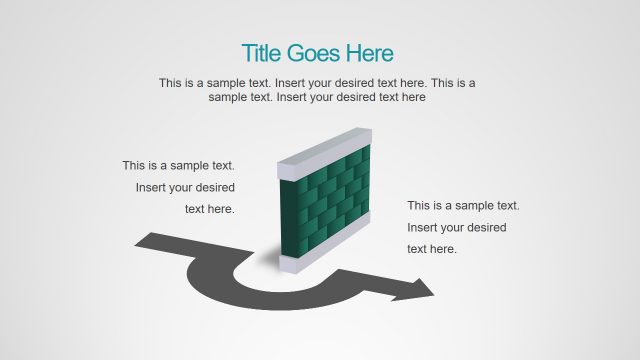
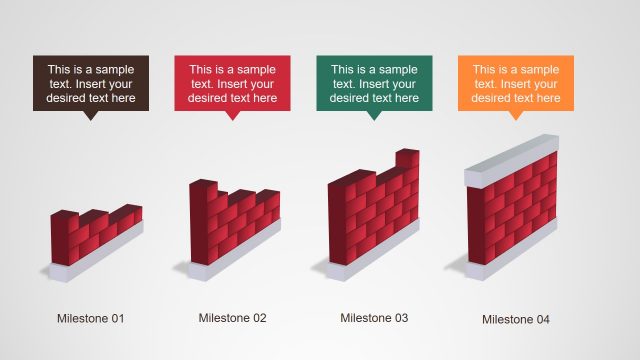
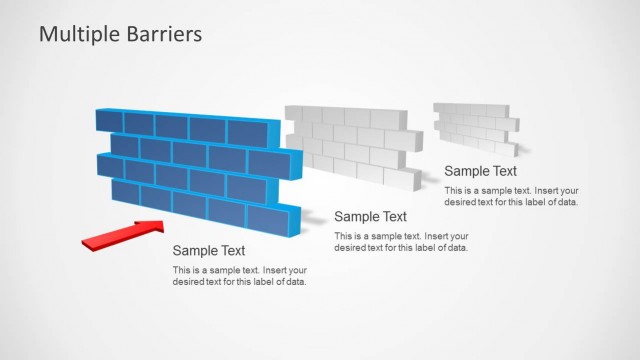
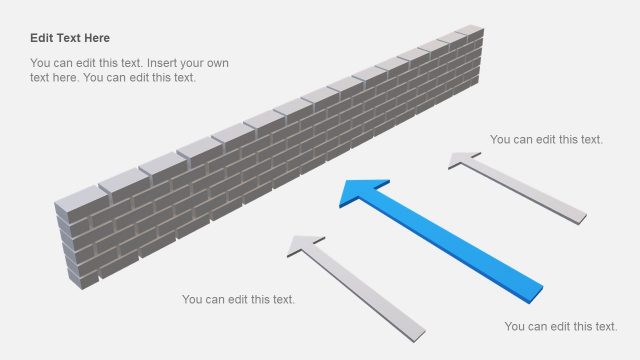
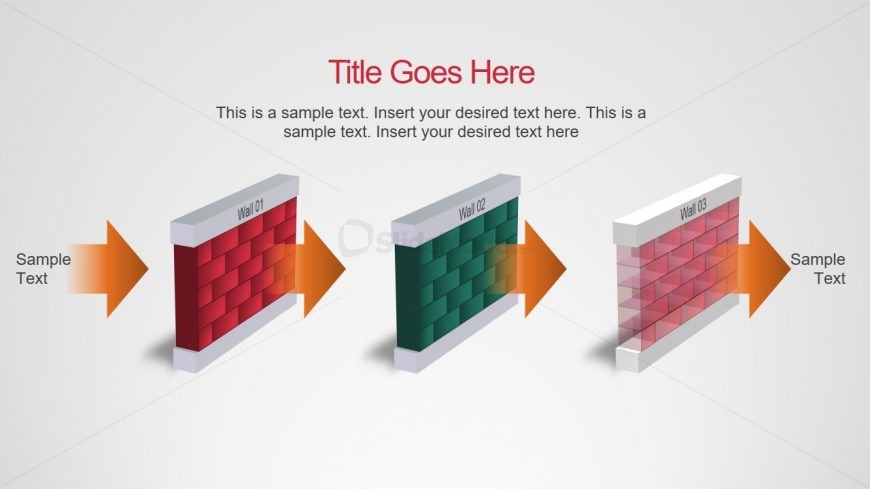
The Brick Wall Comparison Diagram slide from the Free Editable Brick Walls PowerPoint Shapes template offers a clear visual layout for comparing product features or project milestones. This slide layout uses three distinct 3D brick wall shapes with directional arrows to emphasize differences, making it suitable for business presentations and pitch deck templates that require effective feature differentiation. Its editable shapes and structured design enhance clarity in corporate presentation slide decks.
What’s on This Slide
The layout features three distinct brick wall shapes arranged horizontally across the center. Each wall is labeled with 'Wall 01', 'Wall 02', and 'Wall 03' at the top. Arrows point from the left and right towards each wall, indicating a flow or comparison. Text placeholders are positioned to the left and right of the walls, aligned with the arrows. The background is a light gradient, enhancing the visual separation of elements. The walls are designed with a 3D effect, providing depth and emphasis.
How to Use It
This layout serves as a comparison diagram, ideal for illustrating differences or features among three items. It fits well in a presentation sequence after an introductory slide and before detailed analysis. Suitable scenarios include product comparisons, project milestones, or feature evaluations. The structure allows for clear visual communication of distinct elements, making it effective for business presentations.
Text Placeholders & Capacity
Keep your copy within these limits so it fits without resizing. Body slots can accommodate around 15-20 words each.
| Placeholder | Count | Max characters (approx.) |
|---|---|---|
| Slide title | 1 | 30 |
| Item heading | 3 | 10 |
| Body paragraph | 2 | 100 |
Slide Keywords
Download unlimited PowerPoint templates, charts and graphics for your presentations with our annual plan.
DOWNLOADReturn to Free Editable Brick Walls PowerPoint Shapes.